
Google Maps Just Became an AI Playground for Developers
Google Maps isn’t just for navigation anymore. The platform now lets developers and users build custom interactive projects using AI-powered tools.
These new features run on Gemini models. They’re designed to make map-based development accessible to people without extensive coding skills. Plus, they integrate with external AI assistants through industry-standard protocols.
So what can you actually do with these tools? Let’s break down what’s new and why it matters.
Builder Agent Creates Maps From Text Descriptions
The builder agent works like other AI coding assistants. You describe what you want in plain English. It generates the code.
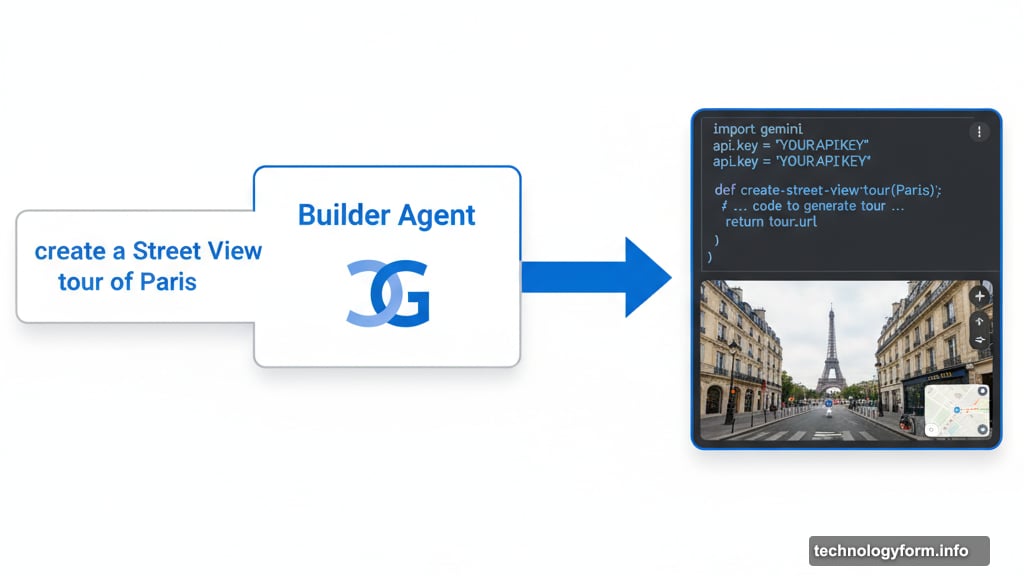
For example, type “create a Street View tour of Paris” or “show pet-friendly hotels near me.” The system builds a working prototype based on your request. In fact, it can also generate maps showing real-time weather data or other dynamic information.
Once the code is ready, you have options. Export it to your own environment. Test it with your API keys. Or modify the project directly in Firebase Studio. The flexibility means you can start simple and add complexity as needed.
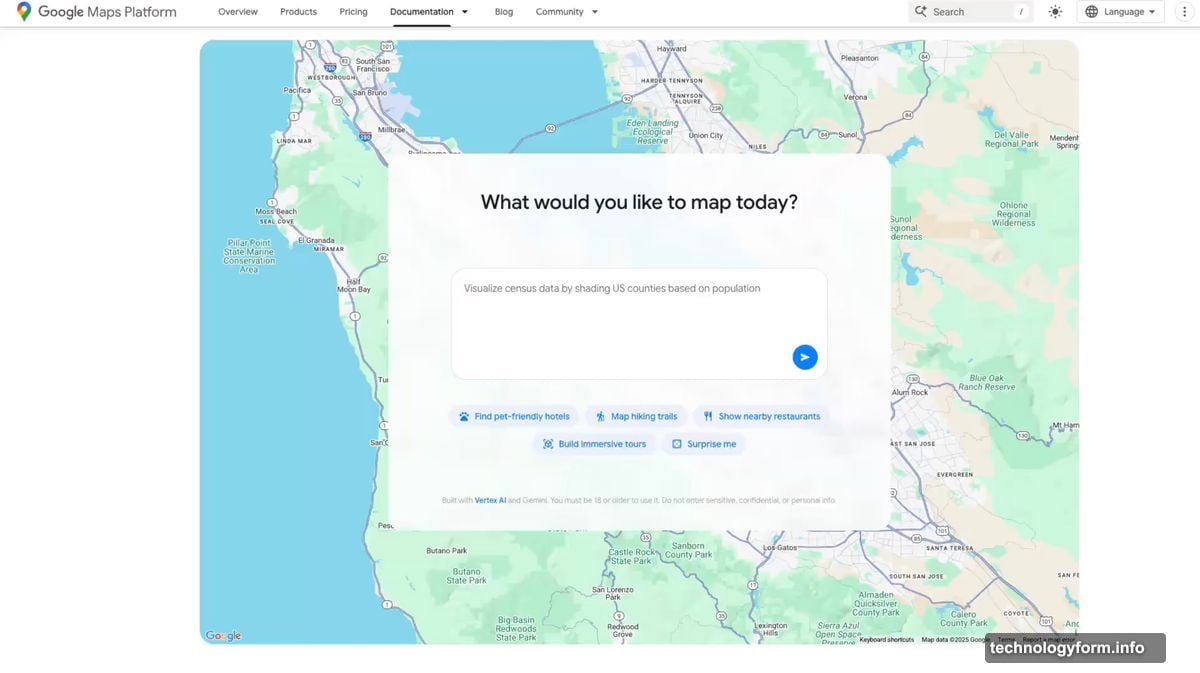
Moreover, the styling agent lets you customize map appearance. Brands can match maps to their color schemes. Cities can create themed tours with consistent visual identity. That’s useful for anyone who needs maps that feel integrated with their existing design.
Grounding Lite Connects AI Assistants to Maps Data
Google already offers map data grounding through the Gemini API. Now they’re expanding that capability with Grounding Lite.
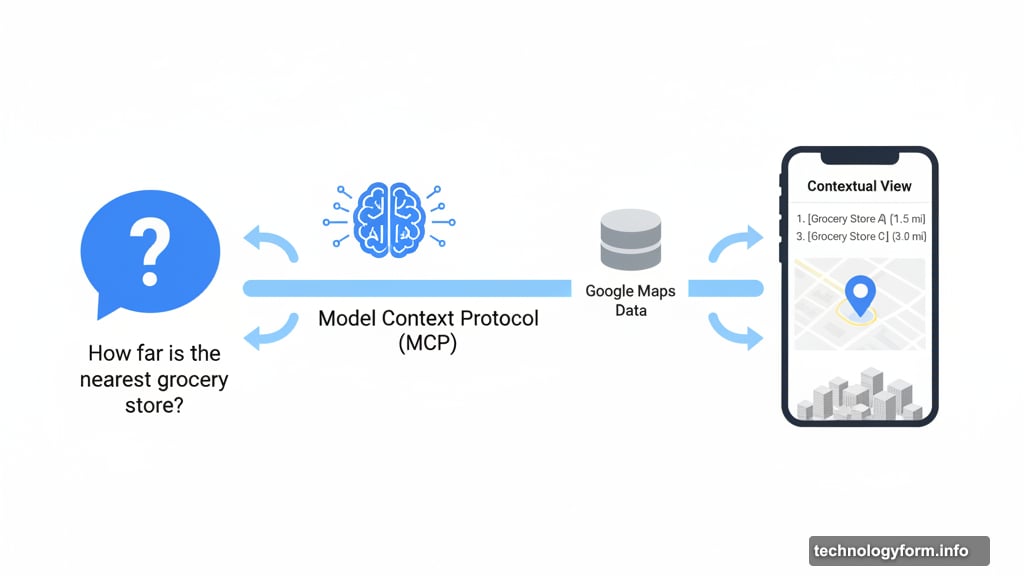
This feature uses Model Context Protocol (MCP). That’s an industry standard allowing AI assistants to tap into external data sources. So developers can connect their own AI models directly to Google Maps information.
What does this enable? Your AI assistant can answer location questions naturally. “How far is the nearest grocery store?” or “What’s the traffic like on my route?” The assistant pulls current Maps data to respond accurately.
However, the real innovation comes from Contextual View. This low-code component displays answers visually instead of just text. Ask a question and get a list, map view, or even 3D display as your answer. That makes location information more digestible and actionable.
MCP Server Helps Developers Learn the API
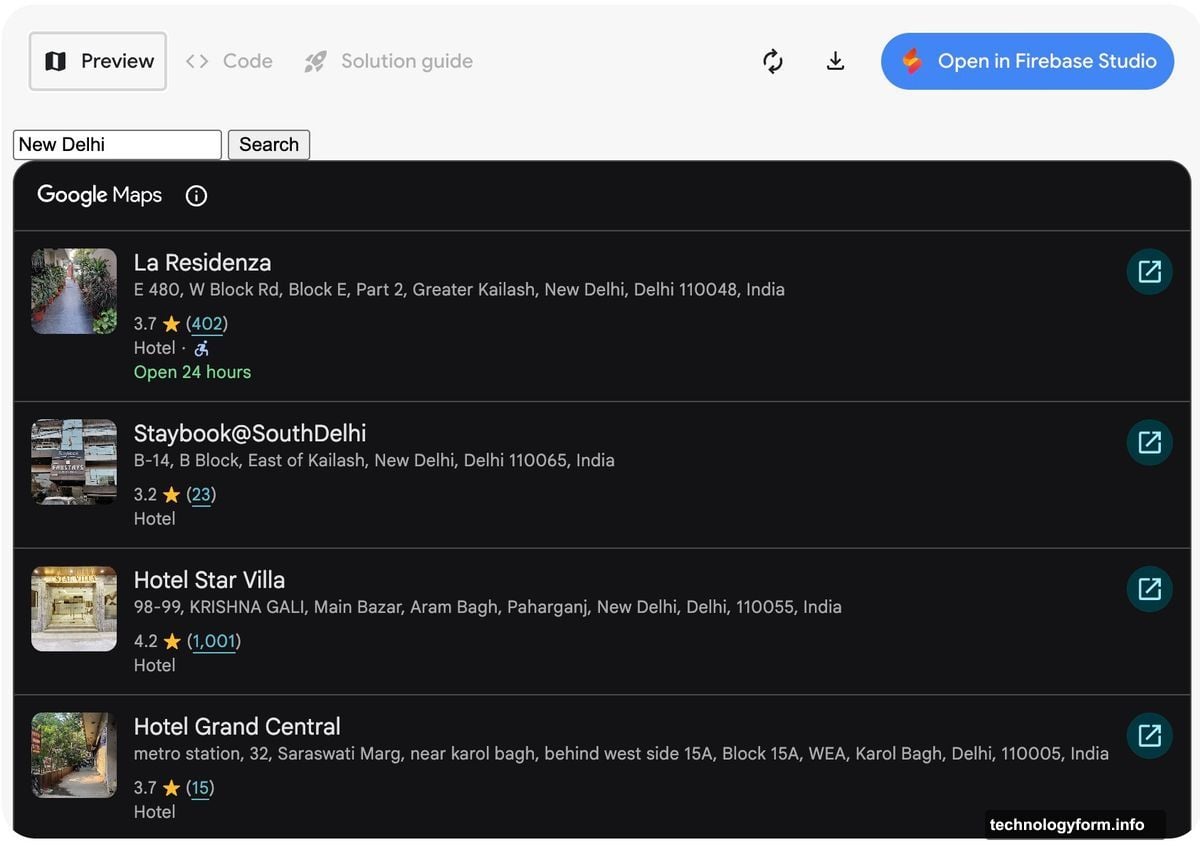
Google’s shipping a code assistant toolkit built on MCP server technology. This connects developers directly to Google Maps documentation.
Instead of searching through pages of technical docs, developers can ask questions. “How do I implement geocoding?” or “What’s the best way to handle route optimization?” The system provides answers based on official documentation.
This matters because Google Maps API is powerful but complex. The learning curve can be steep for new developers. But with an AI assistant that knows the documentation inside out, onboarding gets faster.
Furthermore, Google launched command line extensions last month. These let developers access Maps data through Gemini’s CLI tools. So whether you prefer graphical interfaces or terminal commands, there’s now an AI-assisted path forward.
Consumer Features Get Gemini Boost Too
Developers aren’t the only ones benefiting. Google’s adding Gemini-powered features to consumer Maps apps as well.
Last week, they enabled hands-free Gemini integration with Maps navigation. That means you can ask questions and control navigation without touching your phone. Safer while driving and more convenient generally.
For users in India, Google added incident alerts and speed limit data. These features already exist in other regions. But bringing them to India shows Google’s commitment to expanding Maps capabilities globally.
Still, the focus on developer tools suggests Google sees Maps as a platform, not just an app. They want third parties building on top of Maps infrastructure. That could lead to creative applications nobody’s thought of yet.
The Platform Play Behind These Features
Google’s making a strategic bet here. They’re positioning Maps as infrastructure for AI-powered location services.
Think about it. Every AI assistant needs to understand physical locations. Where’s the nearest coffee shop? How long will my commute take? What’s worth visiting in this neighborhood? All these questions require accurate, current map data.
By making Maps data accessible through MCP and other standards, Google ensures their data feeds these AI interactions. That’s valuable even if users don’t directly open Google Maps. The data still comes from Google, which maintains their competitive position.
Moreover, enabling developers to build custom map applications expands the Maps ecosystem. More developers using Maps API means more API calls. That translates to revenue through Google Cloud services and Maps Platform fees.
But there’s a user benefit too. Better tools mean more innovative location-based applications. We’ll likely see new use cases emerge that weren’t practical before AI-assisted development.
What This Means for Developers
These tools lower the barrier to building location-aware applications. You don’t need deep Maps API expertise anymore to create something functional.
That’s significant. Previously, building a custom map application required understanding documentation, handling authentication, managing API quotas, and writing boilerplate code. Now you can describe what you want and iterate on a working prototype.
However, this doesn’t replace traditional development for production applications. The generated code is a starting point. You’ll still need to optimize performance, handle edge cases, and ensure reliability. Plus, you’re responsible for API usage costs once you deploy.
Still, for prototyping and proof-of-concept work, these AI tools dramatically accelerate the process. What might have taken days now takes hours or less.
The MCP integration is particularly clever. Instead of locking developers into Google’s AI ecosystem, they’re supporting an open standard. That flexibility makes it easier to adopt these tools without vendor lock-in concerns.
These updates show Google playing the long game with Maps. They’re not just improving the consumer app. They’re building Maps into the infrastructure layer for AI-powered location services across the industry.