AI Image Generators Still Can’t Get These Things Right
AI image tools have gotten scary good lately. But spend enough time with them and you’ll spot the same errors over and over.
I’ve tested every major AI image generator out there. Created thousands of images. Watched these tools evolve from producing nightmare fuel to actually useful results. Yet certain problems persist no matter which service you use.
The good news? Once you know what trips up AI generators, you can work around these issues. Let’s break down the most common failures and how to fix them.
Those Creepy AI Faces Keep Happening
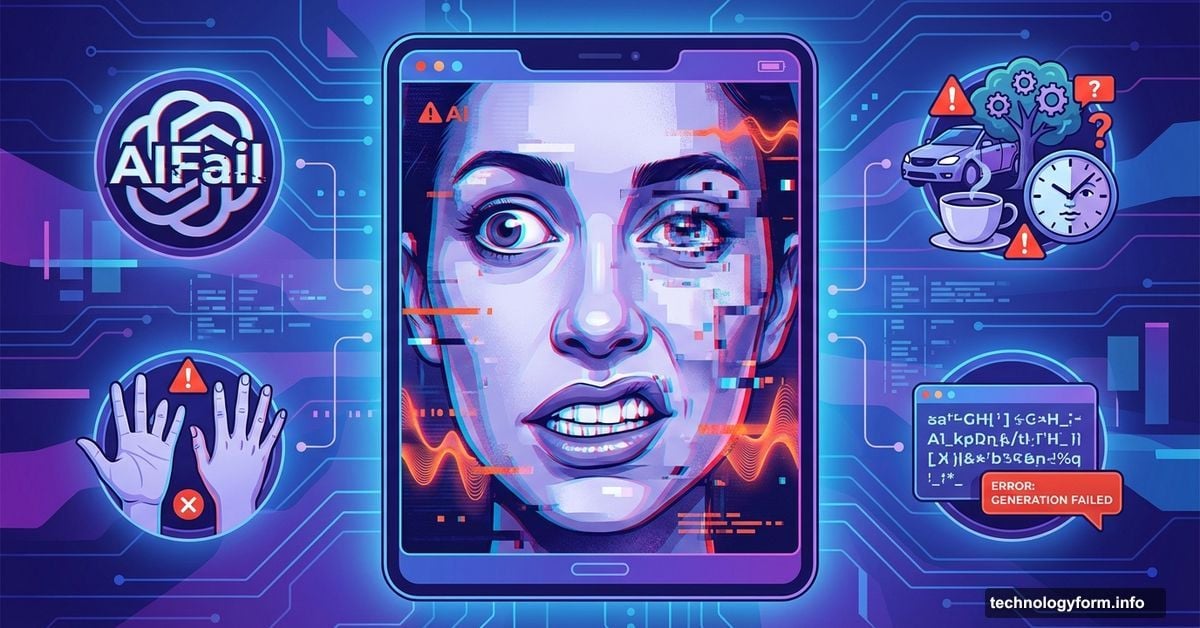
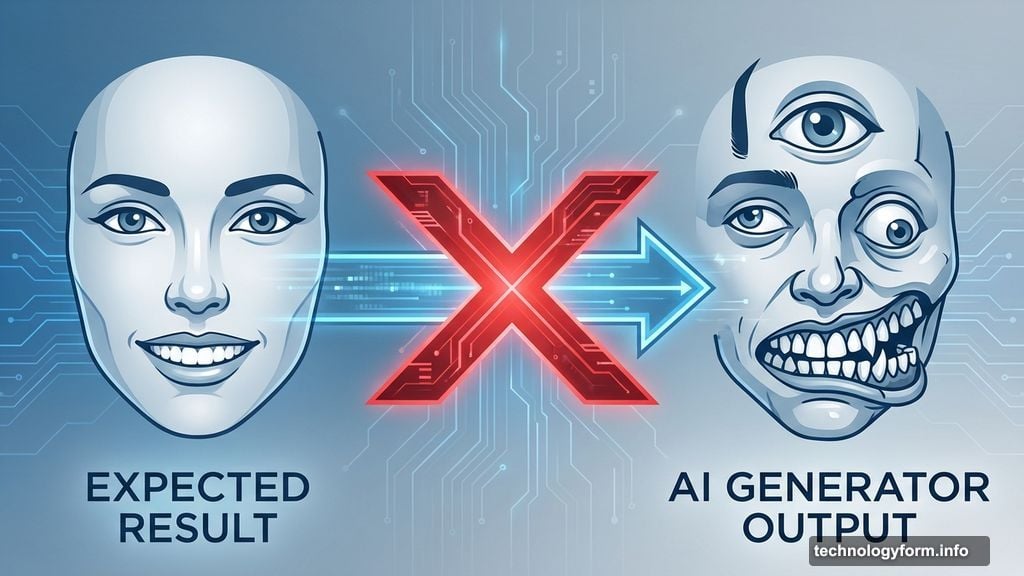
Faces remain AI’s biggest weakness. Eyes point in different directions. Teeth multiply like a horror movie. Eyebrows do things eyebrows shouldn’t do.
I recently generated what should’ve been a simple photo of friends at dinner. Instead, one person sprouted vampire fangs while another’s hairline decided to migrate across their skull. Even cartoon faces come out wrong. Ask for “slightly annoyed” and you’ll get “ready to commit murder.”
The technical reason matters less than the practical fix. AI struggles to understand subtle human expressions. Plus, the more faces in an image, the higher your chance of getting something weird.
Here’s what actually works: Request fewer people per image. Use your generator’s editing tools to fix specific problem areas. Replace dramatic adjectives with milder ones. “Frustrated” instead of “enraged” gives the AI less room to go overboard.
Some generators let you select just the wonky face and regenerate it. That’s your best bet for salvaging an otherwise perfect image.
Forget About Accurate Logos and Characters
Want Mickey Mouse in your image? Good luck with that. AI generators deliberately struggle with recognizable brands and characters.
Two reasons explain this. First, legal teams hate copyright infringement lawsuits. Second, if a logo isn’t in the training data, the AI literally doesn’t know what you’re asking for.
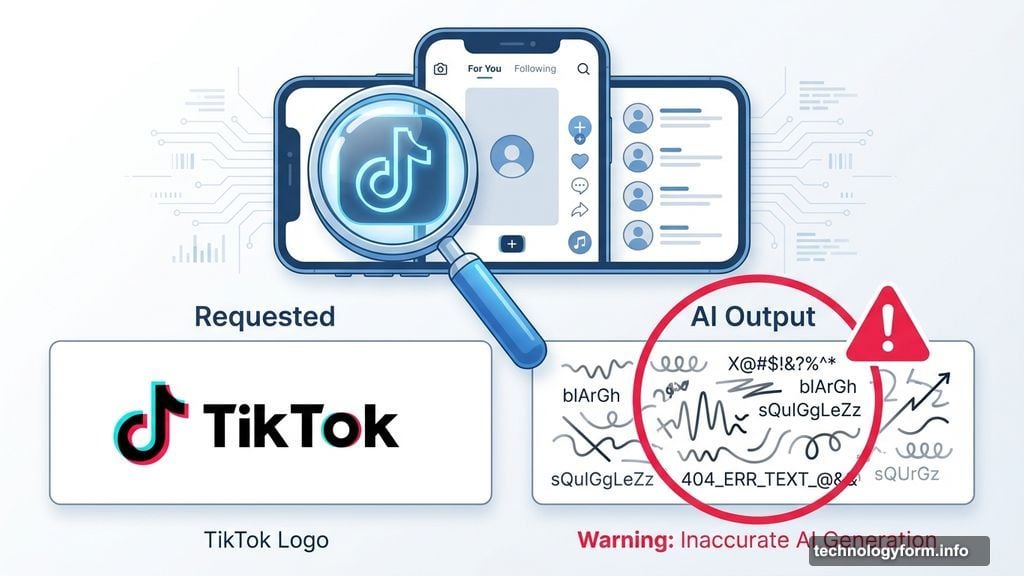
I tried generating a TikTok interface recently. The app looked right but the logo came out as random squiggles. Meanwhile, product packaging in AI images always features nonsense text that looks almost readable but means nothing.
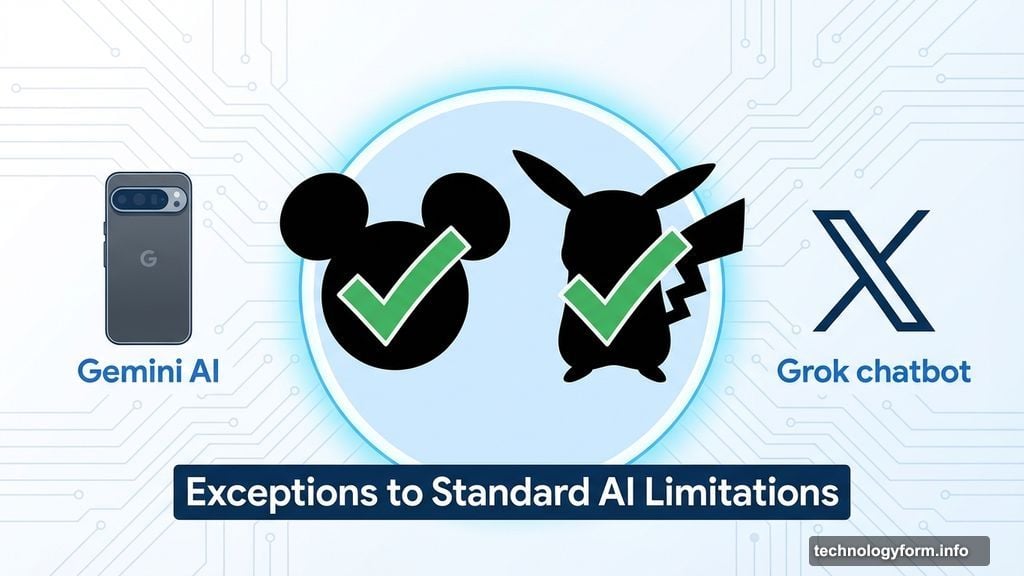
Google’s Pixel 9 phones with Gemini AI break this rule somewhat. Users report surprisingly accurate Mickey Mouse and Pikachu renders. X’s Grok chatbot apparently does this too for paying users. But these are exceptions, not the norm.
The fix is simple: You probably can’t fix it, and that’s okay. Rethink your concept without the branded element. Do you need the actual TikTok logo or just a phone showing vertical video? Usually you just need the general idea, not the specific trademark.
This limitation actually protects you from potential legal trouble. Consider it a feature, not a bug.
Complex Scenes Fall Apart Under Scrutiny
AI generators sometimes choke on overlapping elements or intricate details. From far away, everything looks great. Zoom in and the illusion shatters.
I generated a beautiful library scene once. Rolling ladder, towering bookshelves, cozy lighting. Perfect. Except the ladder literally disappeared halfway up the wall like it phased into another dimension.
Another attempt at a cookbook photo looked photorealistic until you noticed the gibberish text and a book with two spines. These small flaws make otherwise usable images completely worthless.
The problem gets worse with photorealistic requests. AI handles stylized or abstract images more reliably than photos because small errors become more obvious in realistic contexts.
Try these fixes: Simplify your prompt drastically. Remove unnecessary elements. Use area-specific editing tools to isolate and regenerate problem spots. Sometimes switching from photorealistic to illustrated style helps the AI handle complexity better.
If your generator offers object removal, select the weird element and ask it to delete what’s there. Starting fresh often works better than endless editing rounds.
Too Much Editing Makes Things Worse
Here’s something nobody tells you about AI image editing. Sometimes you need to know when to quit.
I once spent 30 minutes editing a soccer team celebration photo. Each round of tweaks introduced new problems. By the end, one player had morphed into an unidentifiable blob that haunts me to this day.
The generator couldn’t figure out what I wanted. Honestly, at that point neither could I. We’d both lost the plot entirely.
This happens because each edit compounds previous errors. The AI tries to reconcile conflicting instructions until the whole thing breaks down into chaos. Plus, generators sometimes hallucinate new details that weren’t in your original prompt or previous versions.
The solution hurts but works: Start over. Seriously. Delete everything and write a better prompt from scratch. Prevent major issues upfront so you only need minor fixes later.
Think of it like photo editing. Small adjustments work great. Trying to completely transform an image rarely ends well. Same principle applies here.
What These Mistakes Actually Mean
AI image generators keep improving but they’re far from perfect. The same issues plague every major service because they all face the same fundamental challenges.
That’s actually encouraging. When every company struggles with faces, logos, and complex scenes, they’re all motivated to solve these problems. Competition drives innovation. We should see these issues improve across the board as the technology matures.
For now, understanding these limitations helps you work smarter. Set realistic expectations. Plan for editing time. Sometimes the “worse” generator with better editing tools produces superior final results than the “best” generator with limited fixes.
One more thing matters though. Always disclose when you share AI-generated images. As these tools get better at photorealism, transparency becomes crucial. The line between AI art and photography keeps blurring, so label your work clearly.
These generators need human guidance and oversight. They’re powerful tools, not magic solutions. Master their quirks and you’ll create better results than people who just blame the AI when things go wrong.