ChatGPT Just Got Mood Controls. Here’s Why That Matters
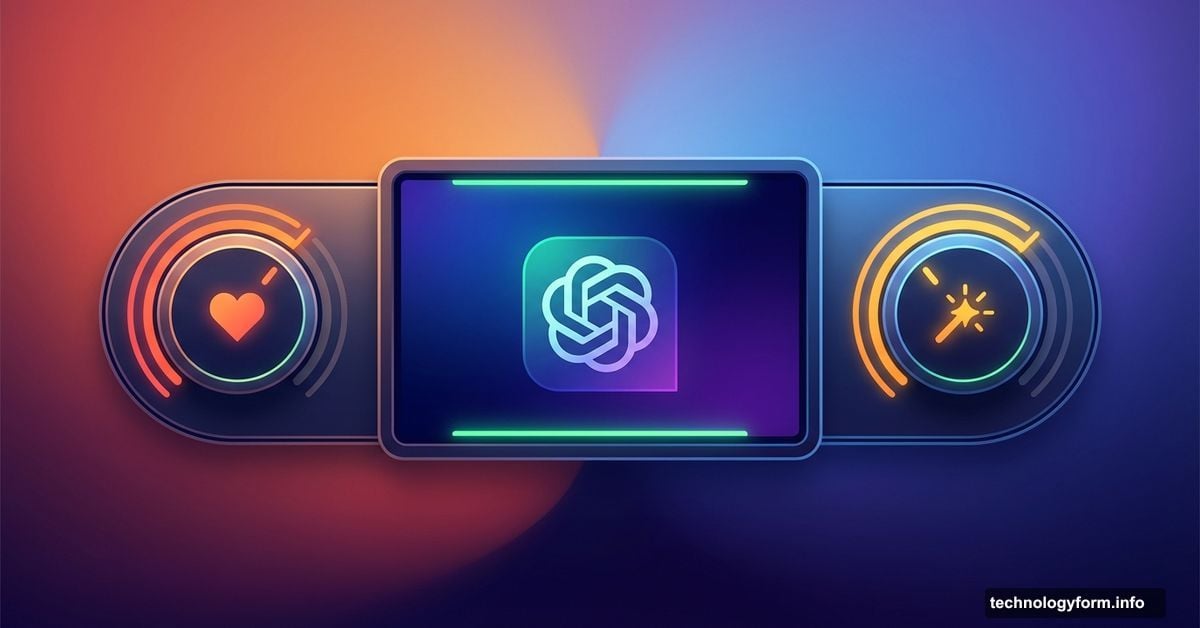
OpenAI just added something unexpected to ChatGPT. You can now adjust its personality like tweaking bass and treble on a stereo.
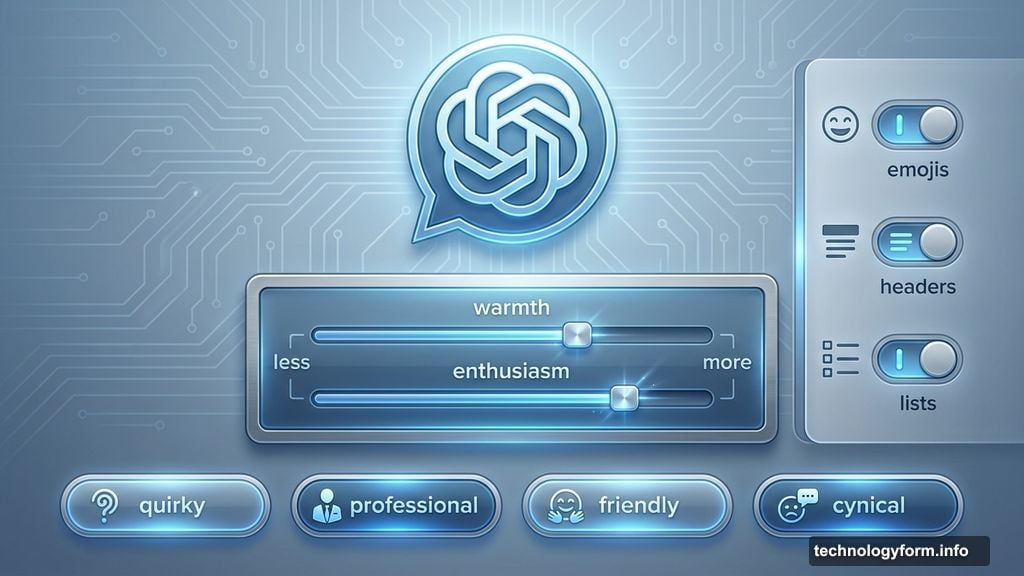
The update rolled out Friday with simple sliders for “warmth” and “enthusiasm.” Plus, you get control over how often ChatGPT uses emojis, headers, and lists. So if you’re tired of overly cheerful responses peppered with smiley faces, you can dial that down.
But there’s more. The email editing features got a major upgrade that actually changes how you work with the chatbot.
Personality Sliders Change the Vibe
The new controls sit under Personalization in your profile settings. Tap “Add Characteristics” and you’ll find options to make ChatGPT “more” or “less” warm and enthusiastic.
OpenAI also added personality presets. Choose from quirky, professional, friendly, or even cynical. Think of it like picking a conversation style that matches your mood or task.
Why does this matter? Because ChatGPT’s default tone doesn’t work for everyone. Some users want straight facts without the digital equivalent of a pep talk. Others prefer a friendlier approach that feels less robotic.
Now you control that balance. Need help with a sensitive work email? Dial up professionalism. Writing creative content? Crank up the quirkiness. The AI adapts to what you need instead of forcing you to accept its default personality.
Email Editing Gets Way Better
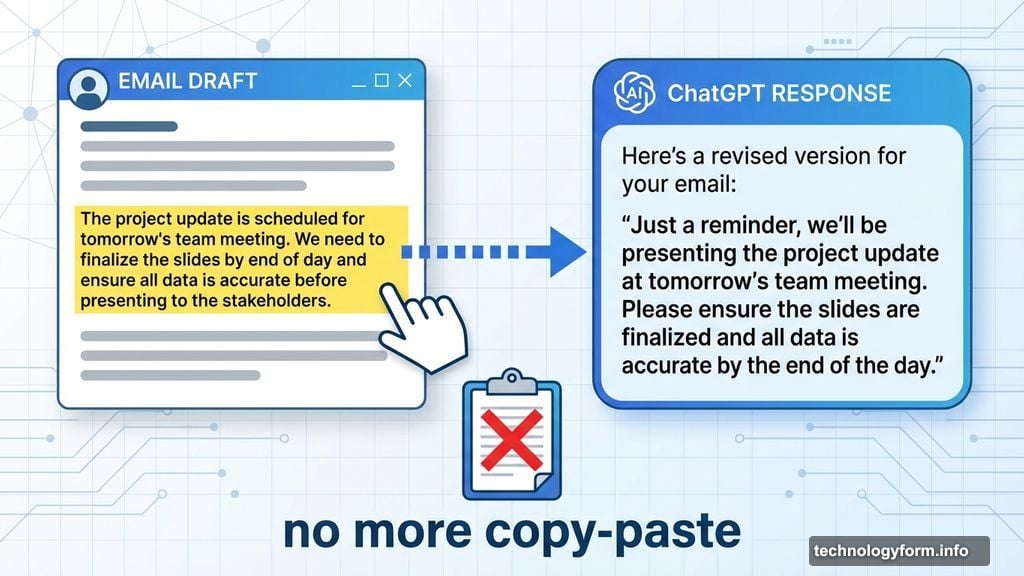
The real game-changer hides in the email writing updates. You can now format and edit text directly inside the chat window.
Previously, you’d generate an email draft, then copy it elsewhere to make changes. If you wanted ChatGPT to fix something specific, you’d describe the location in a new prompt. Clunky and slow.
Not anymore. Highlight any chunk of text and ask ChatGPT to revise just that section. The AI understands exactly what you’re pointing at. No more “change the third paragraph” guessing games.
This streamlines the editing process significantly. You can iterate on drafts without leaving the conversation. Make multiple targeted changes without generating entirely new versions each time.
For anyone who uses ChatGPT for professional writing, this update saves real time. The back-and-forth editing flow finally feels natural instead of awkward.
Customization Becomes the Standard
These updates follow a clear pattern. AI assistants are moving beyond one-size-fits-all responses toward personalized experiences.
Google’s Gemini lets you adjust response length and complexity. Anthropic’s Claude has tone controls. Now ChatGPT joins with even more granular options.
The trend makes sense. Different tasks need different communication styles. Brainstorming sessions benefit from enthusiasm. Technical documentation needs precision without fluff. Customer service requires warmth without being fake.
Giving users control over these variables makes AI assistants more practical for real work. You’re not fighting against the AI’s default personality anymore. You’re shaping it to match your workflow.
The Devil Hides in Implementation
Here’s the catch. These controls only work if they actually change ChatGPT’s behavior in meaningful ways.
Sliders can feel like placebo buttons if the underlying model doesn’t respond dramatically enough. Turn enthusiasm to “less” and get nearly identical responses? That’s frustrating.
OpenAI hasn’t shared details about how much these settings actually alter output. Are we talking subtle tweaks or dramatic shifts? That matters for users deciding whether to spend time customizing their experience.
Plus, personality controls introduce new complexity. More options mean more decisions. Some users might prefer the simplicity of a consistent chatbot that just works without configuration.
But for power users who spend hours daily with ChatGPT, these controls unlock genuine productivity gains. The ability to fine-tune responses prevents wasted time editing AI output to match your preferred tone.
What This Signals About AI Direction
OpenAI’s update reveals where AI assistants are headed. Generic one-size-fits-all chatbots are dying. Personalized AI experiences are taking over.
The company clearly listened to user feedback. People wanted less rigid responses. They wanted control over how AI communicates with them. These updates deliver exactly that.
Yet questions remain. Will other AI companies follow with similar features? How deep will personalization go? Could we eventually train AI assistants to mirror our personal writing style completely?
The email editing improvements hint at something bigger. AI isn’t just generating content anymore. It’s becoming a collaborative editing partner. That’s a fundamental shift in how we interact with these tools.
Smart move by OpenAI. These updates make ChatGPT more useful without adding complexity for users who don’t want it. The controls are optional. Default users won’t notice changes. But those who need customization finally have real options.
Your AI assistant should adapt to you. Not the other way around. OpenAI finally got that right.