Google Built a Meeting Scheduler That Actually Reads Your Emails
Google just added something clever to Gmail. The company launched an AI-powered meeting scheduler that looks at your actual email conversations before suggesting times.
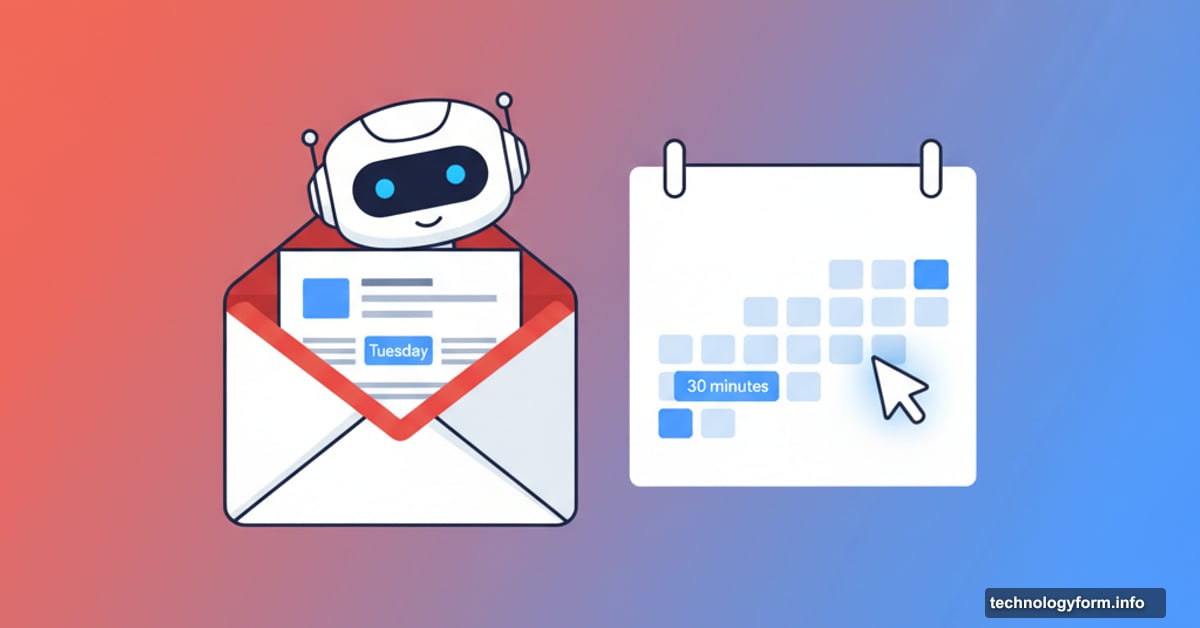
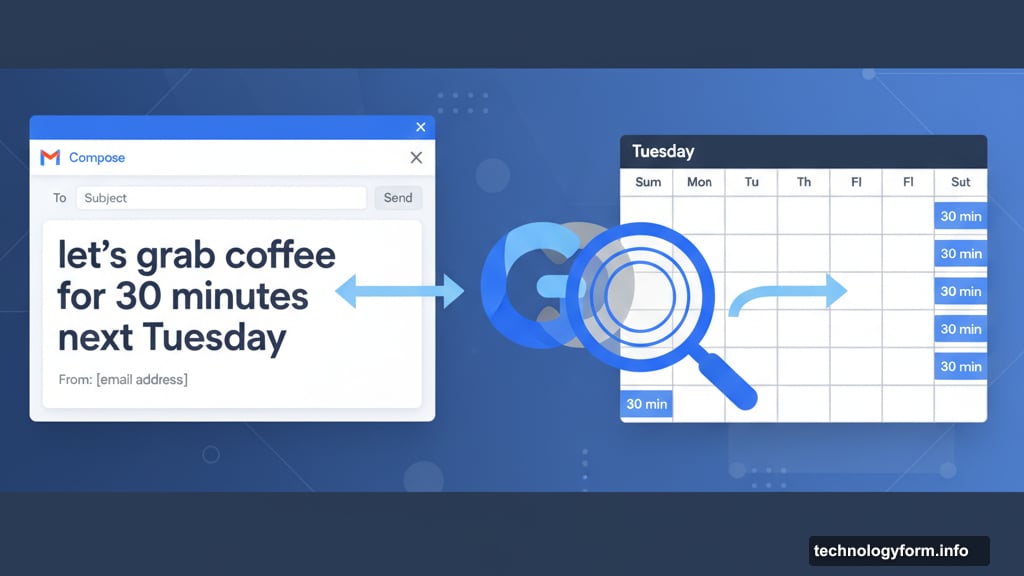
Here’s what makes this different from the dozen scheduling tools you’ve already ignored. Gemini AI reads your email context first. So if you write “let’s grab coffee for 30 minutes next Tuesday,” it only shows available Tuesday slots that are exactly 30 minutes long.
Most scheduling assistants just dump your entire calendar availability at someone. This one pays attention to what you’re actually saying.
How the New Tool Works
A new button appears below your email compose window in Gmail. Click “Help me schedule” and Gemini scans your message for clues about meeting preferences.
The AI then displays open time slots that match your request. You can edit or remove options before inserting them into your email. When the recipient picks a time, both calendars update automatically.
But there’s a catch. This only works for one-on-one meetings right now. Group scheduling still requires the old manual coordination dance.
Context Matters More Than You Think
Google already offered appointment scheduling in Calendar. But that tool lived separately from Gmail and couldn’t read your emails.
The integration changes things. Instead of switching between apps, you handle everything from the compose window. Plus, the AI actually understands meeting nuances from your conversation.
Say you mention wanting to meet “before the end of Q1” or “sometime after the product launch.” Gemini factors those constraints into its suggestions. That beats manually cross-referencing your calendar with arbitrary date ranges.
Competing With Calendly and Everyone Else
Scheduling tools aren’t new. Calendly dominates this space. Doodle, Zoom, and HubSpot all offer similar features.
So why should anyone care about Google’s version? The email context awareness gives it an edge. Most scheduling tools operate independently from your actual conversations.
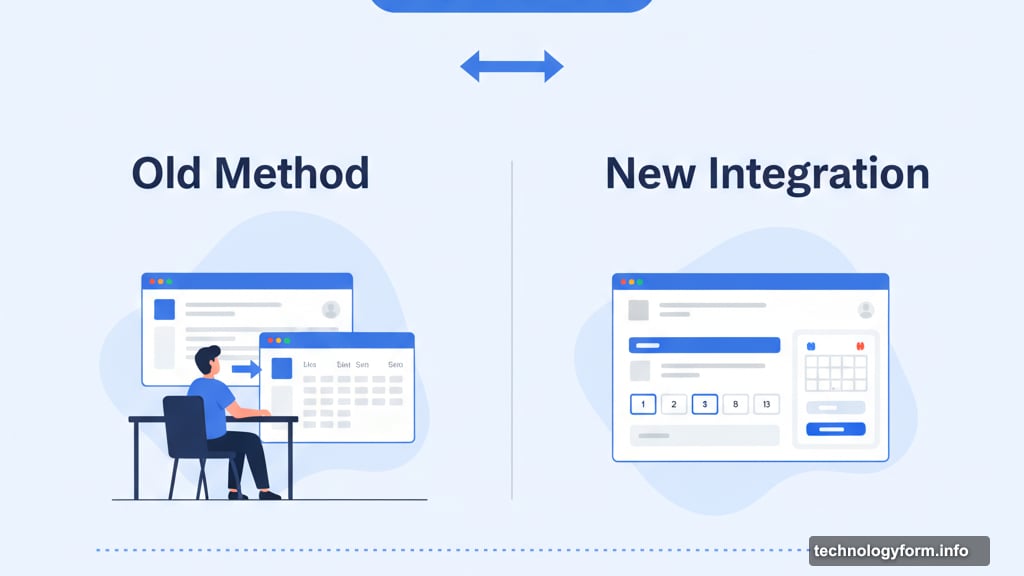
But Google has a bigger advantage. Gmail users already spend hours in the app daily. Adding scheduling directly to the compose window removes friction. No links to external booking pages. No switching contexts.
That convenience might matter more than any AI tricks.
The Limits Nobody Mentions
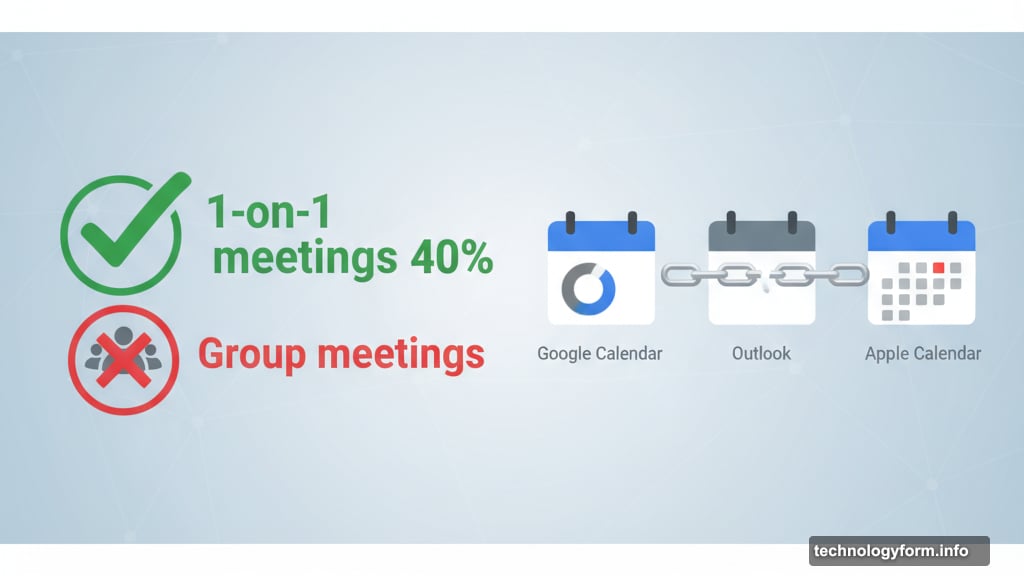
One-on-one meetings represent maybe 40% of business scheduling needs. The rest involve multiple participants with conflicting calendars.
Google’s new tool doesn’t help there yet. You still need to manually coordinate group meetings or use other software. For many teams, that’s where scheduling pain actually lives.
Also, this requires everyone using Google Calendar. If your recipient runs Outlook or Apple Calendar, the seamless integration breaks down. They’ll get a list of times but won’t see the automated calendar creation.
Part of Google’s AI Everywhere Push
This launch coincides with Google flooding Workspace with AI features. The company announced its new Nano Banana image editing model, Gemini integration in Slides, and improved video tools in Vids.
Google also lets users share custom AI assistants called Gems with team members now. Plus NotebookLM gained new formats.
The message is clear. Google wants AI embedded in every workspace action. Scheduling meetings represents just one more touchpoint for Gemini to prove its value.
My Take on AI-Powered Scheduling
I’ve tested too many scheduling assistants that promise to save time but add complexity. Most fail because they require both parties to adopt new tools or workflows.
Google’s approach works differently. It lives inside an app people already use constantly. The AI contextual awareness is genuinely useful rather than gimmicky.
But the one-on-one limitation feels like a half-finished product. Business communication involves group meetings more often than solo catch-ups. Until Google solves that problem, this remains a nice-to-have feature rather than a must-have tool.
Still, it’s a smart first step. The AI integration shows promise. And for frequent one-on-one schedulers, this saves real time and mental energy.