Gemini Just Hijacked Your Car’s Brain. Should You Let It Drive the Conversation?
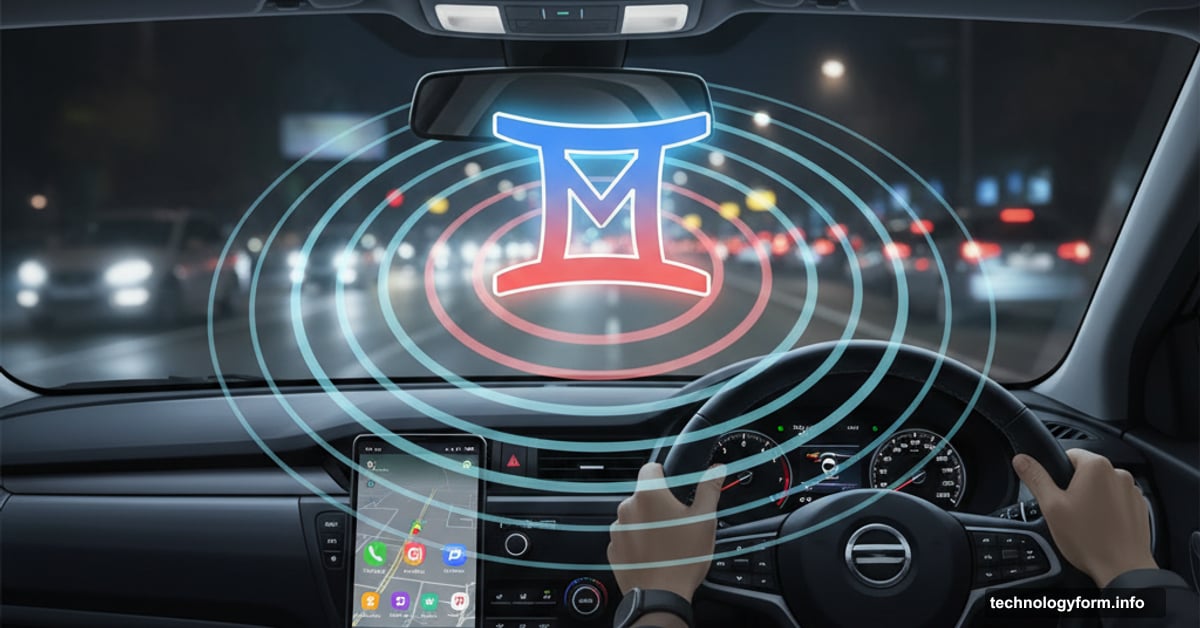
Google flipped the switch on something massive. Gemini AI now rides shotgun in 250 million Android Auto vehicles worldwide. That’s not a test rollout—that’s a full-scale invasion of our driving routines.
The catch? Your car’s about to become a lot chattier. And way more opinionated about where you should stop for coffee.
What Google Actually Built Into Your Dashboard
Android Auto already handled basics—maps, music, messages. Now it wants to be your copilot, therapist, and personal assistant all rolled into one AI package.
But here’s the twist. Gemini doesn’t just take commands anymore. It holds conversations. Real back-and-forth exchanges while you’re merging onto the interstate at 70 mph.
Google deployed this across 45 countries simultaneously. They’re betting drivers want an AI companion that can dig through emails, suggest restaurants, and help compose texts—all without touching your phone.
Five Things Gemini Claims It’ll Handle From the Driver’s Seat
Google outlined specific use cases. Some sound genuinely helpful. Others feel like distractions wrapped in convenience.
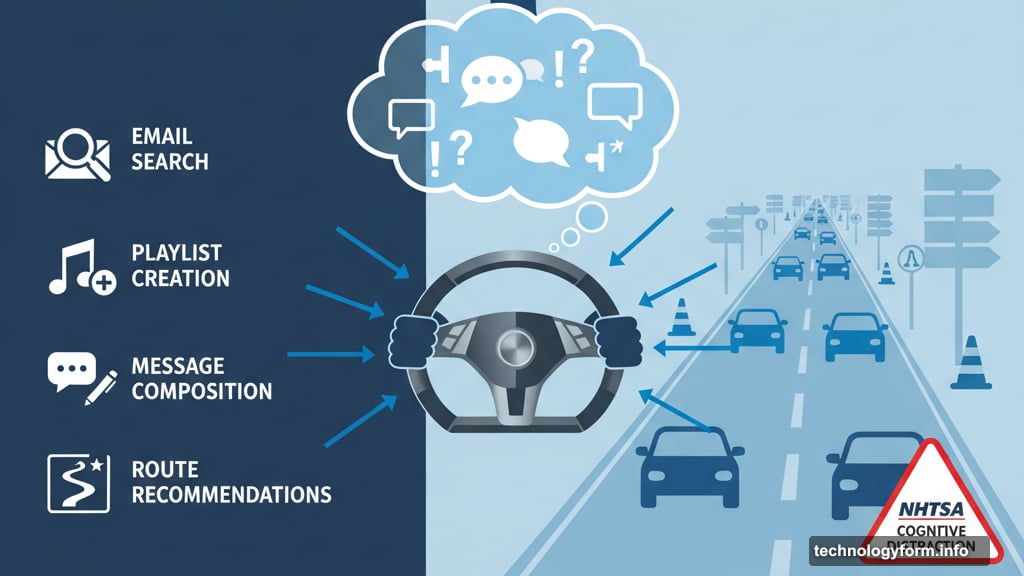
First, route recommendations. Ask Gemini about stops along your trip. It’ll suggest gas stations, restaurants, or attractions based on your destination and preferences. Sounds useful until you’re debating Italian versus Thai food while navigating rush hour traffic.
Second, message composition and editing. Tell Gemini what you want to say. It drafts the text, reads it back, and lets you revise before sending. Plus, it translates into 40 languages. That’s powerful for international travelers or multilingual families.
Third, email and calendar searches. Need to know when that meeting starts? Gemini digs through Gmail and Google Calendar on command. No more pulling over to check your schedule or missing appointments because you couldn’t safely look at your phone.
Fourth, playlist creation. Describe a mood or genre. Gemini builds a music queue that matches. Better than scrolling through Spotify while driving, sure. But still requires your attention for several seconds of conversation.
Fifth, speech rehearsal. Got a presentation or toast coming up? Gemini listens to your practice run and offers feedback. Honestly, this one feels like overkill. Who’s rehearsing wedding speeches during their commute?
The Distraction Elephant Nobody Wants to Acknowledge

Google markets these features as hands-free and safe. Technically true—you never touch your phone. But voice interactions still demand cognitive attention.
Think about it. Building a playlist requires describing what you want, listening to Gemini’s suggestions, providing feedback, and confirming choices. That’s multiple exchanges while monitoring traffic, road conditions, and other vehicles.
The National Highway Traffic Safety Administration recognizes that cognitive distraction causes accidents even when hands stay on the wheel. Your eyes might face forward, but your brain’s engaged in conversation, not defensive driving.
Google didn’t address this in their announcement. They focused on convenience without acknowledging the safety trade-offs. That silence speaks volumes about their priorities.
How to Actually Access Gemini While Driving
Activation works three ways. Say “Hey Google” to wake it up. Tap the microphone button in Android Auto’s interface. Or long-press your steering wheel’s voice control button if your car includes one.
But there’s a prerequisite. You must upgrade from Google Assistant to Gemini on your phone first. That switch happens in your phone’s settings, not in Android Auto itself.
Once upgraded, Gemini replaces Assistant everywhere—not just in your car. That’s an all-or-nothing decision. Some users prefer Assistant’s simplicity over Gemini’s chattier personality.
What Gemini Can’t Do Yet Matters More
Google promises future updates will expand capabilities. Right now, Gemini connects to specific apps only. It works with Google Calendar, Google Tasks, Google Keep, Samsung Calendar, Samsung Reminder, and Samsung Notes.
That’s it. No integration with popular third-party apps like Todoist, Notion, or Microsoft Outlook. If you use those tools for productivity, Gemini can’t help yet.
Plus, many of Gemini’s flashiest features require data connectivity. Lose your cellular signal in rural areas? Gemini loses most of its capabilities. You’re back to basic voice commands that work offline.
The translation feature sounds impressive—40 languages supported. But real-world accuracy varies wildly. Machine translation still struggles with context, idioms, and regional dialects. Relying on it for important messages could create embarrassing misunderstandings.
This Feels Like a Beta Test Disguised as a Feature
Rolling out to 250 million vehicles simultaneously is bold. Maybe too bold.
Google skipped the gradual rollout strategy. No limited beta testing in select markets. No opt-in trial period. They just flipped the switch globally and assumed drivers would adapt.
That approach raises questions. How thoroughly did they test these conversational features in real driving conditions? Did they measure cognitive load during complex interactions? What happens when Gemini misunderstands a command at 65 mph?
We don’t have those answers because Google didn’t provide them. They promoted features without discussing safety research or testing methodology.
The Bigger Picture Google Isn’t Highlighting
This isn’t really about making driving safer or easier. It’s about data collection and ecosystem lock-in.
Every conversation with Gemini feeds Google’s AI training data. Your destination preferences, communication patterns, music tastes, and daily routines become training material for future models.
Moreover, Gemini’s integration with Google services creates switching costs. The more you rely on it for email, calendar, and tasks, the harder it becomes to leave Google’s ecosystem for alternatives.
That’s brilliant strategy for Google. But it means drivers trade convenience for privacy and flexibility. Most won’t realize that bargain until they’re deep into the ecosystem.
Should You Actually Enable This Thing?
Depends on your tolerance for distraction and your trust in AI decision-making.
If you’re comfortable having extended conversations while driving, Gemini might genuinely help with productivity. Email searches and calendar checks solve real problems for busy professionals.
But if you already find hands-free calls distracting, Gemini will multiply that effect. Its conversational nature demands more engagement than simple commands to play music or navigate home.
My take? Wait. Let early adopters discover the bugs, safety issues, and usability problems. Read reviews from people who’ve used it daily for months. Then decide if the convenience outweighs the risks.
Google’s AI is impressive. But impressive doesn’t mean necessary, and necessary doesn’t mean safe. Your drive, your call—literally.