Chrome Just Got an AI Makeover. Your Browser Can Finally Browse for You
Google turned Chrome into something it’s never been before: a digital assistant that actually does the work instead of just suggesting it.
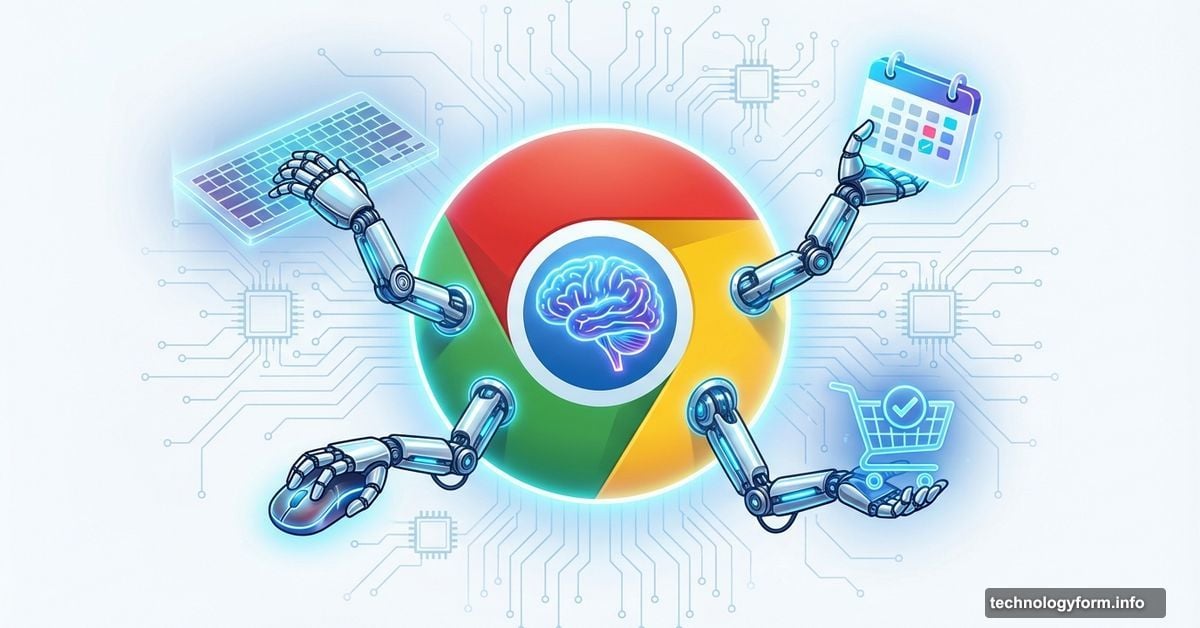
The latest Gemini-powered update brings what Google calls “auto browse” directly into Chrome. Plus, you get an always-on AI side panel, deeper integrations with Gmail and Calendar, and image editing tools that work right in your browser. No more juggling tabs or copying between apps.
This isn’t about making search results prettier. It’s about handing over repetitive tasks to software that can handle them while you focus on decisions that matter.
Auto Browse Tackles the Boring Stuff
Here’s what sets auto browse apart from previous AI browser features. It completes multistep tasks on your behalf.
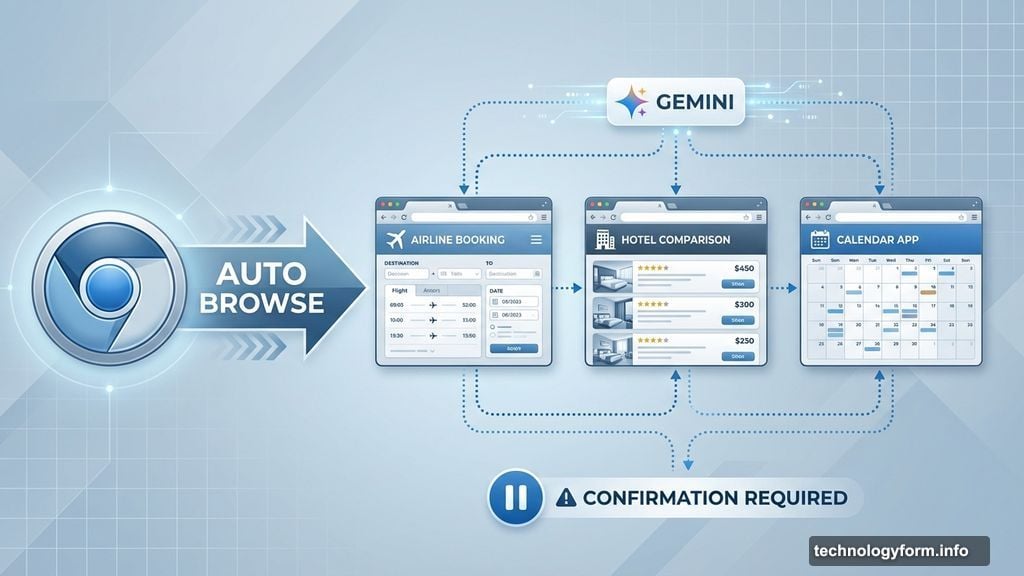
Need to compare flight prices across different dates and airlines? Auto browse handles it. Want to research hotels, check school vacation schedules, and line up everyone’s calendars? It does that too. The feature can also manage subscriptions, collect documents, schedule appointments, and help with tedious admin work like renewing a driver’s license or filing expense reports.
Google’s Product Lead Charmaine D’Silva demonstrated the feature by planning a family vacation. Gemini compared destinations and prices across multiple travel sites simultaneously. Then it checked school calendars to find when her kids were off and matched those dates against workable travel windows.
But here’s the important part. When it came time to actually book, D’Silva made the final decision and completed the purchase herself. Google designed the system to pause and ask for confirmation before key actions like booking tickets, making purchases, or posting on social media.
Auto browse is rolling out now to AI Pro and Ultra subscribers in the US. So Google is reserving its most advanced agentic features for paying users.
Side Panel Keeps Gemini Within Reach
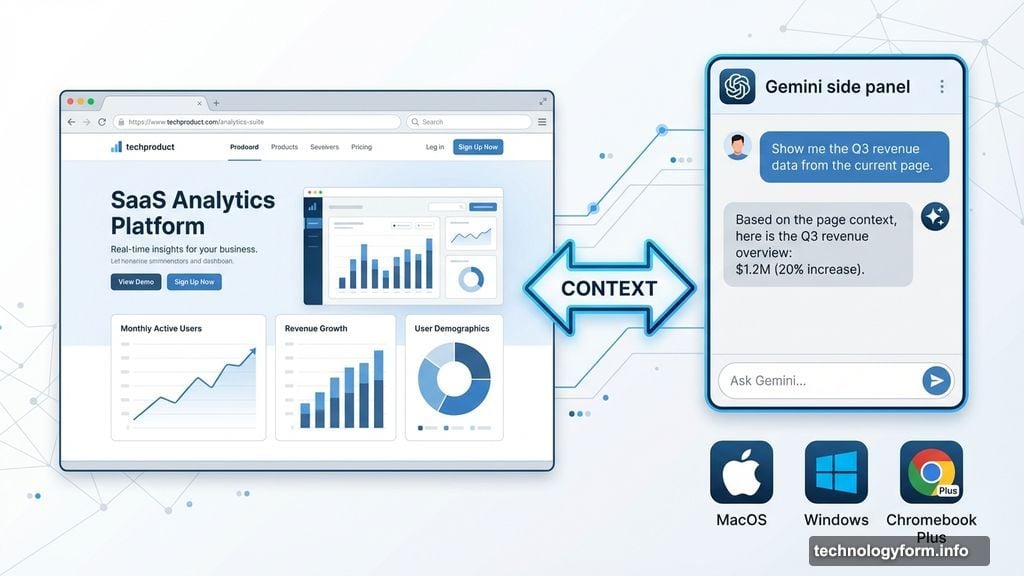
Chrome’s new side panel experience fundamentally changes how you interact with AI while browsing. Instead of opening Gemini in a separate tab, it now lives alongside whatever you’re working on.
The side panel works across MacOS, Windows, and Chromebook Plus. Early testers used it to summarize product reviews across multiple sites, compare shopping options side by side, and manage packed calendars without losing their place.
This matters because context switching costs time and mental energy. Every time you jump between tabs, you lose momentum. The side panel eliminates that friction by keeping your main task front and center while Gemini works in the background.
Moreover, the side panel stays available in any tab you open. So you can ask questions, get summaries, or request help without disrupting your workflow.
Nano Banana Brings Image Editing Directly into Chrome
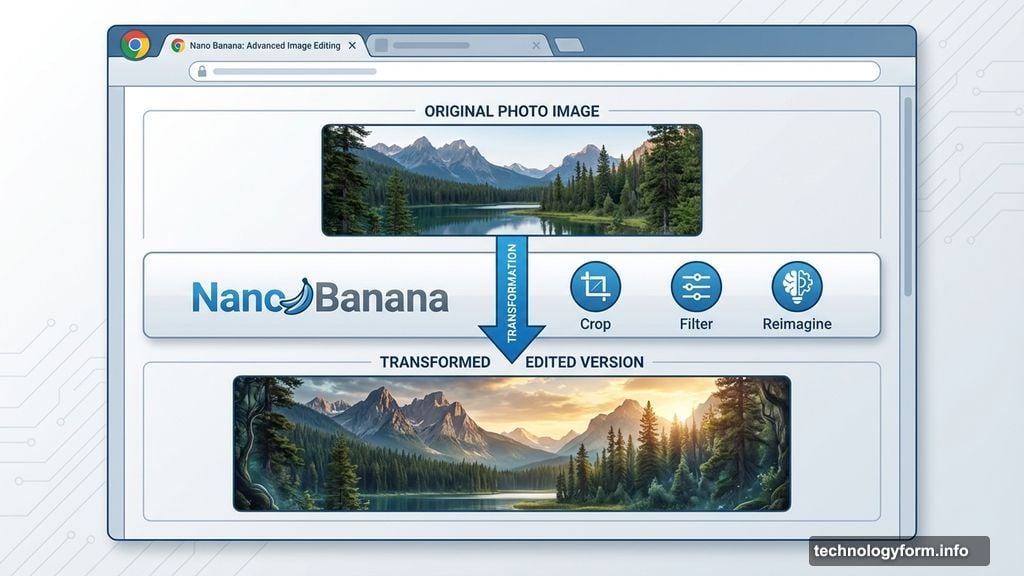
Google’s bringing its AI image editing tool, Nano Banana, straight into the browser. Now you can edit and reimagine images you find on the web without downloading files or switching apps.
The tool works for practical tasks like mocking up a living room redesign or turning raw data into an infographic. You find an image, open Nano Banana, and make changes right there in Chrome.
This integration removes friction from creative workflows. Previously, you’d save an image, open it in editing software, make changes, and upload it somewhere else. Now that entire process happens in one place.
Plus, Nano Banana works alongside the side panel and auto browse features. So you can ask Gemini to find reference images, edit them with Nano Banana, and incorporate them into a presentation without leaving Chrome.
Deep Google App Integrations Change the Game
Gemini in Chrome now connects with Gmail, Calendar, Maps, YouTube, Google Flights, and Shopping. These integrations allow the assistant to pull relevant context and take action across apps simultaneously.
Planning a trip demonstrates how this works in practice. Gemini can reference an old email about the trip, check flight options on Google Flights, cross-reference available dates with your Calendar, and draft a follow-up email to your travel companions. All from one conversation in Chrome’s side panel.
The system understands context across Google’s ecosystem. So if you’re researching a product on one site, Gemini can pull up reviews from YouTube, compare prices across Shopping, and check your Gmail for related receipts or warranty information.
This level of integration makes Chrome feel less like a browser and more like a central hub for managing your digital life. Instead of jumping between Google services, you interact with them through a single interface.
Personal Intelligence Coming Soon
Google teased one more feature arriving in the coming months: personal intelligence. With user opt-in, Gemini will remember context from past interactions to deliver more tailored help across the web.
This raises obvious privacy questions. Google emphasized that users control what data gets connected and when. But the details of how personal intelligence works and what information it stores remain unclear.
The feature could make Chrome significantly more useful. Imagine Gemini remembering your shopping preferences, travel habits, or work patterns and proactively offering help based on that context. Or it could feel intrusive if not implemented carefully.
Either way, personal intelligence represents Google’s next step in making Chrome anticipate your needs rather than just responding to commands.
Chrome Becomes More Than a Browser
These updates transform Chrome from a tool for accessing websites into a platform that actively manages tasks on your behalf. Auto browse handles repetitive work. The side panel keeps AI assistance constantly available. Deep app integrations connect your digital life.
But questions remain. How well does auto browse work with complex tasks? Will the side panel feel helpful or intrusive during regular browsing? And how much control do users really have over personal intelligence?
Google is clearly betting that people want browsers to do more than display web pages. They want software that handles the tedious parts of online life. Whether Chrome’s new AI features deliver on that promise will become clear as more users get access.
For now, the updates represent the most ambitious attempt yet to build agentic AI directly into a browser. Your digital assistant no longer lives in a separate app or website. It’s built into the tool you use to access everything else.