Google’s Gemini for Home Can Now Hold Real Conversations Without the “Hey Google” Interruptions
Talking to a smart speaker has always felt a little awkward. You ask a question, get an answer, then have to shout “Hey Google” again just to ask a follow-up. It’s less like a conversation and more like filing repeated help desk tickets.
Google just fixed that. The new “continued conversations” feature for Gemini for Home lets you chat back and forth naturally, no wake word required.
What Continued Conversations Actually Does
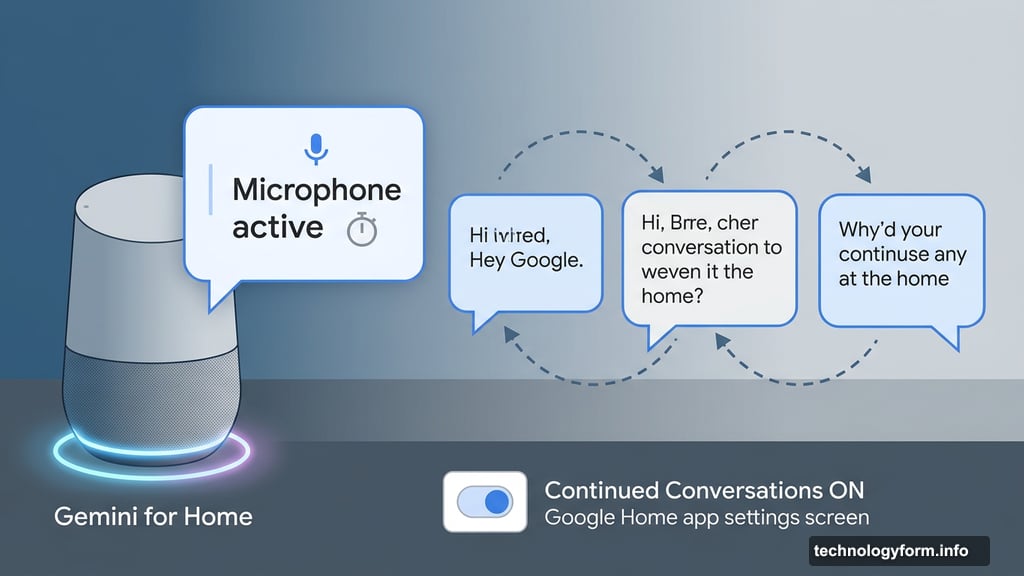
The idea is simple. After Gemini answers your question, the microphone stays active for a few seconds. The device’s lights pulse or glow during that window, letting you know it’s still listening.
So instead of repeating yourself, you can just keep talking. Gemini holds the context of your conversation as it progresses. That means no re-explaining who you were asking about or what topic you were on.
It’s the difference between texting someone and actually having a conversation with them.
Gemini for Home Is Replacing Google Assistant
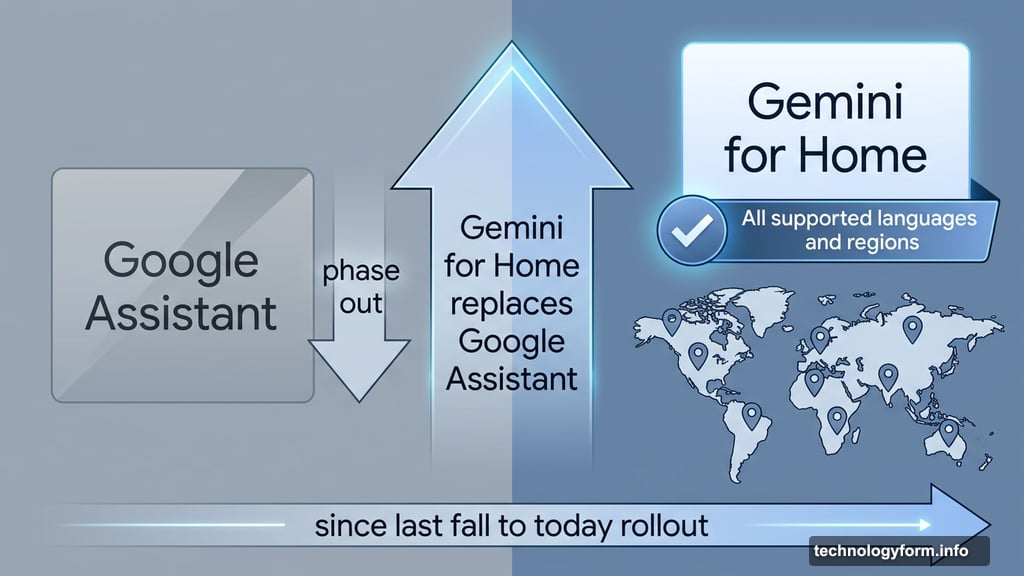
This isn’t a random feature drop. Google has been building Gemini for Home as a full replacement for the Google Assistant platform since last fall.
Continued conversation did exist under Google Assistant before. But it had pretty limited availability and wasn’t widely rolled out. Gemini’s version launches today for all supported languages and regions simultaneously, which is a much bigger push.
That broader rollout signals how seriously Google is treating Gemini for Home as a real upgrade rather than a side project.
How to Turn It On
The feature doesn’t switch on automatically. You have to enable it yourself through the Google Home app. Head into settings, find the “Gemini for Home voice assistant” section, and toggle it on from there.
It’s a quick setup. But it’s worth knowing upfront so you’re not wondering why nothing changed after the update.
The One Thing Worth Watching
Google says Gemini can tell the difference between follow-up questions directed at the device and regular conversations happening nearby in the room. That’s a genuinely hard problem to solve well.
Voice assistants have a long and somewhat embarrassing history of accidentally jumping into conversations they weren’t part of. Smart speakers have triggered purchases, called contacts, and responded to TV dialogue more times than anyone wants to admit.
The continued listening window adds a new layer to that challenge. With the microphone active longer after each response, there’s a bigger window for accidental activations. Google is confident in the distinction-making ability here, but real-world testing across different home environments will tell the full story.
Still, the upside is worth it for most people. Natural back-and-forth conversation is how we actually talk. Forcing wake words into every exchange was always a workaround, not a real solution. Gemini for Home is finally catching up to how conversations actually work, and that’s a genuinely useful improvement for everyday smart home use.