LG Shoved Microsoft Copilot Onto Your TV. You Can’t Delete It
LG smart TV owners woke up to an unwelcome surprise. A Microsoft Copilot app appeared on their home screens. Worse? They can’t remove it.
The app showed up after a recent webOS update. Now it sits pinned to the home screen like an uninvited guest. Plus, the “uninstall” option simply doesn’t exist.
Here’s what’s happening and why LG made this controversial choice.
Microsoft and LG Made a Deal
LG partnered with Microsoft to build “AI TV” features. The idea sounds reasonable on paper. Copilot would provide AI-powered search and content recommendations directly through your TV interface.
But the execution feels heavy-handed. Instead of offering Copilot as an optional download, LG forced it onto existing TVs through a system update. That means owners who bought their TVs months or years ago suddenly have new software they never asked for.
Currently, the Copilot app functions as a glorified web shortcut. It opens Copilot’s web interface rather than running as a native TV application. So you’re essentially getting a bookmark that takes up permanent space on your home screen.
The Frustration Is Real
Social media lit up with complaints after the update rolled out. Owners across forums and Reddit expressed confusion about why this app appeared and anger about the inability to remove it.
The pattern feels familiar. Tech companies increasingly push AI features whether users want them or not. Microsoft has been particularly aggressive about integrating Copilot across Windows, Edge, and now apparently smart TVs through partnerships.
LG’s move crosses a line for many users. Your TV is a personal device in your home. Having software forced onto it without consent feels invasive, even if the app itself isn’t harmful.
You Can Hide It, Not Remove It
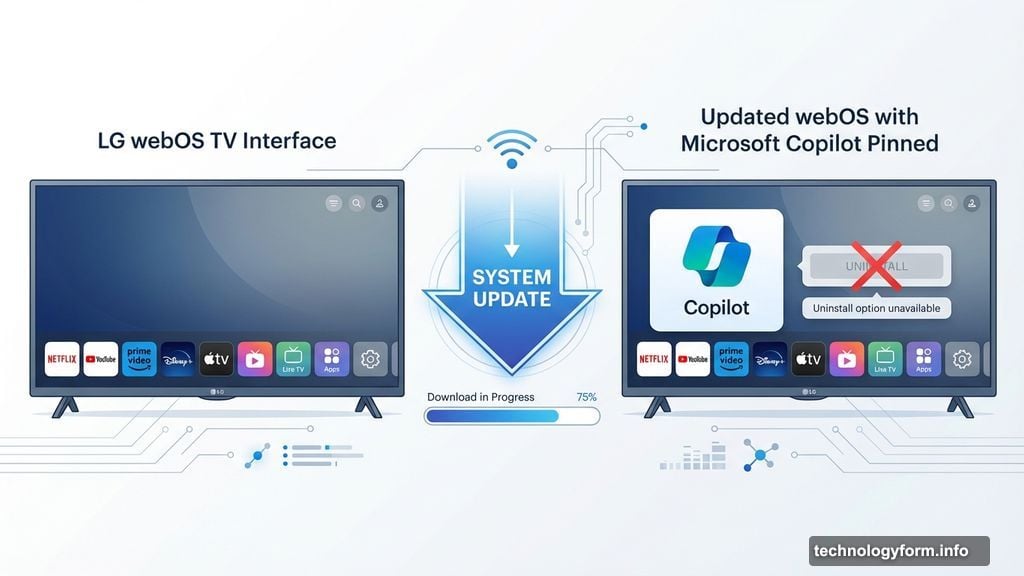
LG does offer one small concession. Users can hide the Copilot app from their home screen. This keeps it out of sight during normal browsing.
However, hidden doesn’t mean gone. The app remains installed on your system. It still takes up storage space. And there’s no guarantee it won’t reappear after future updates.
The hide function is a band-aid solution. It doesn’t address the core problem of pre-installed bloatware that users can’t control. Many paid good money for these TVs. They should have the final say over what software runs on them.
Smart TVs Keep Getting Less Smart
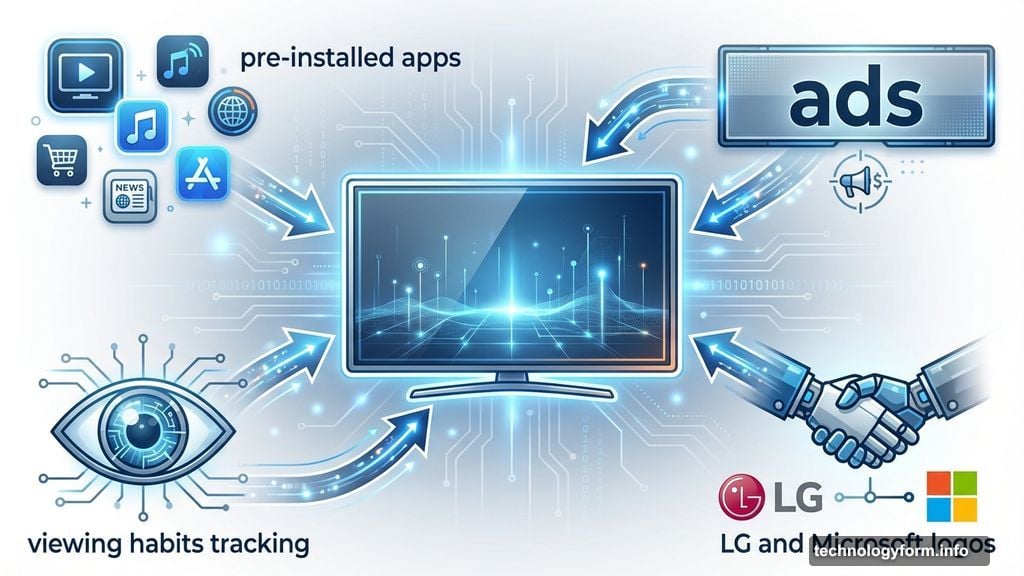
This incident highlights a growing problem with modern smart TVs. Manufacturers increasingly view them as platforms for pushing services, ads, and partnerships rather than just display devices.
LG isn’t alone in this approach. Most major TV brands now include pre-installed apps that can’t be removed. Some display ads on home screens. Others track viewing habits for data collection.
The shift makes sense from a business perspective. TV hardware margins are thin. Companies look for other revenue streams through software, advertising, and partnerships. But it degrades the user experience significantly.
What LG Should Do Instead
The solution seems obvious. Make Copilot an optional download through LG’s app store. Users who want AI assistance can install it. Those who don’t can skip it entirely.
This approach respects user choice while still fulfilling LG’s partnership obligations with Microsoft. Companies that want to promote new features can use home screen notifications or setup prompts. But forcing installation crosses the line.
Moreover, LG should provide uninstall options for all pre-loaded apps beyond the essential system software. Users bought the TV. They should control what runs on it.
The Bigger Picture on AI Pushiness
Microsoft’s Copilot strategy has become increasingly aggressive across all platforms. The company integrated it into Windows 11, added it to Edge, embedded it in Office apps, and now extends it to TVs through partnerships.
This saturation approach aims to make Copilot ubiquitous. Get users encountering it everywhere. Build familiarity through constant exposure. Eventually, people might start using it.
But forced adoption rarely builds genuine user loyalty. It creates resentment instead. People who discover Copilot on their own terms are far more likely to engage positively than those who have it shoved onto their devices.
Your Options Are Limited
If you own an affected LG TV, your choices aren’t great. You can hide the Copilot app from your home screen. That’s about it.
Some technically inclined users might explore custom firmware or workarounds to remove the app entirely. However, these approaches risk voiding warranties or creating system instability. Most people shouldn’t attempt them.
The only real leverage consumers have is feedback. Contact LG support directly. Leave reviews mentioning the issue. Make noise on social media. Companies do respond to widespread customer dissatisfaction, though change often comes slowly.
For future TV purchases, research the manufacturer’s approach to pre-installed software and ads. Some brands are more aggressive than others about pushing unwanted features.
This Won’t Be the Last Time
Expect more incidents like this as AI competition heats up. Tech giants want their AI assistants everywhere. They’ll pressure hardware partners to include their software as a condition of other business arrangements.
Smart TV manufacturers caught in the middle face tough choices. Reject these partnerships and potentially miss out on revenue and features. Accept them and anger customers who value control over their devices.
The consumer ultimately loses either way. Your TV becomes a battleground for corporate AI strategies rather than a device that simply works the way you want.
LG made a choice that prioritizes its Microsoft partnership over user preference. That decision will have consequences for how customers view the brand going forward.