NotebookLM Just Got Better at Everything It Already Does Well
Google’s AI notebook tool keeps getting more capable. And the latest round of updates makes it genuinely easier to use, no matter what you’re creating with it.
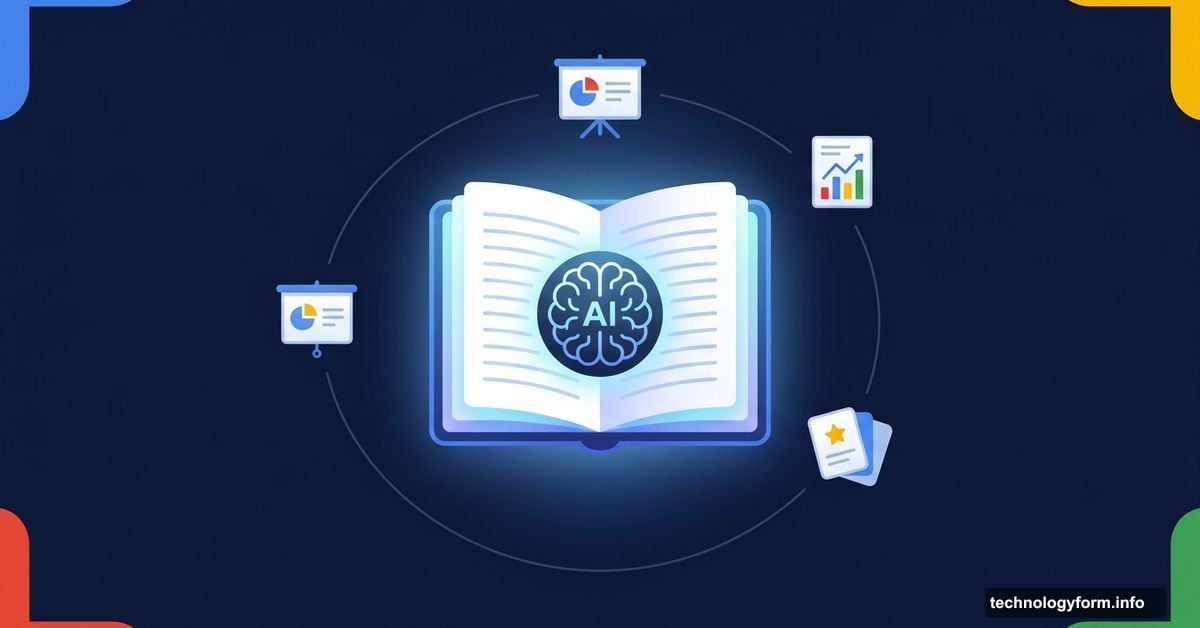
NotebookLM has always stood out as one of the more practical AI tools around. You feed it your sources, and it helps you make something useful from them. Podcasts, videos, infographics, slide decks — it’s a surprisingly versatile creative partner. But Google didn’t stop there. A fresh batch of updates landed recently, and together they fix some real frustrations while adding a few things users have been asking for.
Here’s what changed.
Slide Revisions Finally Arrive
This one was a long time coming. Before this update, slides created inside NotebookLM were essentially frozen the moment they generated. You could look at them. You couldn’t really change them.
Now you can. Tell NotebookLM exactly what you want adjusted, and it will regenerate the deck with your revisions applied. Want a different tone on slide three? A cleaner layout on the summary page? Just ask.
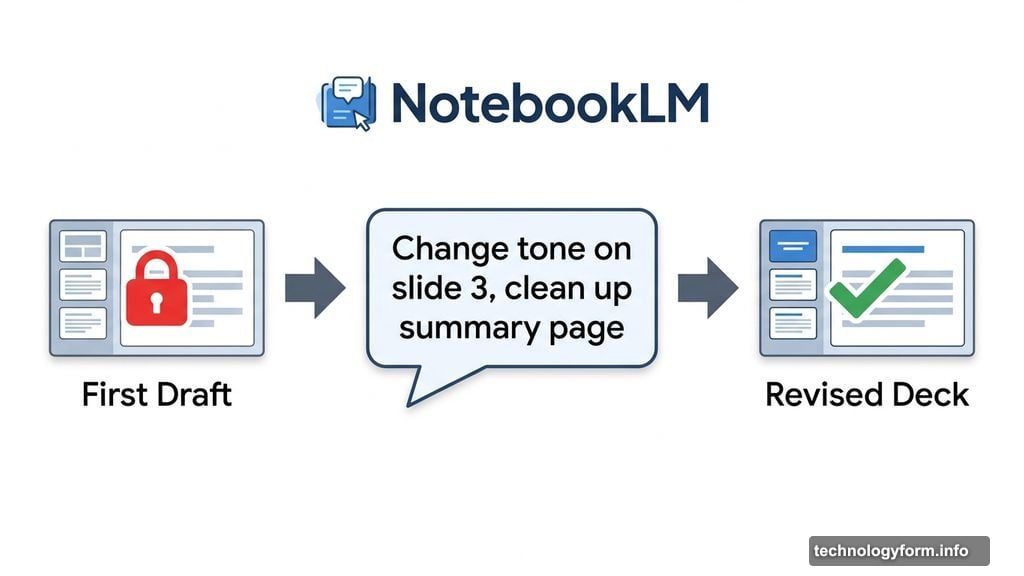
It’s not full manual editing yet — you can’t drag individual elements around or tweak fonts by hand. But this is a clear step toward that kind of control. For now, the regeneration approach works well for anyone who needs slides that actually reflect their intent, not just a first draft they’re stuck with. Slide revisions are available to all users aged 18 and over.
Ten New Infographic Styles to Play With
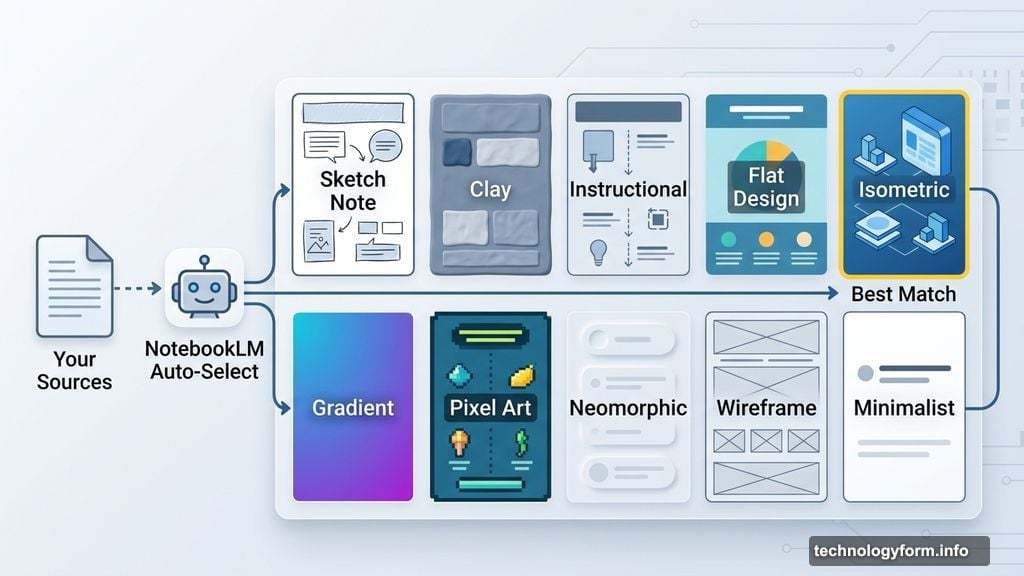
Infographics in NotebookLM just got a lot more expressive. Instead of one default look, you now have ten distinct visual styles to choose from. Options include sketch note, clay, instructional, and more — each suited to a different kind of story or audience.
Not sure which style fits your content? NotebookLM will pick one automatically based on your sources. So even if you skip the decision entirely, the result still looks intentional.
This is a small change on paper. In practice, it matters a lot. Matching the visual format to the message is half the battle with data communication. Having real options here gives your infographics a much better chance of landing the way you want. New infographic styles are also available to all users over 18.
Smarter Quizzes and Flashcards
If you use NotebookLM for studying or knowledge retention, this update will feel noticeably better. Several quality-of-life improvements landed for quizzes and flashcards all at once.
You can now delete individual questions you don’t want. Your progress saves across sessions, so you won’t lose your place if you close the tab. You can also flag individual questions as “got it” or “missed it,” which lets you focus review time on the spots where you actually need it. Plus, the results page after each quiz got a visual refresh for easier reading.
None of these are flashy features. But they’re exactly the kind of fixes that make a tool feel polished and reliable rather than half-finished. These updates are available to all NotebookLM users.
EPUB Support and PowerPoint Export
Two file format additions quietly expand what you can do with NotebookLM. First, EPUB files — the standard open-source format for ebooks — can now be uploaded as source material. That means your digital books, long-form reports, and ebook-formatted research documents can feed directly into your notebooks.
Second, slide decks now export to PPTX format. That’s the native Microsoft PowerPoint format, which means anything you build in NotebookLM can open cleanly in PowerPoint for further editing, sharing, or presenting. This makes the tool far more compatible with existing workplace workflows where PowerPoint is still the default.
Create Directly From the Chat Window
Previously, if you wanted to generate an audio overview, report, or infographic inside NotebookLM, you had to navigate over to the Studio tab manually. That’s a small friction, but it interrupts the flow when you’re deep in a conversation.
Now you can create those outputs directly from the chat. If you’re already talking through your sources with Gemini and want to turn that conversation into an artifact, you don’t need to switch tabs. Just ask, and it builds right there.
The Cinematic Video Feature Is Worth Mentioning Too
Earlier this month, Google also rolled out Cinematic Video Overviews for NotebookLM. This feature combines Gemini, Imagen (referred to in the original report as Nano Banana Pro), and Veo 3 to produce video summaries with rich animations and visual style. It’s an upgraded version of the original video overview feature, and it shows how much horsepower Google is putting behind this tool.
All of these updates push in the same direction: NotebookLM is getting more flexible, more compatible with other tools you already use, and less likely to create friction when you’re trying to get something done. Whether you’re turning research into a podcast, building a study guide, or generating slides for a presentation, the experience keeps getting smoother.
Google tends to ship these improvements in clusters rather than big splashy announcements. That means NotebookLM keeps getting better in ways that compound over time — and this latest round is a good example of that pattern paying off.