Spring Break Is Sacred. Let AI Handle the Study Grind.
You planned this trip for months. The outfits are packed. The reservations are locked in. The group chat has been thoroughly hyped. Spring break is finally happening.
Then you check your syllabus. Exams incoming. Assignments due. The audacity.
Good news: AI tools can do a lot of the heavy lifting so you can actually enjoy your time off. Here’s how to put them to work before, during, or after your break without losing your mind.
Above-Average Review With Microsoft Copilot
Maybe you’re still recovering from the trip. Maybe you spent the whole week bed-rotting and binging. Either way, your brain feels like warm soup and sitting through dense course materials sounds genuinely terrible.
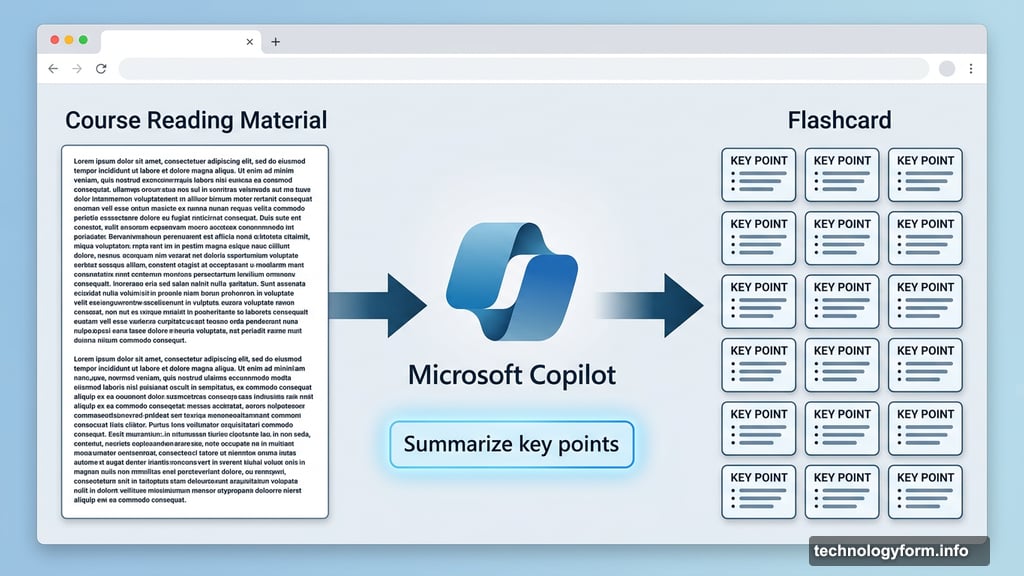
That’s where Microsoft Copilot earns its keep. You can drop large chunks of reading material right into your browser and ask Copilot to summarize the key points. One focused prompt gets you a readable breakdown in about a minute.
Better yet, Copilot can reformat that information into an interactive flashcard layout. So instead of staring at a wall of regulatory text, you’re flipping through bite-sized concepts you can actually retain. The trick is keeping your prompt simple and specific. Ask for the highlights, not an essay.
Curating Notes With Google Gemini
Let’s be honest about the note situation. Some students take careful, color-coded notes. Others sketch elaborate anime characters in the margins and jot down one sentence that made sense at the time. Neither version is exactly thrilling to revisit after spring break.
Google Gemini can take whatever notes you have, good or chaotic, and turn them into something actually useful. Snap a photo of your handwritten notes or paste in typed ones. Then ask Gemini to cross-reference them against your past graded assignments and generate a focused breakdown of the concepts that need the most attention.
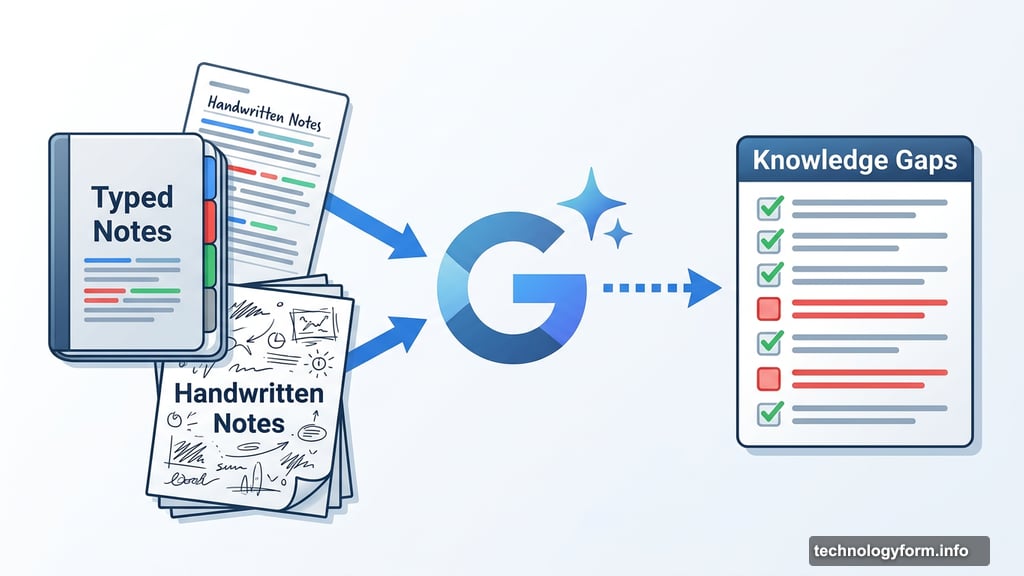
That means you’re not wasting limited mental energy reviewing stuff you already know. Instead, you’re zeroing in on the gaps. Much more efficient when your motivation is running on empty.
Gemini’s Guided Learning Tool Is Surprisingly Fun
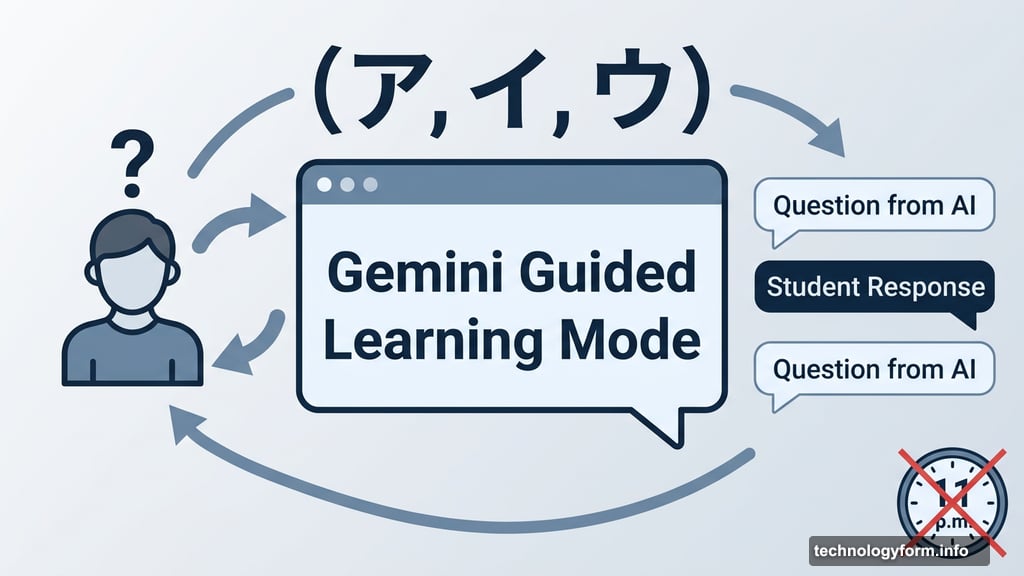
Here’s a bonus feature worth knowing about. Gemini has a Guided Learning mode that switches the AI into something resembling an interactive teacher.
Instead of just handing you information, it asks you light questions throughout, nudging you to think and respond. It’s like having a study partner who’s patient, never distracted, and won’t judge you for not knowing something. One CNET writer used it to work through Japanese katakana memorization and found the back-and-forth format genuinely helpful for making things stick.
If pre-break anxiety is creeping in, this is a solid way to calm those nerves without texting your professor at 11 p.m.
One Rule You Cannot Skip
AI study tools are genuinely useful. But they have one well-known flaw: hallucinations. That’s the technical term for when an AI confidently tells you something that’s just plain wrong.
So before you walk into an exam trusting AI-generated flashcards or summaries, take a few minutes to cross-check them against your actual course materials. Skim your textbook. Compare against your syllabus. Verify anything that sounds off.
This is especially important for anything with specific dates, definitions, or technical terms. AI fills in gaps with convincing-sounding guesses, and a confident wrong answer is worse than no answer at all.
Spring break is supposed to refresh you, not set you up for a bad grade. Used carefully, these tools can give you both the time off you need and the exam prep you can’t skip. Let the AI do the boring work. Show up ready.