Google’s NotebookLM Just Became Your Personal Research Assistant
Google’s NotebookLM got a serious upgrade. The AI note-taking tool now handles complex research automatically and accepts way more file types than before.
For anyone drowning in research papers, spreadsheets, and scattered notes, these changes matter. NotebookLM just went from helpful to actually essential. Let me break down what’s new and why it changes how you work.
Deep Research Does Your Literature Review
The standout feature is called Deep Research. Think of it as hiring a research assistant who works for free.
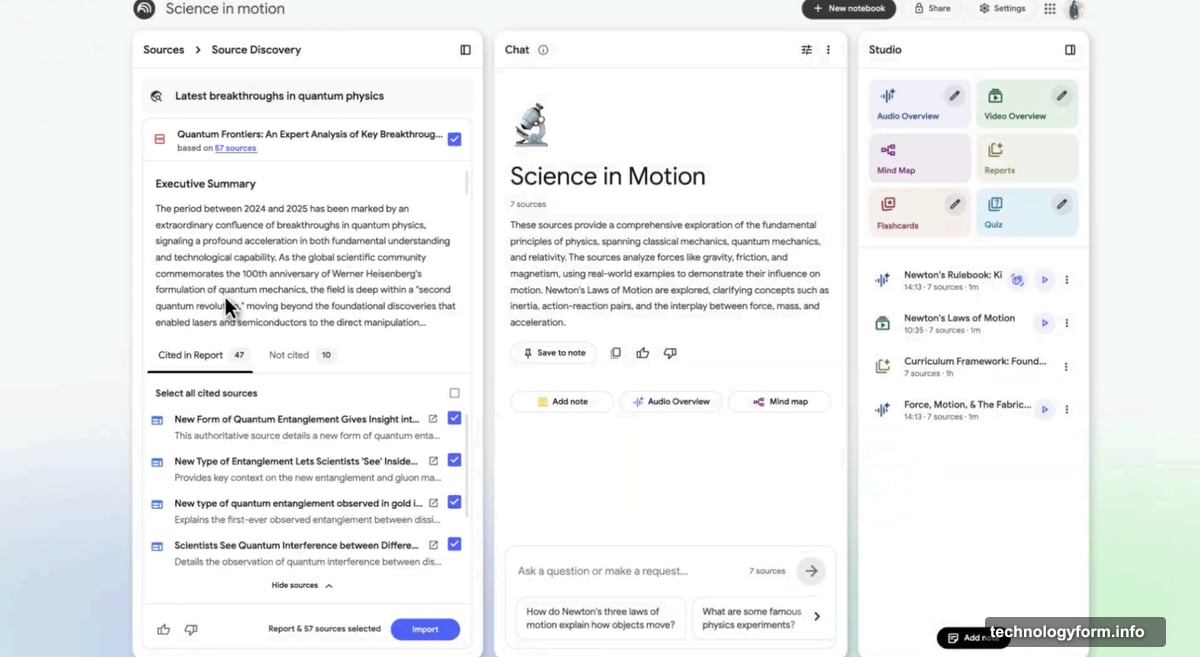
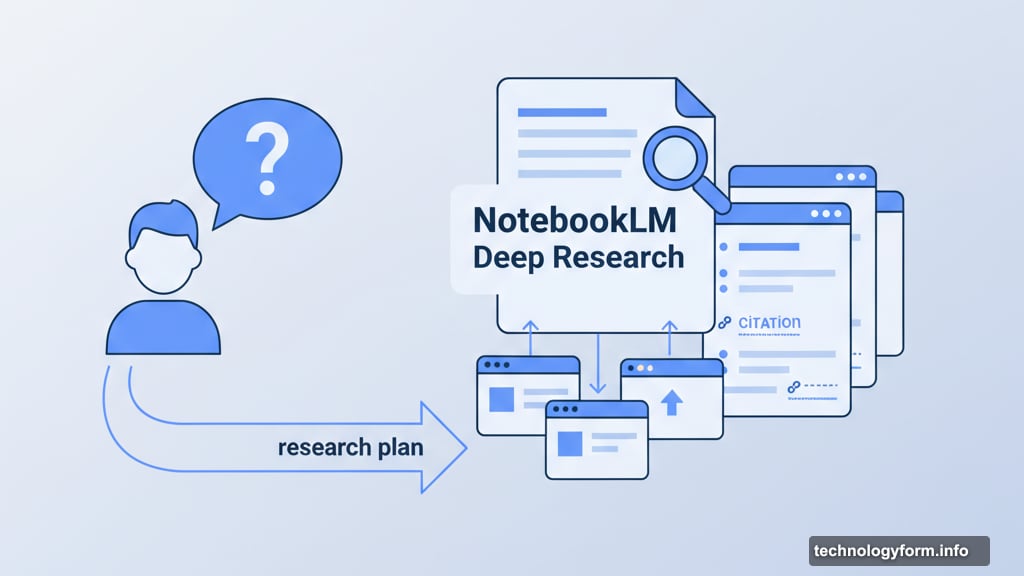
You ask a question. NotebookLM creates a research plan. Then it browses websites, gathers sources, and builds a comprehensive report. All while you keep working on other tasks.
Here’s what impressed me most. The tool doesn’t just dump links at you. Instead, it synthesizes information from multiple sources into organized, readable reports. Plus, every claim links back to original sources so you can verify facts yourself.
The whole process takes just a few minutes. Compare that to spending hours manually searching, reading, and organizing information yourself. The time savings add up fast.
Two Research Modes for Different Needs

Google built flexibility into the system. You get two research styles depending on your situation.
Deep Research mode provides full briefings with in-depth analysis. Use this when you need comprehensive understanding of complex topics. The tool will spend more time gathering and synthesizing information.
Fast Research mode delivers quick searches for immediate answers. Perfect for those moments when you just need specific facts or a brief overview. No need to wait for exhaustive reports when simple answers suffice.
Both modes run through the same interface. Just start a search in the source panel, select “Web” as your source, then choose your preferred research style.
File Support Finally Gets Practical
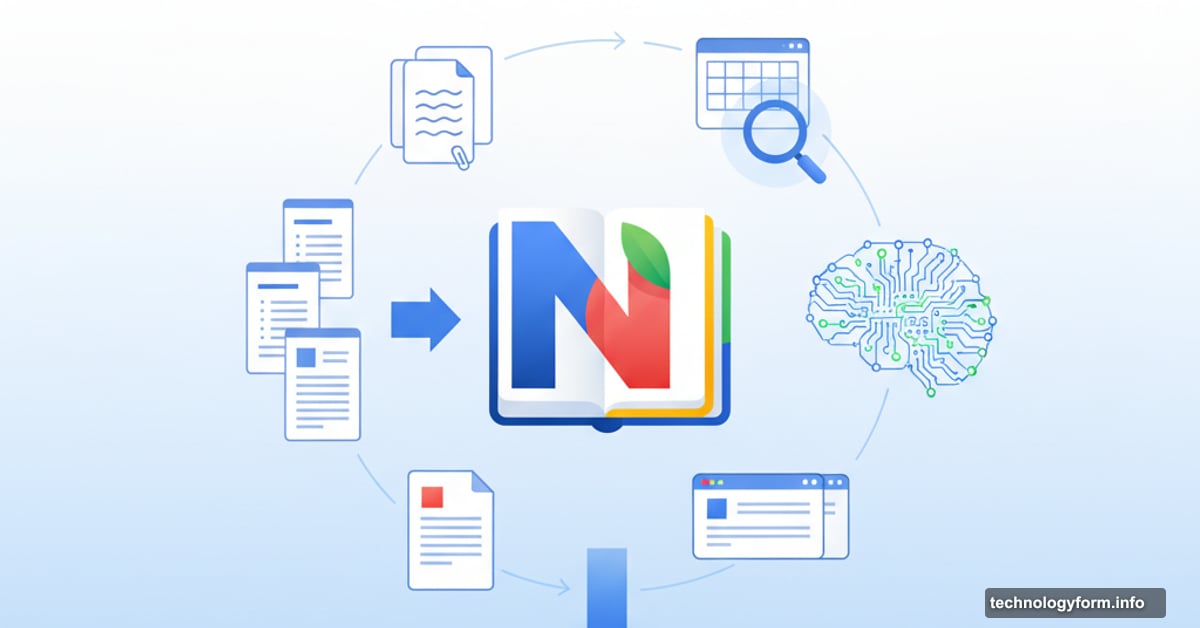
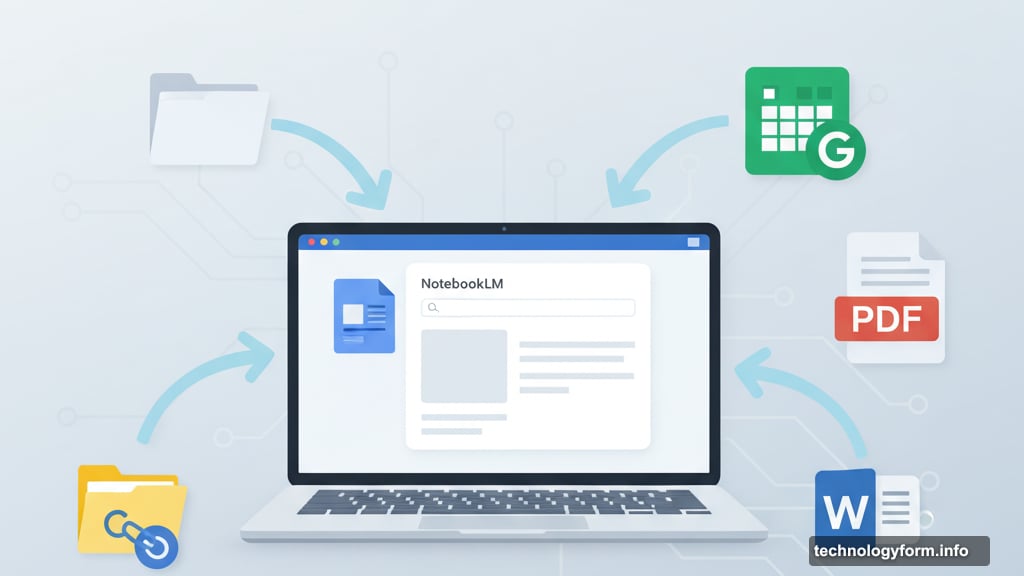
The file type expansion solves real workflow problems. NotebookLM now accepts Google Sheets, Drive files via URLs, PDFs from Google Drive, and Microsoft Word documents.
Why does this matter? Most people don’t store research in one neat format. Your data lives in spreadsheets. Your drafts exist in Word docs. Your sources sit scattered across Google Drive folders.
Now you can dump all of it into NotebookLM without converting formats first. The tool generates summaries from spreadsheets and accepts multiple Drive files through simple copy-paste. No more manual reformatting or workaround solutions.
For researchers juggling data across platforms, this change removes genuine friction from daily work.
Building on Audio and Video Features
NotebookLM already offered some unique tricks before this update. The Audio Overviews feature turns documents into AI-generated podcasts. Feed it course readings or legal briefs and get a conversational audio summary.
Video Overviews takes raw notes, PDFs, and images and converts them into visual presentations. Both features help digest dense information without reading every word.
These multimedia options complement the new research tools nicely. You can now gather sources with Deep Research, then generate podcasts or videos to share findings with colleagues. The whole workflow stays inside one tool.
Mobile Apps Keep You Working Anywhere
Google launched NotebookLM apps for Android and iOS back in May. That means you’re not stuck at a desktop to access these research features.
Start a Deep Research query on your phone during commute. Review the generated report on your tablet at lunch. Add final touches on your laptop later. Everything syncs across devices seamlessly.
Mobile access matters especially for students and field researchers who can’t always sit at desks. The ability to capture sources and run research from anywhere keeps projects moving forward.
Still Free, Still Experimental
Here’s the catch worth mentioning. NotebookLM remains a Google experiment. The company could change pricing, shut it down, or pivot direction without much warning.
That said, it’s currently free and genuinely useful. Just don’t build your entire research workflow around it without backup plans. Export important notes regularly and keep original sources accessible outside the tool.
For now, Google seems committed to developing NotebookLM. These substantial feature additions suggest ongoing investment rather than abandonment. But Google has killed promising products before.
Works Best for Specific Use Cases
Deep Research shines when you need broad overviews of unfamiliar topics. Academics starting new research areas benefit immensely. Business analysts exploring new markets get quick background knowledge.
However, the tool has limits. It won’t replace deep domain expertise or critical analysis. You still need to evaluate sources, spot biases, and draw your own conclusions. NotebookLM gathers and organizes information efficiently. It doesn’t think for you.
Also, research quality depends on available web sources. Niche topics with limited online coverage won’t generate comprehensive reports. The tool works best for subjects with substantial published material.
Rolling Out This Week
Google says these updates reach all users within a week. No premium tier, no waitlist, no geographic restrictions yet.
If you haven’t tried NotebookLM before, now’s the time. The combination of Deep Research and expanded file support makes it actually competitive with paid research tools.
For existing users, expect the new features to appear automatically. No need to update apps or change settings. Just look for the Deep Research option next time you start a search.
These additions transform NotebookLM from interesting experiment to practical research tool. The automated research alone saves hours on every project. Plus, supporting real-world file formats means less time converting documents and more time actually working.
Google rarely gets AI products this right on the first try. NotebookLM keeps improving in genuinely useful ways. Whether that continues remains to be seen. But right now, it’s worth using while it’s free and functional.