Adobe Firefly Gets Real Video Editing. Third-Party Models Arrive
Adobe just fixed Firefly’s biggest problem. You can finally edit AI-generated videos without starting from scratch.
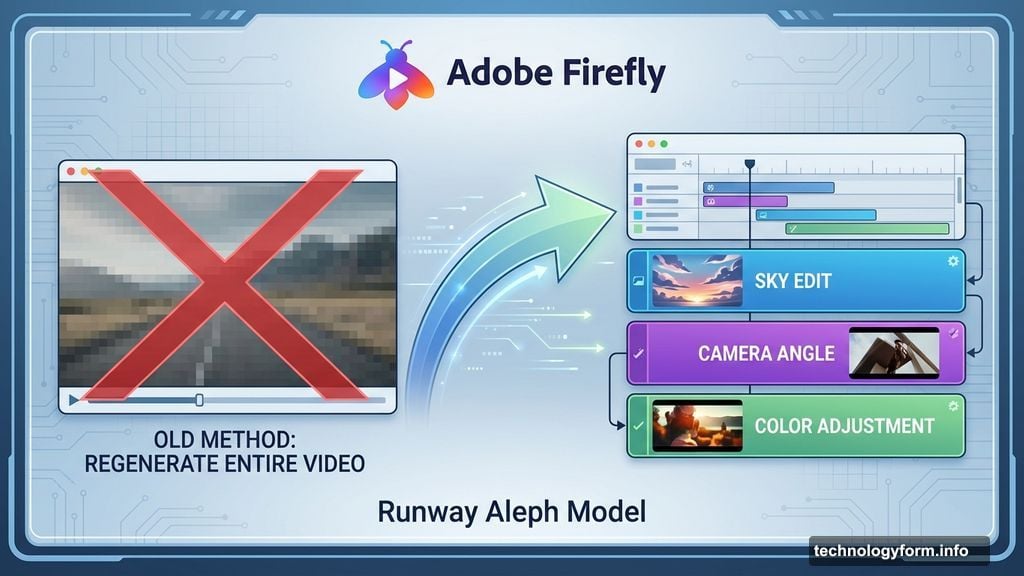
Until now, Firefly worked like this: generate a video, hate one small detail, regenerate the entire thing. Frustrating doesn’t begin to cover it. But the new video editor changes everything with prompt-based editing and a proper timeline view.
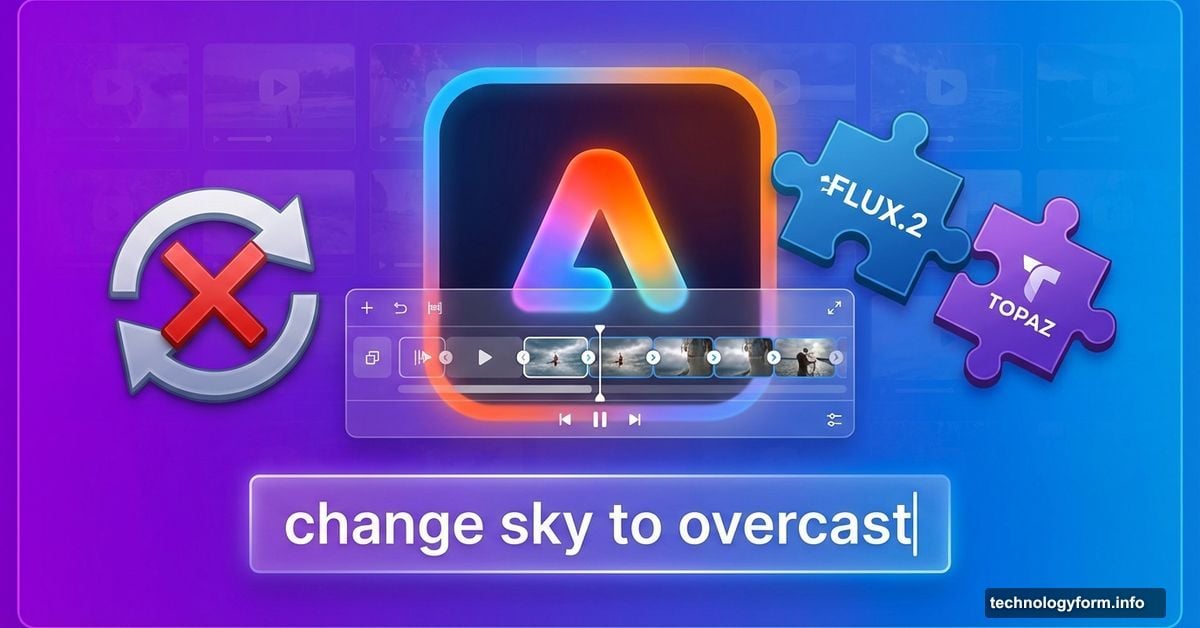
Plus, Adobe’s opening the doors. Black Forest Labs’ FLUX.2 and Topaz Astra are joining the platform. So you’re no longer locked into Adobe’s models alone.
Text Prompts That Actually Edit Videos
The new editor uses Runway’s Aleph model to handle specific instructions. Not vague requests. Precise edits.
Want to change the sky to overcast and drop the contrast? Type it. Need to zoom in slightly on your subject? Done. The editor adjusts individual elements without regenerating everything else.
That’s the breakthrough. Previous AI video tools forced all-or-nothing choices. This one lets you tweak specific parts like a traditional editor. Except you’re using natural language instead of manual controls.
Moreover, Adobe’s own Firefly Video model now handles camera motion references. Upload a start frame and a reference video showing the camera movement you want. The model recreates that exact angle for your clip.
This matters because camera work defines professional video. AI tools previously struggled with consistent camera motion. Now you can show Firefly exactly what you want instead of hoping random generations nail it.
Timeline View Finally Arrives
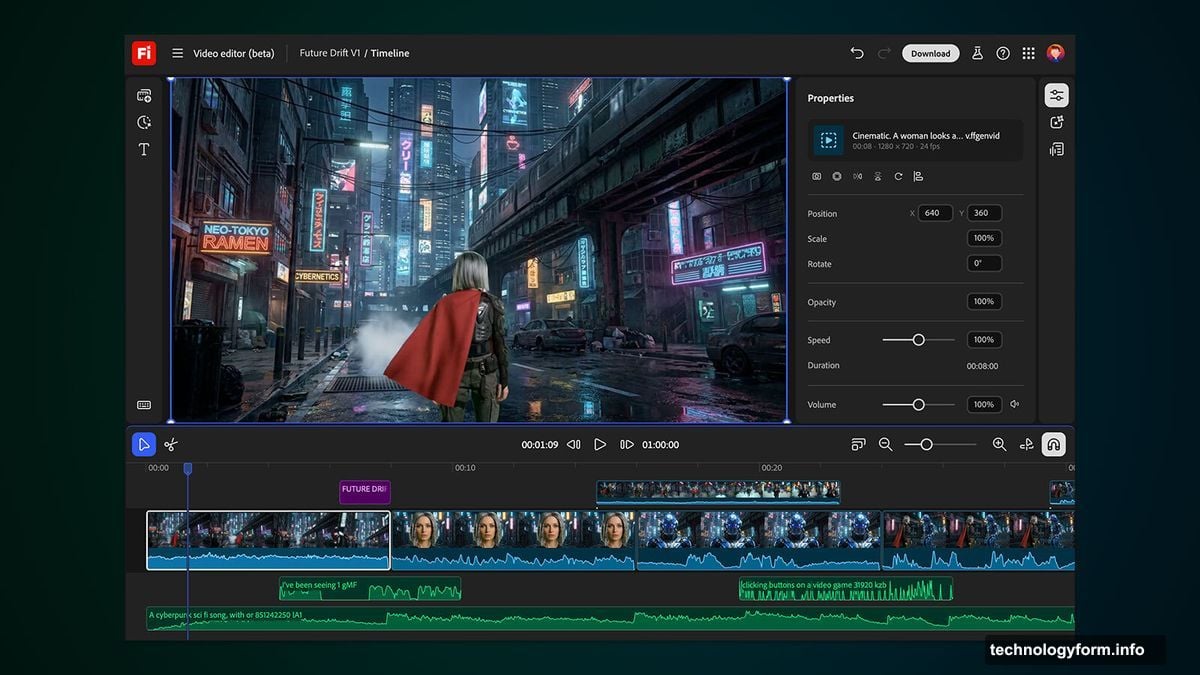
Firefly users get a timeline editor now. Adjust frames, sounds, and video characteristics frame by frame.
Why did this take so long? Most video editors have had timelines since the 1990s. AI video tools somehow skipped this basic feature. Adobe’s catching up.
The timeline lets you see your entire project at once. Spot issues immediately. Make targeted fixes. Work like an actual video editor instead of a slot machine player hoping for the right combination.
Plus, you can layer multiple edits. Change the sky in one section, adjust camera angle in another, tweak colors throughout. Each edit stays isolated on the timeline. So fixing one part doesn’t break another.
FLUX.2 and Topaz Join the Party
Adobe’s adding Black Forest Labs’ FLUX.2 for image generation starting immediately. Adobe Express users get access in January.
FLUX.2 represents serious competition for Adobe’s own models. But Adobe’s smart enough to realize users want options. Lock people into one model and they’ll leave for platforms offering variety.
Topaz Labs’ Astra model handles video upscaling to 1080p or 4K. Again, Adobe doesn’t have the best upscaling tech. So they’re partnering instead of pretending their models do everything well.
This multi-model approach makes sense. Different models excel at different tasks. FLUX.2 crushes certain art styles. Firefly handles others better. Let users pick the right tool for each job.
However, the interface needs work. Switching between models mid-project could get messy. Adobe hasn’t shown how seamlessly models integrate. We’ll see if the experience matches the promise.
Unlimited Generations Through January
Adobe’s throwing credits at users. Firefly Pro, Premium, and high-tier plan subscribers get unlimited generations until January 15.

This feels like user acquisition. Adobe wants people hooked before the free ride ends. Try all the models. Generate hundreds of images and videos. Get used to the workflow.
Then the meter starts running again. Smart strategy if the tools actually work well. Users who create value during the free period will likely subscribe when it ends.
But there’s a catch. Unlimited applies to Adobe’s image models and Firefly Video Model only. Third-party models probably still count against credits. The announcement doesn’t clarify this crucial detail.
So yes, free unlimited generations sound great. Read the fine print before planning your entire creative workflow around it.
The Real Competition Isn’t Sleeping
Adobe faces serious pressure from competitors. Runway, Pika, Stability AI, and others keep shipping new features. Standing still means falling behind.
That’s why Adobe opened up to third-party models. They can’t win on model quality alone anymore. So they’re building the best platform for using any model.
This strategy worked for Adobe before. Photoshop supports countless plugins. Premiere integrates with dozens of tools. Firefly’s following that playbook for AI generation.
Yet platform plays require network effects. Adobe needs creators to choose Firefly over competitors. Right now, most serious AI video work happens in Runway or Pika. Adobe’s playing catch-up despite their massive creative software dominance.
The multi-model approach helps. But Adobe also needs the absolute best editing tools. This timeline view and prompt-based editing are good starts. They’re not enough yet.
Still Missing Key Features
Firefly still lacks collaborative real-time editing. The announcement mentions “collaborative boards” but provides zero details. What does that actually mean?
Most modern creative tools let teams work together live. Figma proved designers want this. Google Docs showed writers need it. Video creators definitely need collaborative editing too.
But Adobe’s been slow here. Their Creative Cloud collaboration features lag behind competitors. Adding collaborative boards to Firefly sounds good. Executing it well determines if anyone uses them.
Also missing: proper version control. AI generation creates tons of variations. Tracking which version you showed the client last week becomes impossible fast. Adobe needs built-in version management, not just a timeline.
And where’s the audio editing? Firefly handles video and images. But video without good audio is amateur hour. Adobe needs to integrate audio generation and editing, not treat it as an afterthought.
Adobe’s Playing the Long Game
This update shows Adobe’s strategy clearly. Build the platform where creators use any AI model seamlessly.
They’re betting most creators already use Adobe tools daily. Adding powerful AI features directly into that workflow creates stickiness. Why leave Premiere or After Effects when Firefly integrates perfectly?
Plus, Adobe has enterprise relationships competitors lack. Studios already pay for Creative Cloud. Adding Firefly seems like a natural extension, not a risky new tool.
However, enterprises move slowly. Adobe’s betting on gradual adoption while nimble startups grab market share with faster innovation. That’s risky when technology shifts this quickly.
The next six months will tell the story. If Adobe keeps shipping features at this pace while maintaining quality, they’ll compete. If updates slow down, creators will stick with tools that keep improving.