Microsoft Just Made Accessibility Dead Simple for Copilot+ PC Owners
Microsoft 365 subscribers with Copilot+ laptops can now skip the tedious work of writing image descriptions. Word and PowerPoint handle it automatically.
This feature tackles a real problem. Alt text matters for accessibility, but most people skip it entirely. It’s boring, time-consuming, and easy to forget. So Microsoft built AI that does it for you.
Plus, the system runs locally on your device. That means faster processing and better privacy than cloud-based solutions.
How Automatic Captions Actually Work
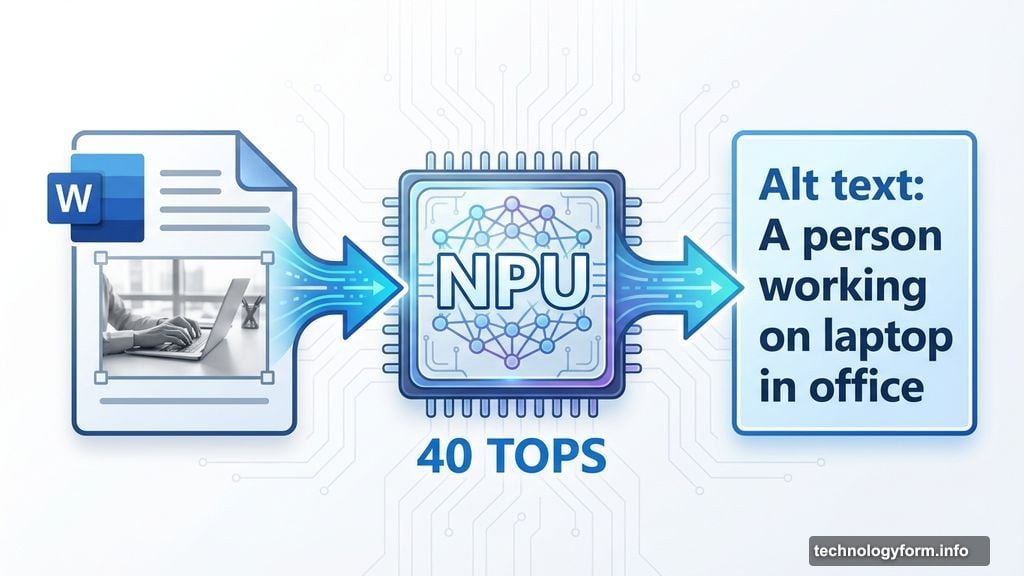
Drop an image into Word or PowerPoint. The AI instantly generates a description. You’ll see a suggested caption appear right away.
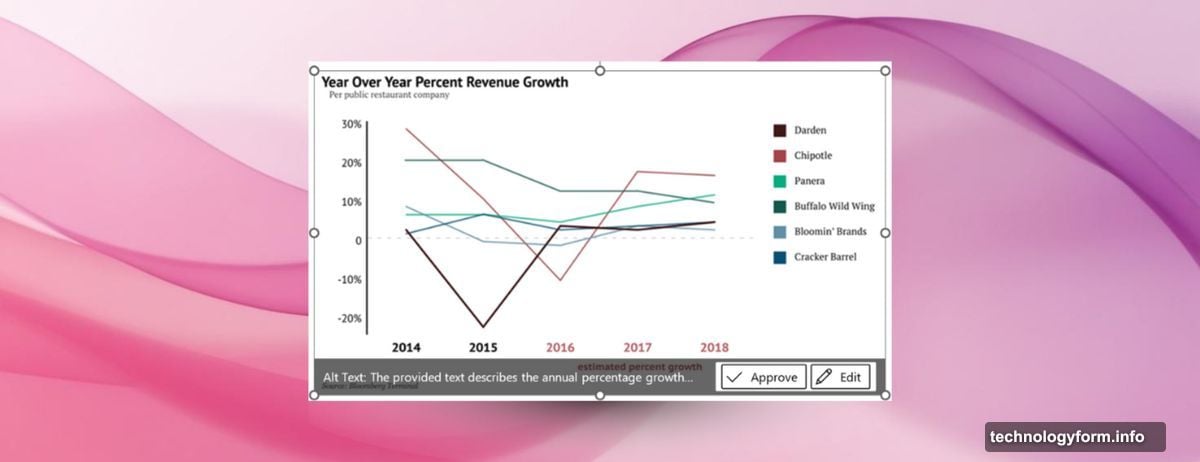
From there, you’ve got two options. Accept the caption as-is, or edit it to be more specific. Either way, you’re done in seconds instead of minutes.
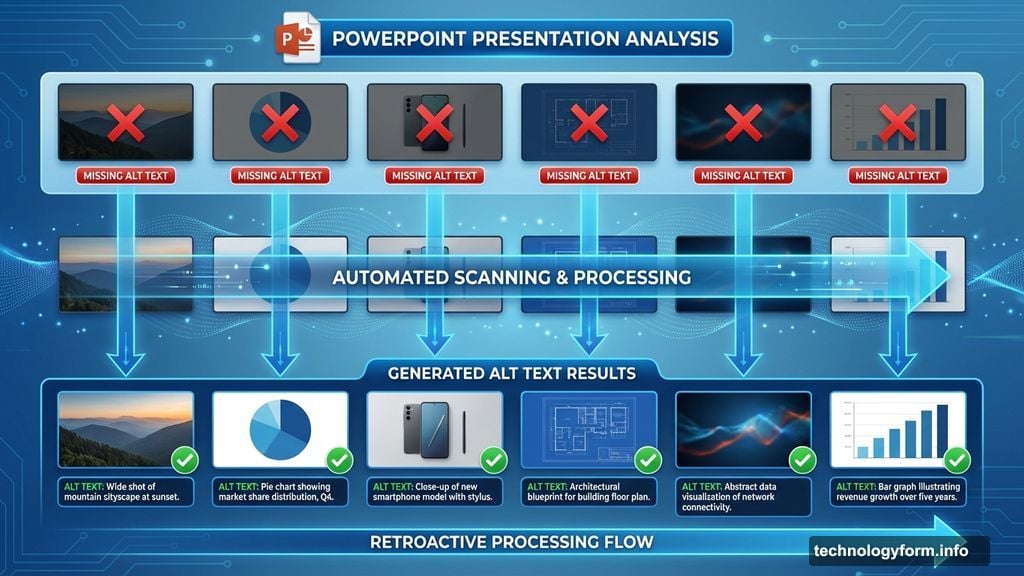
The feature also works retroactively. Got a presentation full of images with no alt text? The AI can scan and caption them all at once. That’s a massive time-saver for updating old documents.
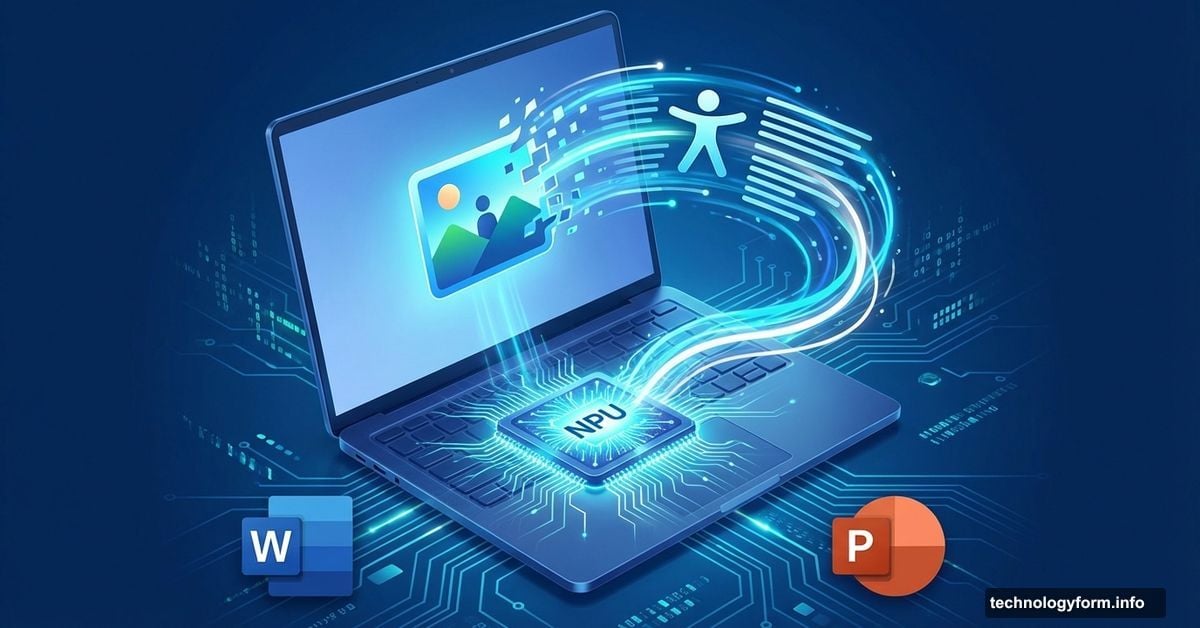
Moreover, the captions run through your laptop’s neural processing unit (NPU). Nothing gets sent to Microsoft’s servers. Your images stay on your device, which should ease privacy concerns.
Requirements Are Pretty Specific
You’ll need three things to use this feature. First, an active Microsoft 365 subscription. Free versions of Word and PowerPoint won’t cut it.
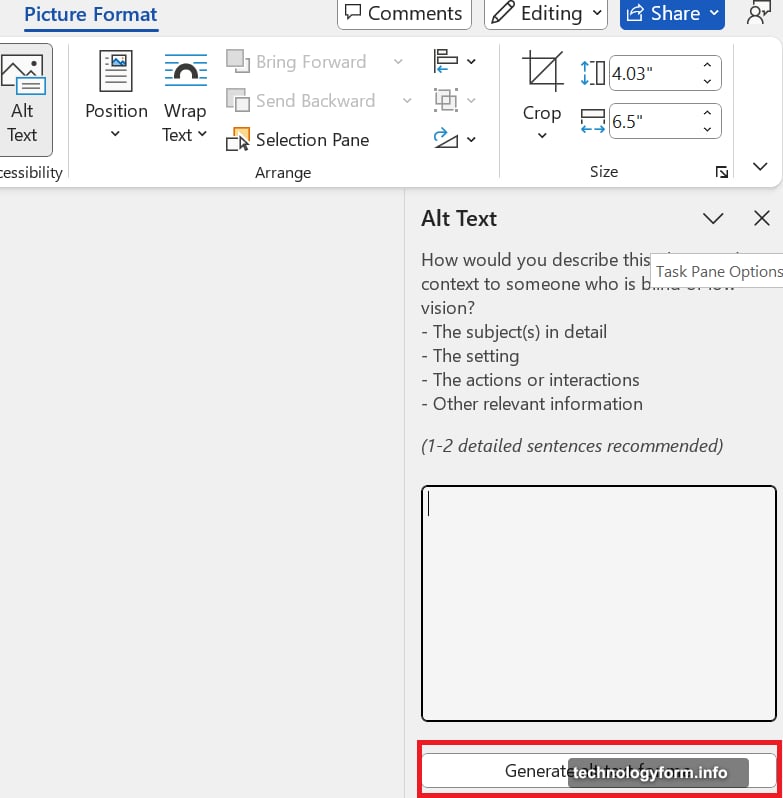
Second, your software needs to be current. Microsoft 365 version 2512 (Build 19530.20006) or newer is required. Check for updates if you’re not sure which version you’re running.
Third, and most importantly, your laptop needs serious processing power. Specifically, a Copilot+ PC with at least 40 TOPS of NPU performance. That’s the computational muscle needed to run AI features locally.
Most standard laptops won’t qualify. Only newer Copilot+ devices with advanced NPU chips make the cut. So if you bought your laptop more than a year ago, you’re probably out of luck.
Why This Matters Beyond Convenience
Automatic alt text isn’t just about saving time. It’s about making documents accessible to people who rely on screen readers.
Right now, most Office documents have terrible accessibility. People skip alt text because it’s tedious. But that creates barriers for visually impaired users who depend on image descriptions to understand content.
By automating the process, Microsoft removes the friction. Documents become accessible by default instead of requiring extra effort. That’s a meaningful improvement for millions of users.
However, the AI won’t always nail the description. You still need to review and edit captions for accuracy. The feature gives you a solid starting point, but human oversight remains important for quality and context.
Still, even imperfect captions beat no captions at all. And the ability to quickly edit AI suggestions makes creating good alt text far less painful than writing from scratch.
The Copilot+ PC Requirement Creates a Problem
Here’s the catch. Most Microsoft 365 subscribers can’t use this feature yet.
The 40 TOPS NPU requirement limits access to the newest, most expensive laptops. Copilot+ PCs cost $1,000 and up. So this “productivity feature” mainly benefits people who recently bought premium hardware.
For everyone else, it’s a preview of what might come eventually. But right now, it’s more of a sales pitch for new laptops than a practical tool for most users.
Microsoft’s betting that on-device AI is the future. Features like automatic captions showcase what local processing can do. But the hardware barrier means adoption will be slow until more affordable Copilot+ options hit the market.
So yes, automatic alt text is genuinely useful. But only if you’ve already invested in the right equipment to run it.