ChatGPT for Total Beginners: Your First Steps Into AI
ChatGPT hit 800 million weekly users this month. That’s massive. But it also means roughly 7 billion people still haven’t tried it.
If you’re in that second group, don’t worry. ChatGPT is simpler than you think. Plus, you don’t need a tech degree to make it useful. This guide walks you through everything you need to get started with OpenAI’s AI chatbot.
What ChatGPT Actually Does
ChatGPT answers questions, writes content, and helps organize information. It can summarize long articles, translate languages, and even generate code. Think of it as a research assistant that lives in your browser.
But here’s the catch. ChatGPT isn’t perfect. It sometimes hallucinates facts or gives outdated information. The tool works by predicting text based on patterns, not by understanding truth. So you’ll always need to fact-check its responses.
Most people use ChatGPT for two main things. First, finding information quickly without scrolling through search results. Second, getting help with writing tasks like emails, resumes, or reports. Research from OpenAI shows these are the top use cases across millions of users.
Getting Set Up Takes Three Minutes
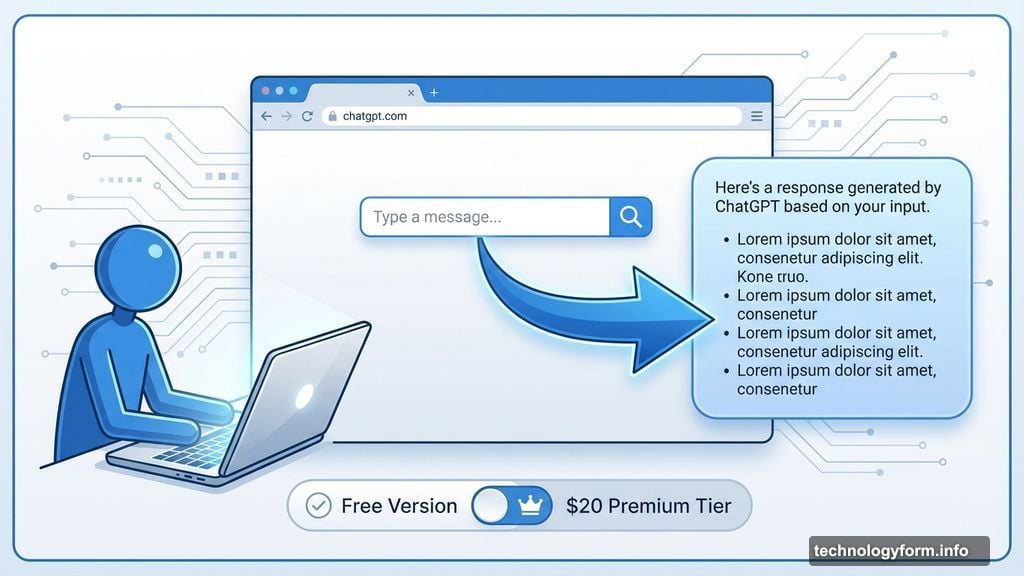
You don’t need an account to start using ChatGPT. Just visit chatgpt.com and type your question. The interface works like Google’s search box. Type something, hit enter, and get your answer.
For better results, though, creating an account helps. ChatGPT remembers your conversation history and learns your preferences over time. That means more personalized responses as you use it more.
The free version works fine for most tasks. OpenAI also offers a premium tier at $20 monthly. But unless you’re using ChatGPT heavily for work, the free version probably covers your needs.
Mobile apps exist for both iOS and Android. The apps work well for quick questions using voice input. But for longer work sessions, the desktop browser version gives you more screen space and better file handling.
How to Ask Better Questions
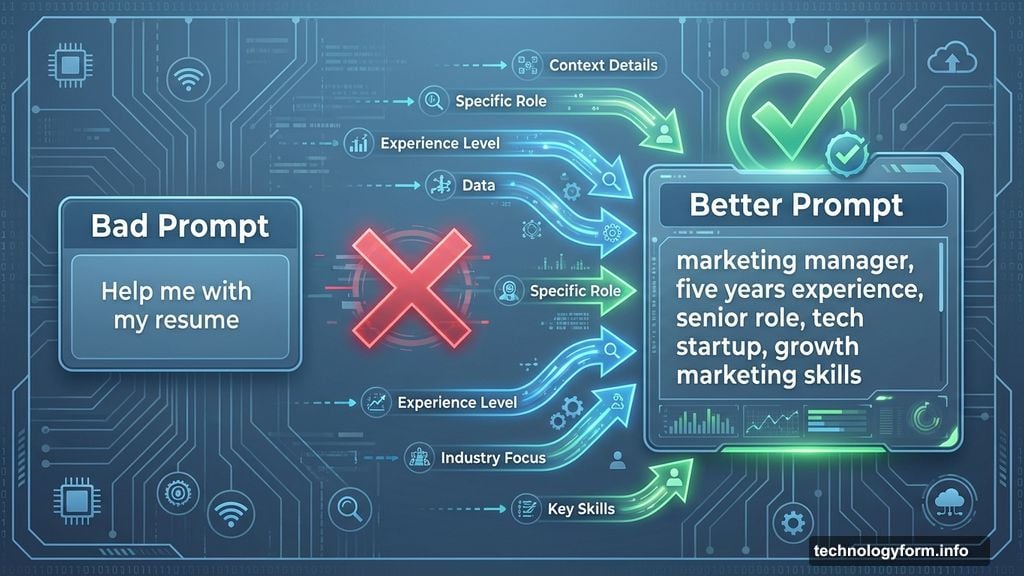
ChatGPT responds to prompts. The more context you provide, the better your results. Vague questions get vague answers. Specific prompts with details get useful responses.
Here’s a bad prompt: “Help me with my resume.”
Here’s a better one: “I’m a marketing manager with five years of experience applying for a senior role at a tech startup. Review my resume and suggest improvements that highlight my growth marketing skills.”
See the difference? The second prompt includes your role, experience level, target position, and specific focus area. ChatGPT can work with that information.
You can also upload files directly. Need help analyzing a spreadsheet? Upload it and ask ChatGPT to identify cost-saving opportunities. Want feedback on a draft? Paste it in and request specific improvements.
Never Share Personal Information
This part is critical. Never input sensitive data into ChatGPT. No credit card numbers, Social Security numbers, or personally identifying information. Data breaches happen. Plus, your prompts might be used to train future AI models.
Keep your questions general enough that they don’t expose private details. Instead of “analyze my bank statement,” try “what are common expense categories I should track in my budget?”
The same rule applies to work information. Don’t paste confidential company data or client information. Rephrase your questions to remove identifying details while keeping the core issue intact.
Start With Simple Experiments
Not sure what to ask? Try the suggested prompts that appear when you open ChatGPT. Click “Surprise me” to explore random topics. Or pick “Make a plan” to generate structured guides for common goals.
One useful starter task is meal planning. Tell ChatGPT what ingredients you have and your dietary preferences. It will suggest recipes using those ingredients. You can even upload a photo of your fridge contents for recipe ideas.
Another practical use is trip planning. Ask ChatGPT to suggest a weekend itinerary for a city you’re visiting. Include your interests and budget constraints for better recommendations.
Job hunting? ChatGPT can help draft cover letters, prepare for interviews, or suggest ways to negotiate salary. Just remember to customize any generated content before using it.
Follow-Up Questions Improve Results
Your first response from ChatGPT is rarely the final answer. Think of it as starting a conversation, not getting a definitive result. Each follow-up question refines the output.
For example, you might ask about diet recommendations for a health goal. ChatGPT gives general advice. Then you follow up with your specific restrictions or preferences. The second response gets closer to useful guidance.
Keep drilling down until you get something actionable. Most people stop after the first response. But the real value comes from iterating through multiple exchanges.
However, always verify health, financial, or legal advice with qualified professionals. ChatGPT can suggest ideas, but it’s not a replacement for expert consultation in critical areas.
Fact-Check Everything It Tells You
ChatGPT makes mistakes. Sometimes it invents sources that don’t exist. Other times it confidently states incorrect information. The tool predicts plausible text, not truth.
So double-check important information. If ChatGPT cites a statistic, search for the original source. If it suggests a process, verify the steps elsewhere. Use ChatGPT alongside traditional search, not instead of it.
This gets easier with practice. You’ll start recognizing when responses sound too generic or when specific claims need verification. Trust your instincts. If something seems off, it probably is.
ChatGPT works best as a thinking partner, not an oracle. Use it to generate ideas, organize thoughts, and explore options. Then apply your own judgment to evaluate the results.
Match the Tool to Your Task
ChatGPT handles different tasks better through different approaches. For quick factual questions, the mobile app with voice input works great. For complex analysis or writing projects, the desktop browser gives you more control.
If you’re researching a topic, start with ChatGPT to get an overview. Then switch to Google to verify key facts and find primary sources. This combination covers both breadth and depth.

For creative tasks like brainstorming, ChatGPT excels at generating multiple options quickly. Need 10 headline ideas? It produces them in seconds. Then you select the best ones and refine them yourself.
Technical tasks like coding or data analysis benefit from uploading files directly. ChatGPT can review code for errors, suggest optimizations, or identify patterns in spreadsheets.
Build It Into Your Workflow
The biggest mistake people make is treating ChatGPT as a separate tool. Instead, integrate it into your existing process. Use it at specific steps where AI assistance adds value.
For writing projects, start with your own outline. Then use ChatGPT to expand sections, improve clarity, or suggest alternatives. Edit the results to match your voice and verify accuracy.
For research, begin with your own questions. Use ChatGPT to explore angles you hadn’t considered. Follow up on interesting points with deeper investigation elsewhere.
For planning tasks, draft your own initial ideas. Then ask ChatGPT to identify gaps, suggest improvements, or challenge your assumptions. The combination of human judgment and AI assistance works better than either alone.
The Learning Curve is Shorter Than You Think
Most people overestimate how long it takes to get comfortable with ChatGPT. You’ll find your rhythm within a few sessions. The interface is intuitive. The main skill is learning how to prompt effectively.
Pay attention to which prompts generate useful responses. Notice patterns in what works. Your best teacher is experimentation with real tasks you care about.
Start small. Pick one specific use case where ChatGPT might help. Try it for a week. Adjust your approach based on results. Then gradually expand to other areas.
Don’t expect perfection immediately. AI tools require some trial and error. But the learning curve is gradual, not steep. You’ll improve naturally through regular use.
ChatGPT won’t replace your thinking. It won’t eliminate your work. But it will speed up certain tasks and help you explore ideas more efficiently. That’s valuable enough to make the small learning investment worthwhile.