Anthropic Just Made Claude Code Way Less Intimidating
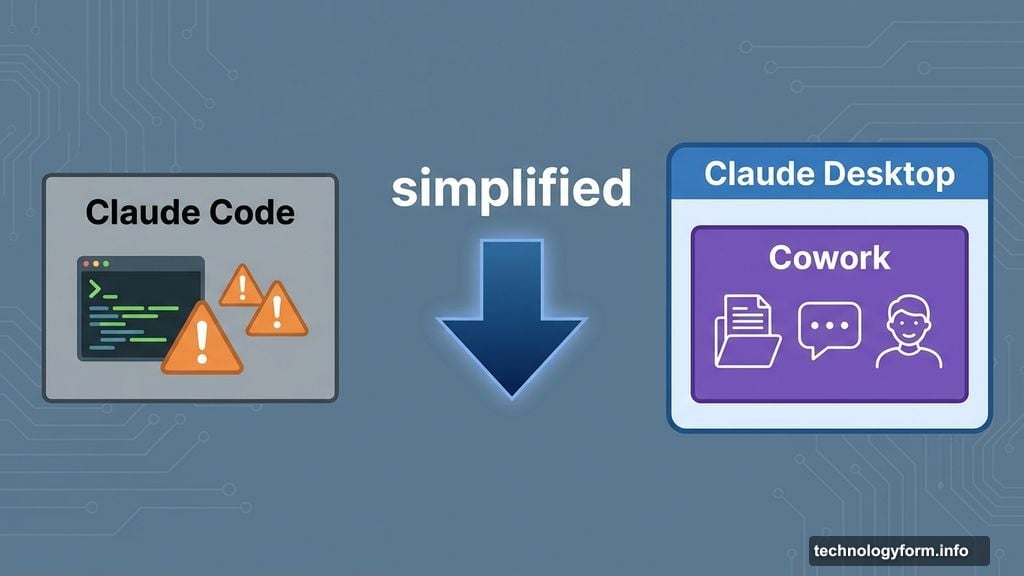
Anthropic released Cowork on Monday. It’s basically Claude Code for people who break into a cold sweat at the sight of terminal commands.
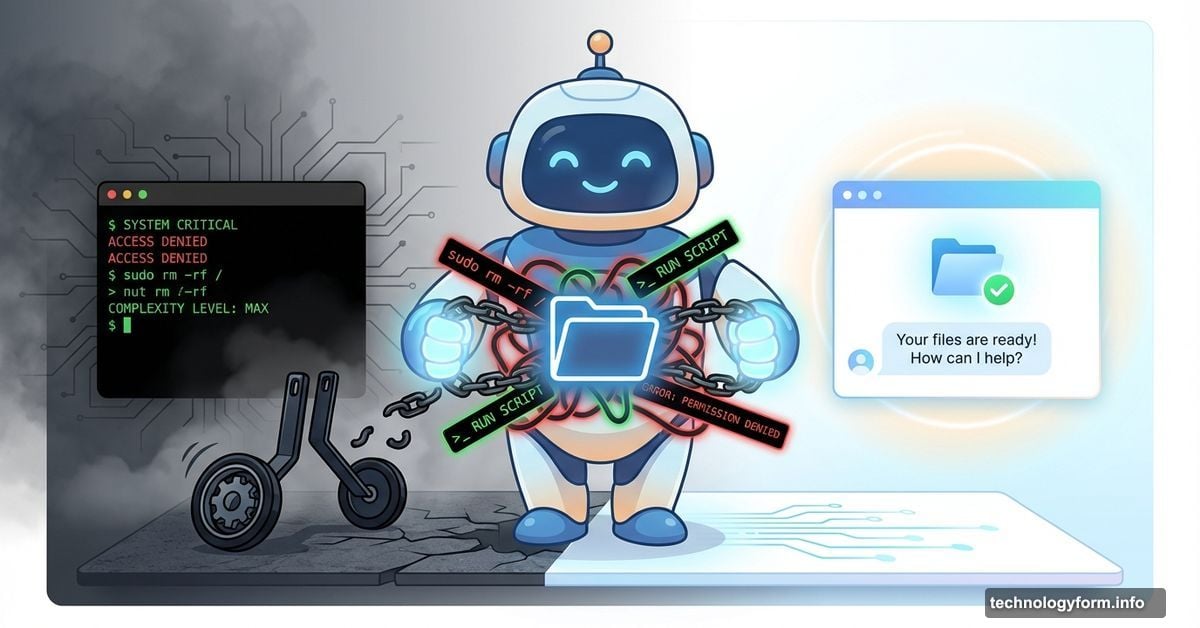
The new tool lives inside Claude Desktop. You point it at a folder on your computer, and Claude can read or change files there. That’s it. No virtual environments to configure. No command-line wizardry required. Just drag, drop, and chat.
Think of it as Claude Code with training wheels. Except the training wheels actually make it more useful for most people.
Cowork Strips Away the Technical Barriers
Here’s what makes Cowork different. Claude Code requires technical setup that scares away non-programmers. You need to understand virtual environments, command-line interfaces, and package management just to get started.
Cowork ditches all that complexity. Instead, you select a folder. Claude gets access to that folder only. Then you chat with it like normal. Want Claude to organize your expense receipts? Point it at the receipts folder and ask.
The tool runs on the same Claude Agent SDK powering Claude Code. So you’re getting the same underlying AI capabilities. But the interface feels approachable instead of developer-focused.
Currently, only Max subscribers can access it. Anthropic calls this a “research preview,” which means they’re testing it with a limited audience first. Other subscribers can join a waitlist.
Non-Coders Already Hijacked Claude Code
Anthropic didn’t build Cowork out of nowhere. They noticed something interesting. People were using Claude Code for tasks that had nothing to do with programming.
Users treated it as a general-purpose agent. They managed photo libraries. Analyzed social media posts. Organized email threads. Basically, they found ways to make a coding tool do household digital chores.
That usage pattern revealed demand for something simpler. Not everyone needs Claude to refactor their Python codebase. But lots of people want AI that can actually manipulate files instead of just talking about them.
So Anthropic built Cowork specifically for those non-coding workflows. The folder-based permissions make it easy to control what Claude touches. And because everything happens through chat, the learning curve drops dramatically.
Expense Reports Get Way Less Painful
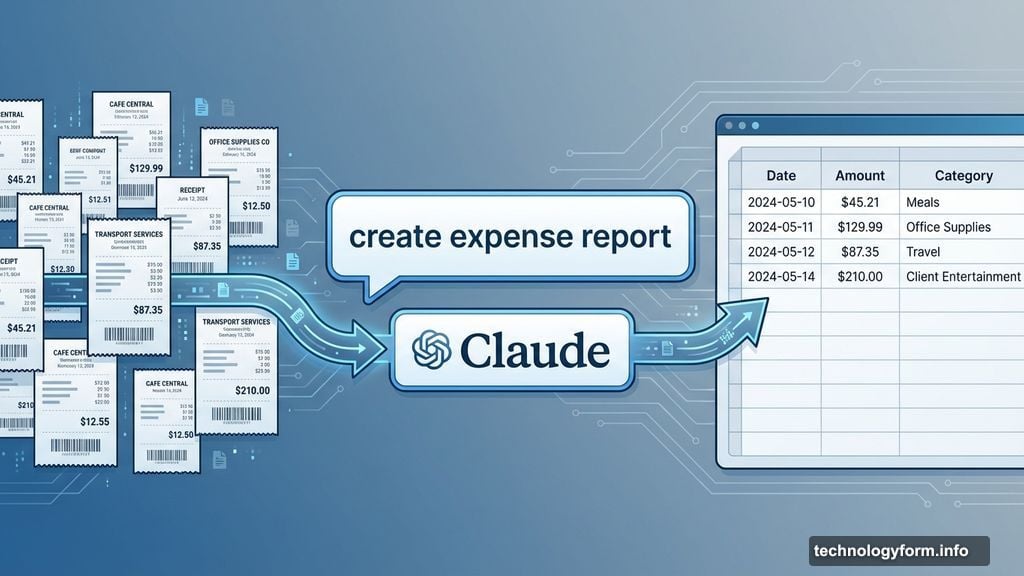
Anthropic’s flagship example showcases the practical value. Imagine you’ve got a folder full of receipt photos from a business trip. Typically, you’d open each image, manually type the amounts into a spreadsheet, categorize expenses, and calculate totals.
With Cowork, you tell Claude “create an expense report from these receipts.” It reads the photos, extracts relevant information, builds the spreadsheet, and categorizes everything automatically.
That’s the kind of task knowledge workers do constantly. Not coding. Just tedious digital paperwork that eats hours every week. Cowork targets exactly those workflows.
Other potential uses include organizing media libraries by metadata, scanning documents for specific information, or batch-renaming files based on contents. Basically, anything you’d normally do manually with multiple files becomes a conversation.
The Risks Are Real and Worth Understanding
Anthropic doesn’t sugarcoat the dangers. Their announcement post explicitly warns about prompt injection attacks and accidental file deletion.
Why the concern? Cowork can take multiple actions without asking permission each time. If you give vague instructions or Claude misunderstands your intent, it might delete files you wanted to keep. Or modify documents in unexpected ways.
Prompt injection poses another threat. Imagine Claude reads a malicious text file that tricks it into performing unintended actions. The folder sandbox provides some protection. But it’s not foolproof.
Anthropic recommends making instructions extremely clear and specific. Don’t say “organize these files.” Instead, say “sort these files by date into subfolders named YYYY-MM, but don’t modify or delete the original files.”
Plus, back up important folders before giving Claude access. The convenience of agentic AI comes with responsibility. You’re essentially giving an AI assistant the keys to part of your file system.
Claude Code Keeps Expanding Beyond Developers
Cowork represents Anthropic’s latest move to broaden Claude Code’s audience. The original command-line tool launched in November 2024, targeting software developers who live in terminals anyway.
But Anthropic quickly realized the technology appealed to wider audiences. So they launched a web interface in October. That made it accessible from browsers instead of requiring local installation.
Then came the Slack integration two months later. Teams could now invoke Claude Code directly from workplace chat. Each new interface lowered barriers and expanded the user base.
Cowork continues that trajectory. It takes the core agentic capabilities and packages them for people who might never write a line of code. That’s a huge potential market.
The pattern suggests Anthropic sees Claude Code not as a developer tool, but as a general-purpose agent platform. The coding use case came first because developers were early adopters. But the real opportunity lies in making AI agents accessible to everyone.
Folder Permissions Solve the Control Problem
The genius of Cowork lies in its permission model. You explicitly designate which folder Claude can access. Everything else on your computer stays off-limits.
That’s simpler than managing detailed file permissions. And it maps to how people already think about organizing work. Important client files go in one folder. Personal photos in another. Claude only touches what you explicitly grant access to.
Compare that to giving an AI assistant broad access to your entire file system. That would require trusting it implicitly and hoping nothing goes wrong. The folder boundary makes the risk manageable.
It also makes instructions clearer. When you tell Claude to “organize these files,” it knows exactly which files you mean. There’s no ambiguity about scope.
This approach could become a template for future agentic AI tools. Give users simple, intuitive ways to define boundaries. Let them control access without requiring deep technical knowledge.
The Waitlist Suggests Strong Demand
Anthropic gated Cowork behind Max subscriptions and added a waitlist for everyone else. That’s telling. They’re either managing server load carefully or being cautious about rolling out powerful file-manipulation capabilities.
Probably both. Agentic AI tools consume more computational resources than simple chatbots. And file operations carry real risks if something goes wrong at scale.
The waitlist also builds anticipation. It signals that this is a premium feature worth waiting for. That creates buzz while Anthropic works out bugs during the research preview phase.
Smart companies often launch risky innovations to small, engaged audiences first. Max subscribers represent users already invested in Claude’s ecosystem. They’re more likely to read warnings, follow best practices, and provide useful feedback.
Once Anthropic validates the safety and usability of Cowork with this group, broader rollouts make sense. But the cautious approach shows they’re taking the risks seriously.
What This Means for AI Agents Generally
Cowork represents an important milestone in making AI agents practical for everyday users. Most people don’t want to learn programming or command-line tools just to automate boring tasks.
By removing technical barriers, Anthropic opens up agentic AI to a much larger market. If this approach succeeds, expect competitors to copy it quickly.
The folder-based permission model could become standard. It’s simple enough for non-technical users to understand while providing meaningful security boundaries. That’s a rare combination.
We’re watching AI evolve from conversational interfaces to actual task execution. Cowork sits right in the middle of that transition. It maintains the familiar chat interface while adding real file-manipulation capabilities.
That’s huge. Because conversations are nice, but people ultimately want AI that does things, not just talks about doing things. Cowork delivers on that promise without requiring users to become developers first.