YouTube’s AI Chat Feature Just Landed on Your Living Room TV
Smart TVs just got a lot more conversational. YouTube is rolling out its AI assistant to television screens, and it changes how you interact with video content from your couch.
The feature was previously limited to phones and browsers. Now it’s expanding to smart TVs, gaming consoles, and streaming devices — putting conversational AI on the biggest screen in most homes.
Ask Questions Without Leaving Your Video
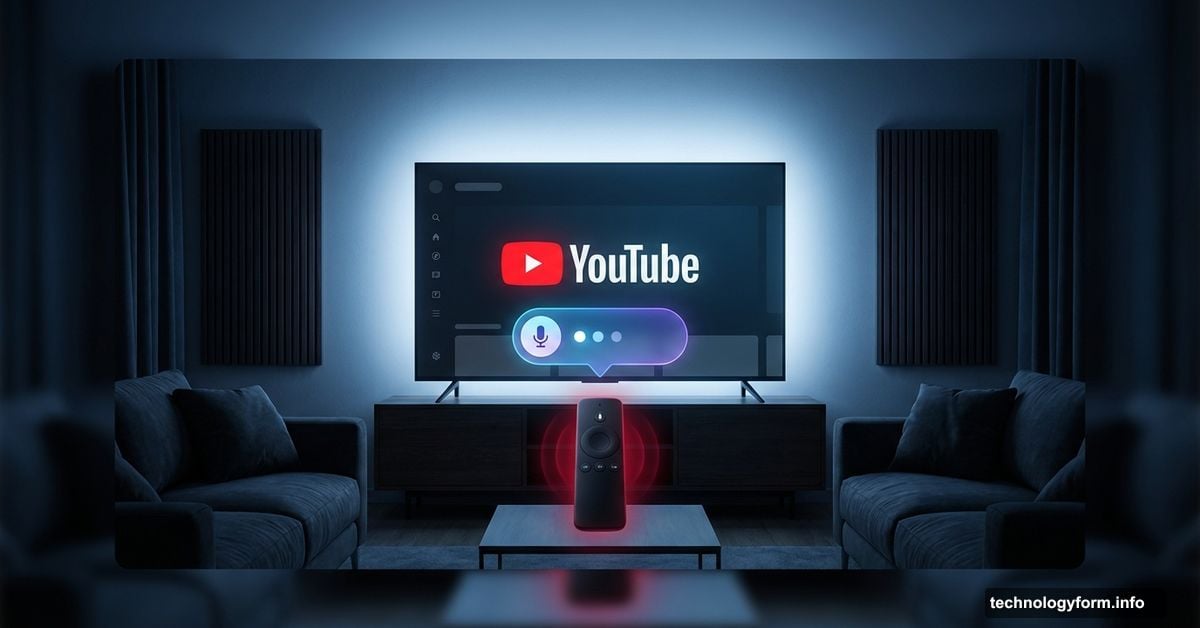
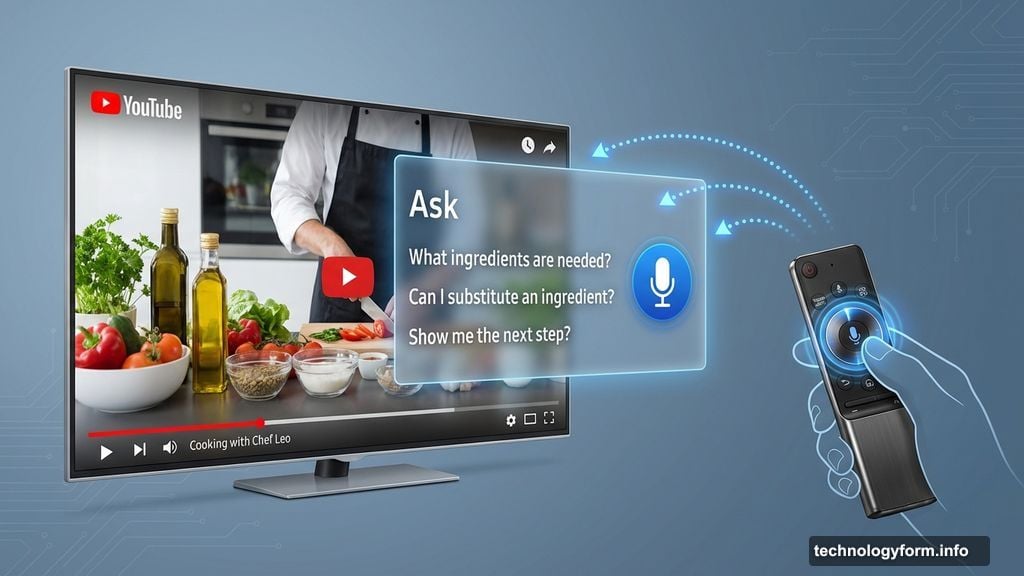
Here’s how it works. Eligible users can tap an “Ask” button directly on their TV screen. The AI assistant pops up, offers suggested questions based on whatever you’re watching, and waits for your input.

You can type a question or just press the microphone button on your remote. Ask about recipe ingredients during a cooking video. Get background on a song’s lyrics. Look up context for a documentary. All of it happens without pausing or switching apps.
That last part matters more than it sounds. Jumping out of a video to search something has always broken the watching experience. This keeps everything inside YouTube.
Who Can Use It Right Now
The rollout is selective. YouTube is currently making the feature available to a limited group of users aged 18 and older.
Language support covers English, Hindi, Spanish, Portuguese, and Korean. No word yet on when or if it expands to other languages. YouTube originally launched this conversational AI tool in 2024 for mobile users, so TV support marks a meaningful step forward.
Why YouTube Is Betting on TV Right Now
The timing makes sense. Americans are watching YouTube on their televisions more than ever before.
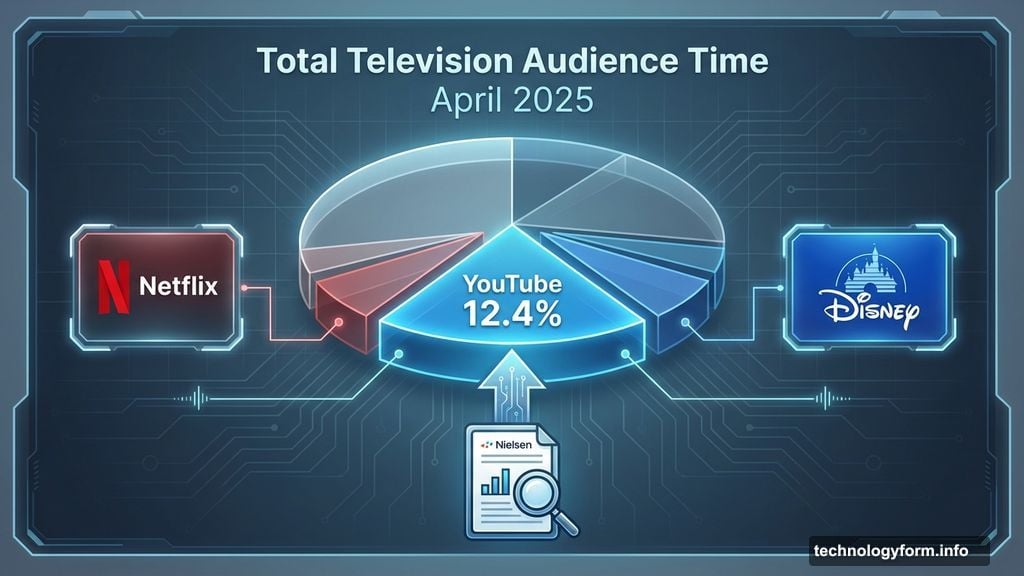
A Nielsen report from April 2025 found that YouTube captured 12.4% of total television audience time. That puts it ahead of major streaming platforms including Disney and Netflix. When your audience is already on the big screen, bringing your best features there is a natural move.
The Bigger Battle for Your Living Room
YouTube isn’t alone in this race. Several major players are pushing conversational AI into the TV experience right now.
Amazon brought Alexa+ to Fire TV devices, letting users ask for personalized content recommendations, search for specific scenes within movies, or get details about actors and filming locations. Roku upgraded its AI voice assistant to handle open-ended questions like “What’s this movie about?” or “How scary is it?” Netflix is testing its own AI-powered search experience too.
The common thread? Every major streaming platform wants to be the one you talk to, not just watch.
YouTube’s Broader AI Push
This TV expansion is just one piece of a larger AI strategy YouTube has been building out.
The platform recently launched a feature that automatically upscales lower-resolution videos to full HD. It added a comments summarizer that helps you catch up on what viewers are saying without scrolling forever. An AI-driven search results carousel gives you smarter discovery options when you’re looking for something new.
YouTube also announced that creators will soon be able to make Shorts using AI-generated versions of their own likeness. And just last week, YouTube launched a dedicated Apple Vision Pro app, letting users watch content on a virtual theater-sized screen in an immersive environment.
So whether you’re a viewer or a creator, YouTube is clearly investing heavily in making AI a central part of how the platform works.
For anyone who watches YouTube on a TV — which, according to Nielsen, is a lot of us — this conversational AI feature is worth watching. Once it rolls out broadly, asking your television a question mid-video might quickly feel like something you can’t imagine living without.