Gemini’s Task Automation Takes Nine Minutes to Order Dinner. It’s Still Kind of Amazing.
Watching AI fumble through a food delivery app is both painful and genuinely exciting. And right now, Gemini is doing exactly that — slowly, clumsily, and impressively.
Allison Johnson at The Verge spent five days testing Gemini’s new task automation feature on the Pixel 10 Pro and Galaxy S26 Ultra. The feature lets Gemini actually take control of apps on your behalf. Think ordering dinner, booking a rideshare, or scheduling a pickup based on your calendar. It’s limited to a handful of food delivery and rideshare apps for now, and it’s still in beta. But even in this rough early state, it points somewhere genuinely new.
This Isn’t a Demo. It’s Running on Real Phones.
Here’s why this matters more than the usual AI hype. We’ve seen polished stage presentations of AI assistants doing impressive things in controlled environments. This is different.
Gemini is completing real tasks on real phones, inside real apps, for real users. Johnson ordered actual dinner using it. That’s a meaningful distinction.
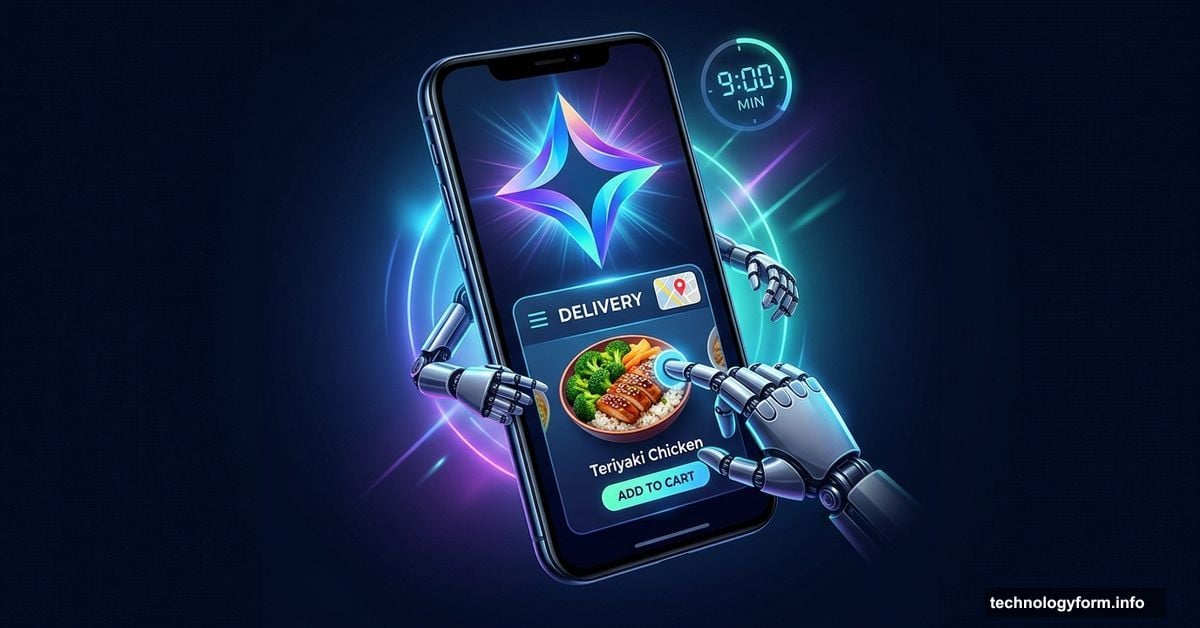
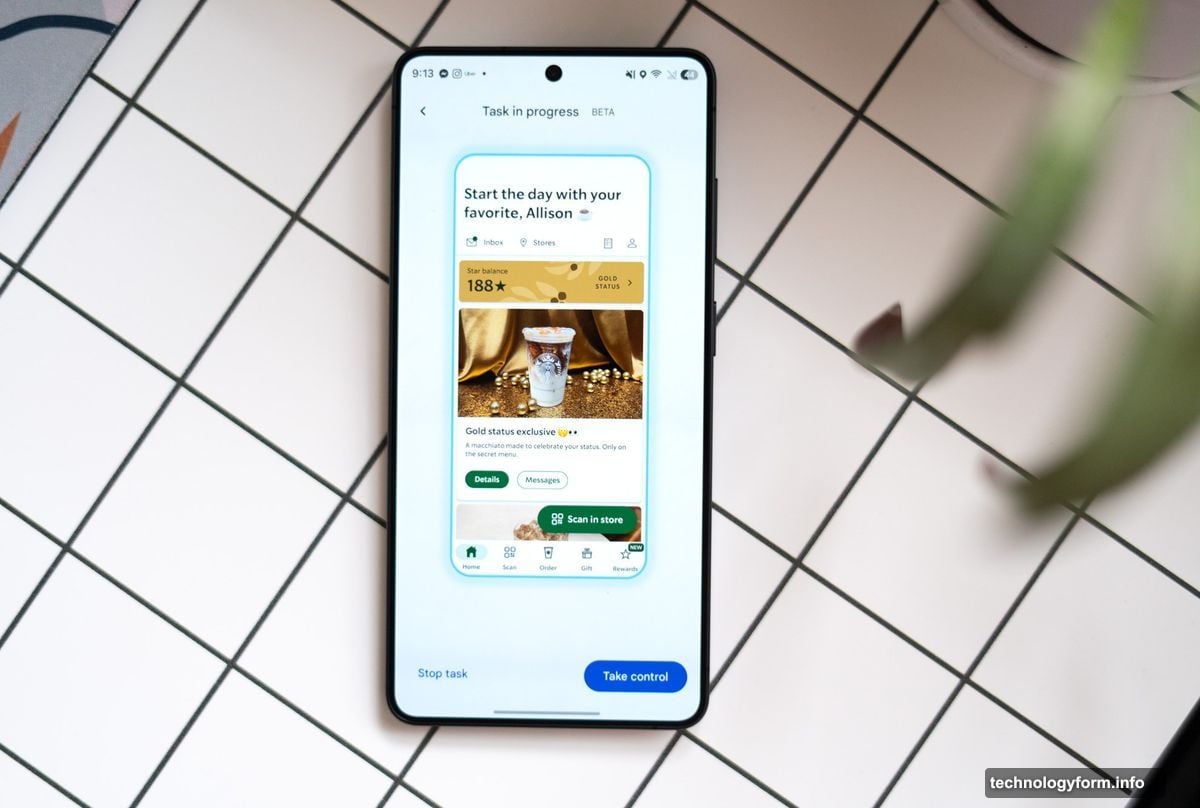
The feature runs in the background by default. You hand off a task, then go back to whatever you were doing. But you can tap into a separate window to watch Gemini work if you’re curious — and Johnson found that watching can feel like a horror movie. Knowing the answer is right there on screen while the AI scrolls past it is genuinely uncomfortable to watch.
Still, the moments where it works well are striking.
Gemini Can Reason Its Way Through Messy Menus
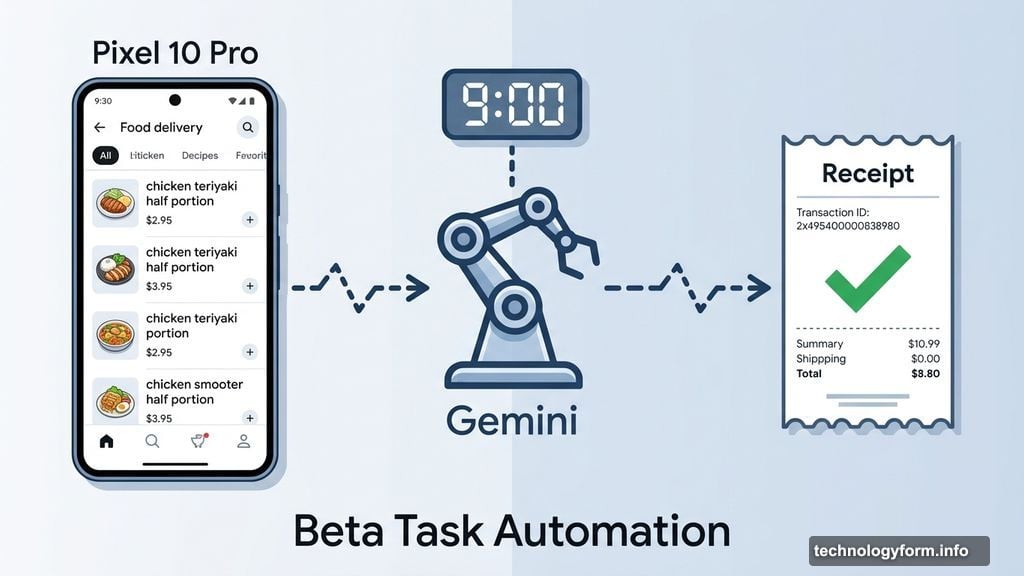
Johnson asked Gemini to order a chicken combo plate. The menu listed items in half-portion increments. Gemini correctly reasoned that two half servings of chicken teriyaki would equal one full order. Nobody told it that. It just figured it out.
That kind of flexible reasoning is exactly what separates modern AI assistants from the voice assistants we’ve used for the past decade. Old-school assistants break the moment your phrasing doesn’t match what they expect. Ask for “slaw” when the app calls it “shredded cabbage,” and you hit a wall. Ask Gemini in natural language and it can adapt.
That said, the same chicken teriyaki order took nine minutes total. Gemini stumbled a few times finding obvious menu items. It eventually sorted itself out, but it wasn’t a smooth ride.
The Calendar and Email Integration is Where It Gets Impressive
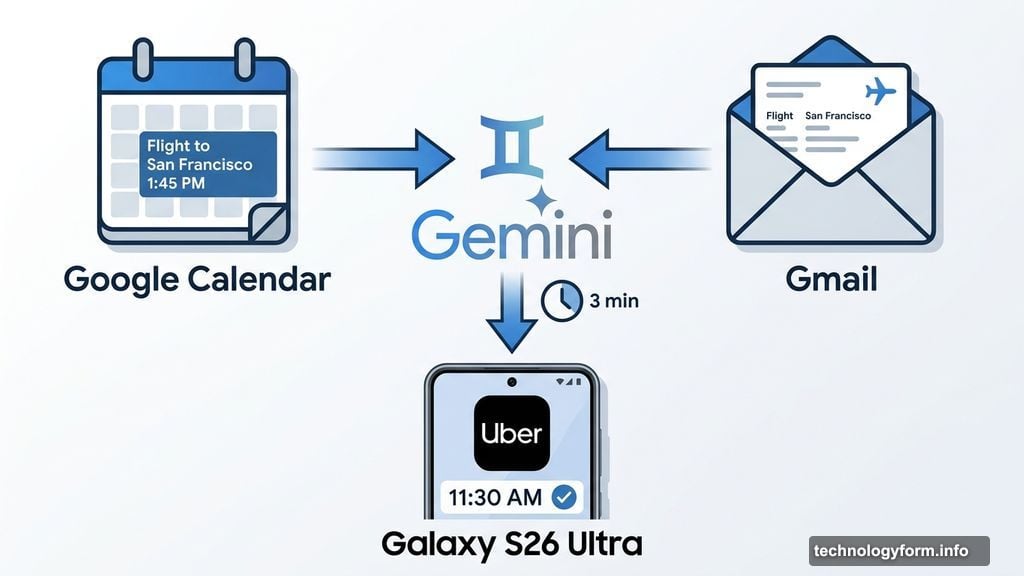
The most striking test Johnson ran had nothing to do with food. She added a fake flight to San Francisco on her calendar and gave Gemini a vague prompt: schedule an Uber to get me to the airport in time for my flight tomorrow.
Gemini accessed her email and calendar, found the flight details, suggested departure times of 11:30 or 11:45 AM for a 1:45 PM flight, and asked which she preferred. After confirming, it set up the ride in about three minutes with no further help needed.
It also navigated around a terminology trap that would trip up older assistants. Uber doesn’t let you “schedule” a ride — you “reserve” one. Gemini handled that distinction without getting confused.
When It Fails, It Usually Fails Fast
The good news about Gemini’s failures is that they tend to happen early. In Johnson’s testing, problems usually surfaced in the first minute or two. The app needed a location permission, or the delivery address was set to a previous city. Once she resolved those issues, restarting the automation worked without problems.
Gemini is also designed to stop just before confirming your order. You get to review everything before anything gets charged or submitted. That’s a sensible guardrail for a beta feature, and Johnson says in five days of testing it never went rogue and completed an order without her approval. The final orders also required very few corrections.
Apps Weren’t Built for AI. That’s the Whole Problem.
Watching Gemini navigate Uber Eats makes one thing obvious. These apps were designed for humans. Big promotional banners, enticing food photography, cluttered menus — none of that helps an AI, and all of it slows it down.
An AI assistant doesn’t care about a 30 percent discount banner. A well-staged food photo doesn’t make it more likely to add the right item to your cart. If you were designing an app specifically for AI to use, it would look completely different. You’d give it a clean database, not a visually rich interface built to appeal to human psychology.
The industry is working toward better solutions. Model Context Protocol, or MCP, and Android’s app functions are both approaches that would let AI interact with apps in cleaner, more reliable ways. Google’s head of Android, Sameer Samat, told Johnson that Gemini uses the current reasoning approach specifically because MCP and app functions aren’t widely adopted yet. The current version of task automation is essentially a workaround while developers catch up.
A Real Step Forward, Even If It’s a Slow One
Current Gemini task automation isn’t solving any urgent problem you have. If you need a ride in the next two minutes, you’re still faster than the AI. If you want to order dinner and be done in 30 seconds, do it yourself.
But that framing misses what’s actually happening here. For the first time, a real AI assistant is completing real multi-step tasks on a real phone, in real apps, without requiring you to babysit it the whole way through. It handles unexpected situations, reads context from your calendar and email, and adapts to terminology it wasn’t explicitly programmed to recognize.
It’s slow, occasionally frustrating to watch, and clearly still a work in progress. It’s also the most convincing preview of where mobile AI is actually headed that’s appeared outside of a controlled demo stage. That combination of “not ready for prime time” and “genuinely pointing somewhere exciting” is exactly what early versions of important technology tend to look like.