VSCO Just Armed Photographers With Pro-Grade AI Tools That Actually Work
VSCO isn’t messing around anymore. The photo editing app just dropped AI features that professional photographers might actually want to use.
Most AI editing tools feel like party tricks. They work okay for casual snapshots but fall apart when precision matters. VSCO’s betting it can change that equation with tools built specifically for people who care about image quality.
AI Labs: Where the Magic Happens
VSCO packed its new AI features into a tab called “AI Labs.” Think of it as their experimental workshop where serious editing tools live.
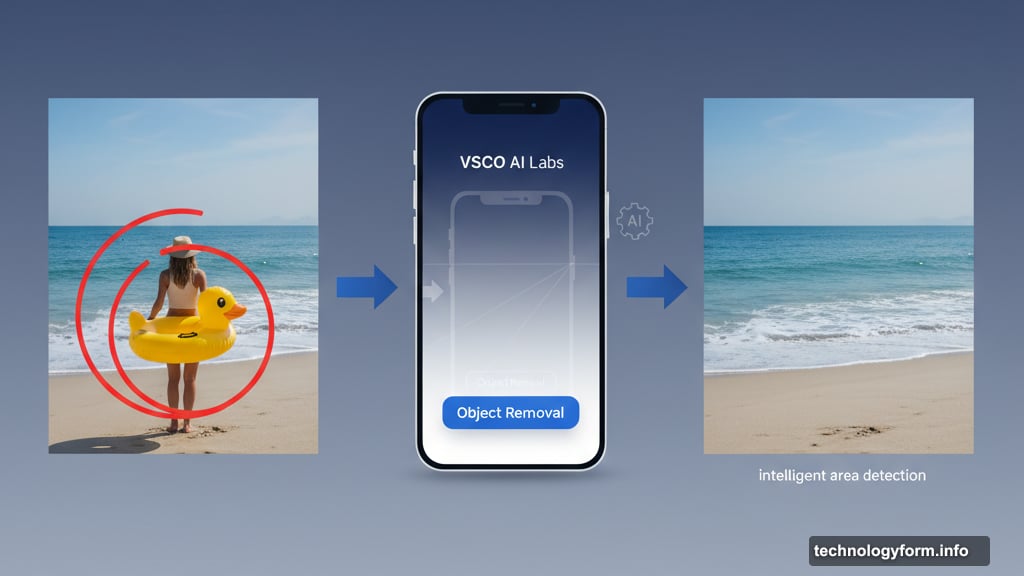
The headliner? Object removal that doesn’t leave obvious artifacts behind. You know those AI erasers that make objects disappear but leave weird blurry patches? VSCO claims theirs works differently.
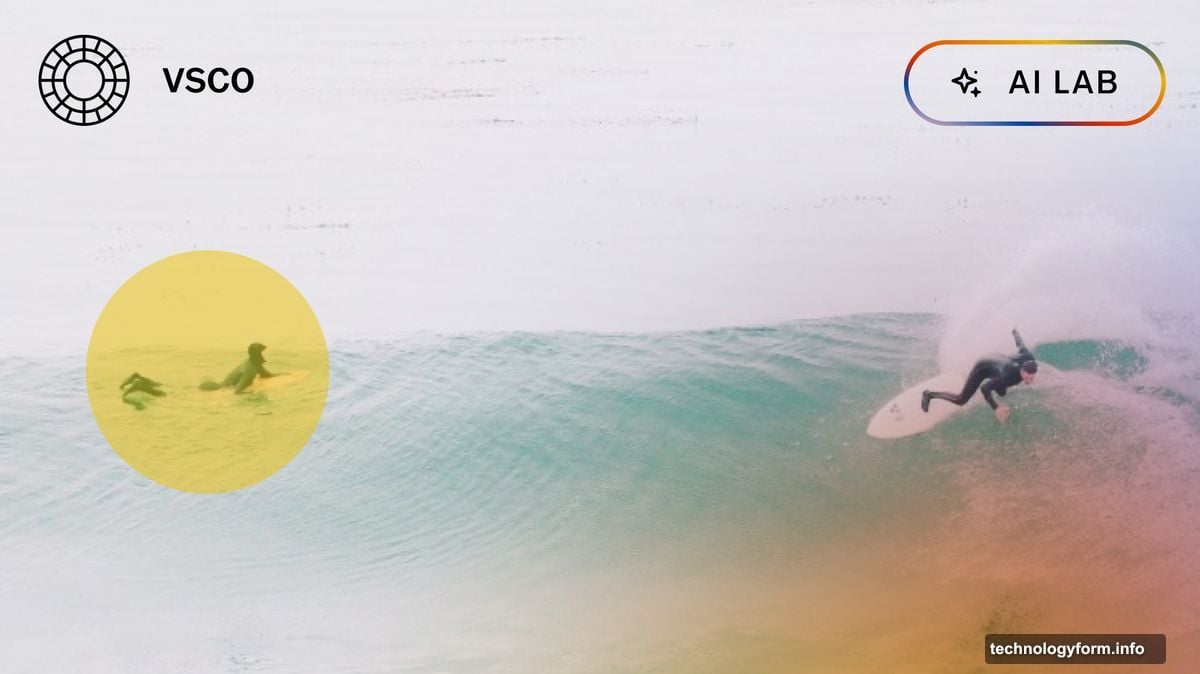
Here’s how it works. Circle or highlight any object you want gone. The app analyzes the surrounding area and fills the gap intelligently. But instead of just blurring things together, it uses “intelligent area detection” to match colors and preserve details.
Most removal tools compromise resolution or mess up color grading. VSCO says theirs maintains both. That matters when you’re working with professional projects where clients notice every pixel.
The company isn’t stopping at removal. Soon they’ll launch Upscale, an AI feature that bumps resolution and sharpens details without destroying composition. No more choosing between size and quality.
RAW File Support Changes Everything
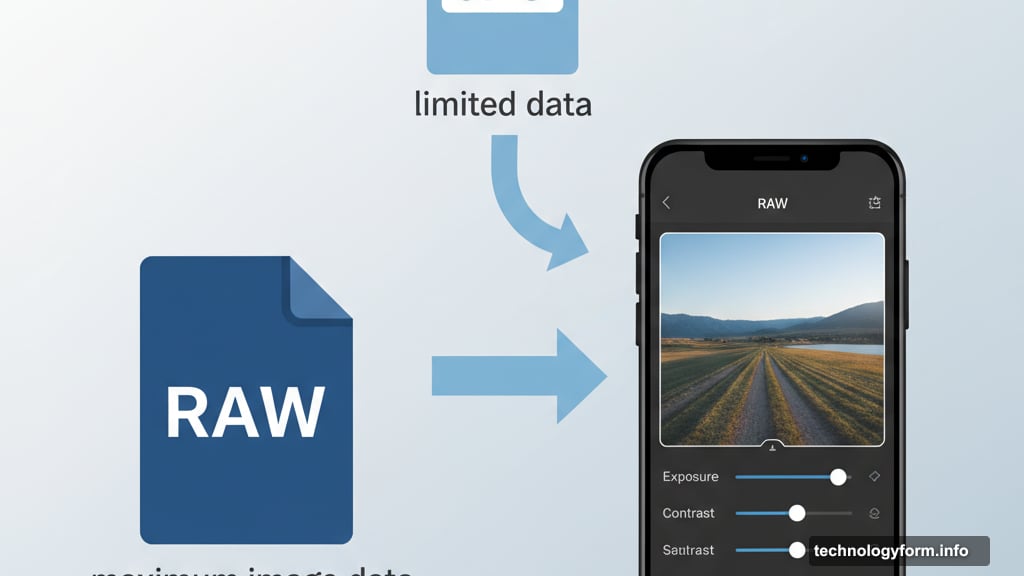
Beyond AI, VSCO added something photographers have wanted for years: proper RAW file support.
RAW files contain way more image data than JPEGs. They give you massive flexibility when editing. Professional photographers shoot RAW almost exclusively because it preserves maximum quality.
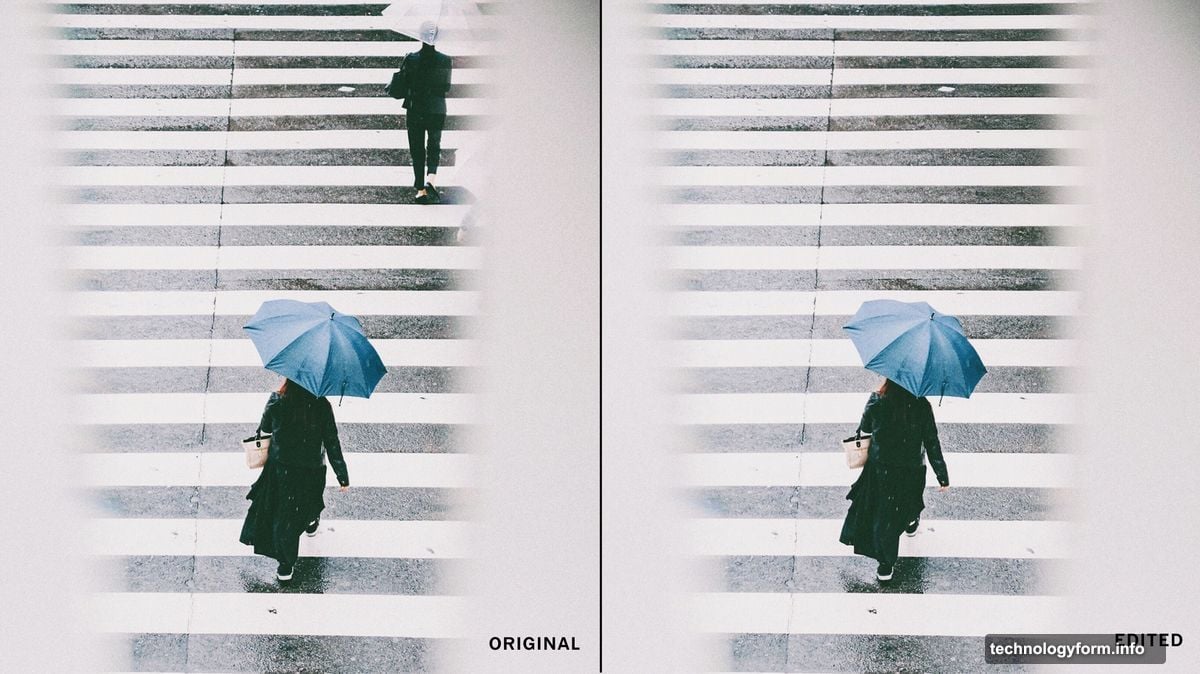
Now VSCO handles these high-resolution files natively. Plus, all edits are non-destructive. That means you can experiment freely without permanently changing your original image. Mess something up? Just revert and start over.
This combination matters. RAW support plus non-destructive editing turns VSCO into a legitimate alternative to desktop editing software. You can now do serious work entirely on your phone.
The Tech Behind the Tools
VSCO isn’t building AI from scratch. They’re using Black Forest Labs’ FLUX.1 Kontext model to power these features.
Smart move. Instead of spending years developing their own AI, they partnered with specialists. That let them launch faster with proven technology.

The AI Labs features live exclusively on VSCO’s Pro tier. That costs $12.99 monthly or $60 annually. But here’s the good part: no usage limits. Use AI removal or upscaling as many times as you want.
Compare that to competitors who charge per edit or cap monthly usage. VSCO’s unlimited approach makes more sense for working photographers who need these tools constantly.
Why This Actually Matters
Photo editing apps face a tough problem. Casual users want simple, one-tap filters. Professional photographers need precision tools. Most apps pick one audience and ignore the other.
VSCO’s trying to serve both. Keep the accessible interface and preset filters that made them popular. But add professional-grade features for people who need more control.
CEO Eric Wittman said something interesting. He emphasized VSCO wants to “support photographers in achieving creative excellence while respecting the art of their photography.” That’s code for “we won’t let AI replace your creative vision.”
Good stance. AI tools work best when they handle tedious tasks so creators can focus on artistic decisions. Object removal fits that perfectly. It’s mechanical work that takes time but requires no creativity.
The Bigger Picture
VSCO’s been quietly building a photographer ecosystem for months. They launched an AI-powered collaboration whiteboard in May. Last year they added a marketplace connecting photographers with clients. Earlier this year came Workspace for managing bookings and schedules.
Now they’ve added pro-level editing tools. See the pattern? They want to be your complete solution. Find clients, collaborate on projects, manage schedules, edit photos, deliver final work. All in one platform.
That’s ambitious. It also makes sense. Photographers currently juggle multiple apps and services. Consolidating everything into one platform could save massive time and frustration.
Should You Actually Use It?
Depends what you shoot and how you work. VSCO Studio (where these features live) only runs on iOS currently. Android photographers are out of luck for now.
The $60 annual price sits right in the middle of photo editing subscriptions. Adobe Lightroom costs more. Simple filter apps cost less. You’re paying for that middle ground between casual and professional.
Unlimited AI usage matters most if you regularly need object removal or plan to upscale images frequently. For occasional use, that might not justify the subscription cost.
But RAW support and non-destructive editing? Those features alone could be worth it for serious mobile photographers. They fundamentally change what’s possible on a phone.
VSCO’s betting that professional photographers want powerful mobile tools that respect their craft instead of replacing it. Based on these features, they might be right.