ChatGPT Just Landed in Your Car, But Siri Still Has Some Tricks Up Its Sleeve
Voice assistants in the car just got a whole lot more interesting. OpenAI quietly rolled out ChatGPT’s Voice mode for Apple CarPlay, and the release caught a lot of people off guard.
If you spend time commuting and love chatting with AI, this one’s worth knowing about. But before you get too excited, there are a few real-world limits that are worth understanding upfront.
ChatGPT Voice Mode Hits CarPlay
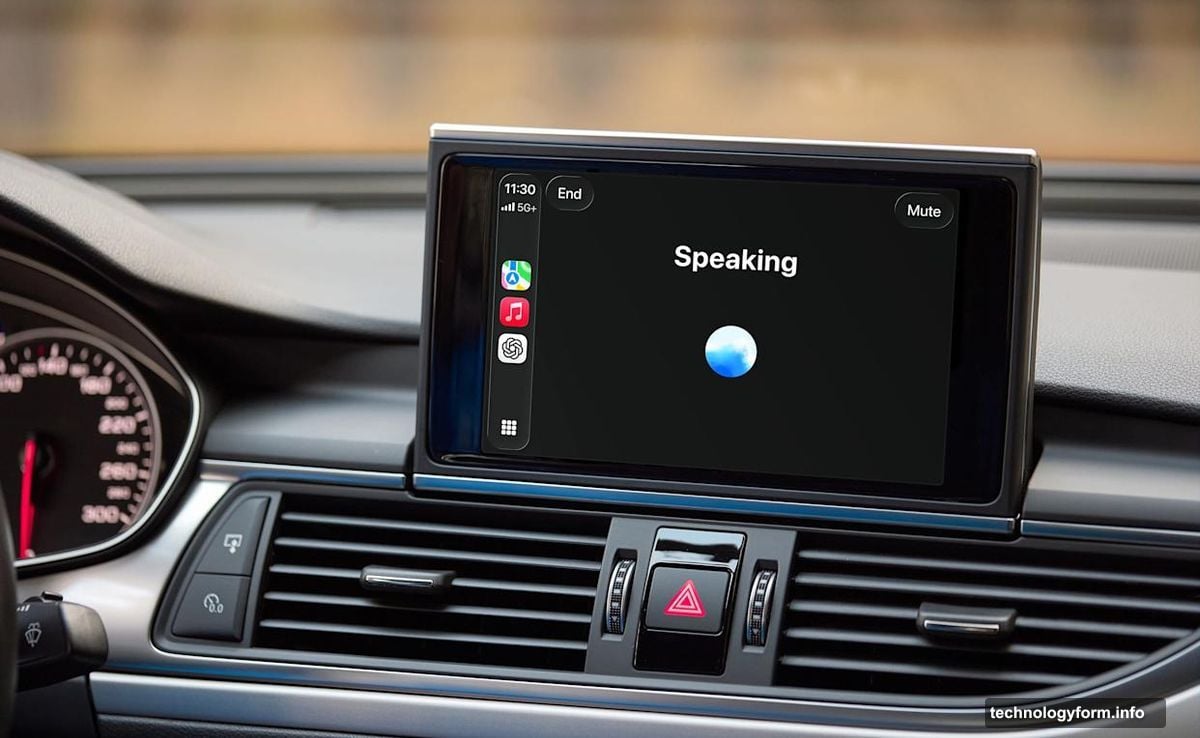
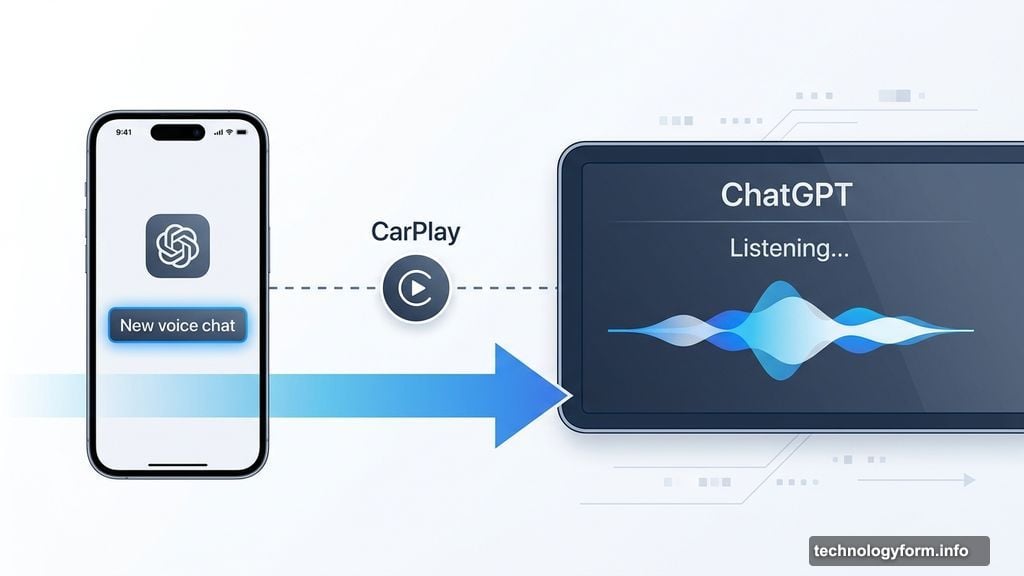
Getting started is pretty straightforward. You’ll need the latest version of iOS, the updated ChatGPT app, and a CarPlay-compatible vehicle. Once everything is updated and your iPhone is connected, just open ChatGPT from your CarPlay screen and tap “New voice chat.”
When the app shows it’s “listening,” you’re good to go. From there, you can have a full back-and-forth conversation just like you would on your phone.
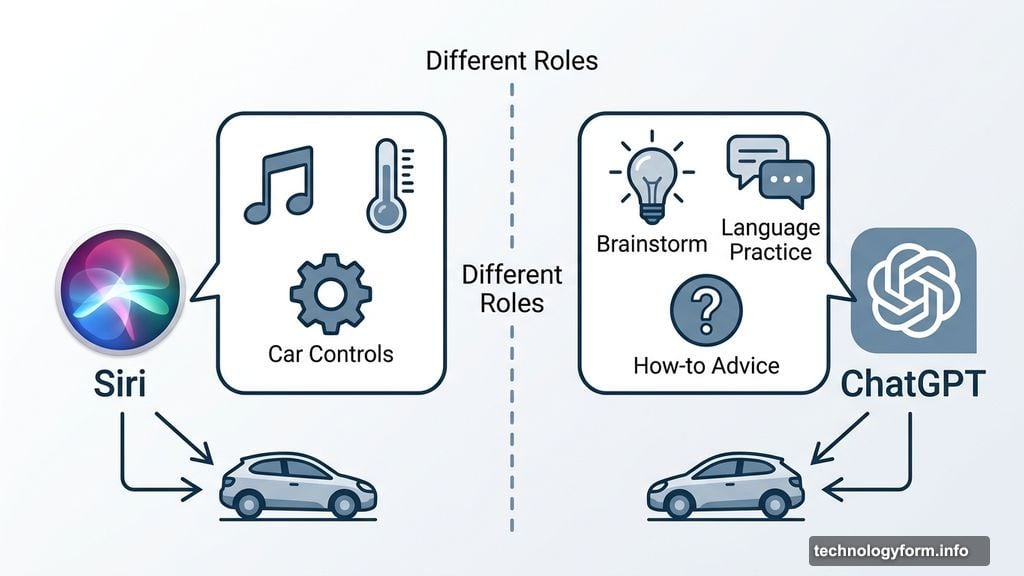
So what can you actually do with it? OpenAI suggests things like getting how-to advice, brainstorming ideas on the go, or even practicing a new language during your commute. For anyone who uses long drives as thinking time, that’s genuinely useful.
CarPlay Integration Has Real Limits
Here’s where things get a little tricky. ChatGPT can’t control your car’s functions. Want to crank the heat or skip a song? You’ll still need Siri for that. The two assistants handle very different jobs right now, and that’s not changing anytime soon.
Also, don’t expect to wake ChatGPT with your voice alone. Apple’s CarPlay restrictions mean there’s no “Hey ChatGPT” moment. Instead, you have to open the app manually and tap your way into a conversation. That’s a bit clunky compared to how Siri works natively.
Resuming an old chat isn’t totally seamless either. You’ll need to navigate into the ChatGPT app from CarPlay and select a recent or pinned conversation. It’s a couple of extra taps, which feels a little awkward when you’re already on the road.
Is This Worth Getting Excited About?
Honestly, it depends on how you spend your drive time. If your commute usually involves podcasts or music, ChatGPT in the car might not change much for you. But if you’re already a heavy ChatGPT user and like talking through problems out loud, having it right there on your dashboard is a genuinely nice addition.
The bigger picture here is that AI voice assistants are clearly pushing their way into more parts of daily life. CarPlay has traditionally been Siri’s territory. Seeing ChatGPT move in, even with limitations, signals that the competition for your car’s screen is just getting started.
For now, think of this as a first step rather than a finished product. The restrictions are real, but the foundation is there. And as Apple loosens CarPlay controls over time, it’s easy to imagine ChatGPT becoming a much more capable co-pilot.