
Chrome Extensions Stole ChatGPT Chats From 900,000 Users. Google Featured Them
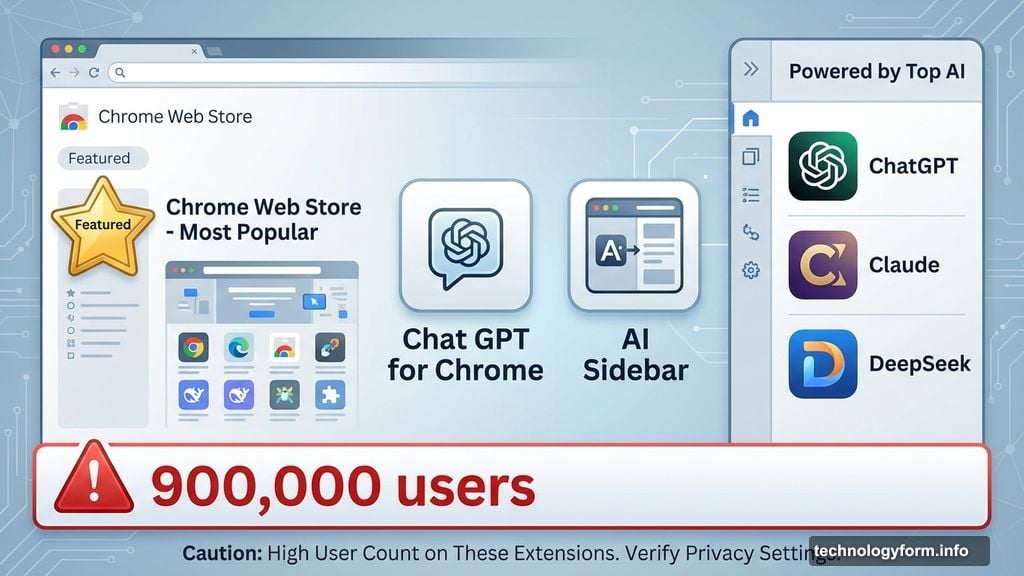
Two Chrome extensions with Google’s “Featured” badge just got caught stealing AI conversations. Over 900,000 people installed these plugins thinking they were safe. They weren’t.
Security researchers at OX Security discovered malware hiding inside extensions that promised to make ChatGPT more convenient. Instead, they silently copied every chat you had with AI assistants. Plus, they tracked your browsing activity and sent everything to unknown servers every 30 minutes.
Here’s the worst part: one extension carried Google’s official “Featured” badge—a label that’s supposed to mean Google verified it as trustworthy.
The Extensions That Betrayed Users
Two plugins carried out this data theft campaign:
Chat GPT for Chrome with GPT-5, Claude Sonnet & DeepSeek AI grabbed over 600,000 installations. It displayed Google’s Featured badge prominently. Most users assumed that badge meant Google had vetted the extension thoroughly.
AI Sidebar with Deepseek, ChatGPT, Claude, and more collected another 300,000 victims. Same malicious code. Same data exfiltration pattern. Just a different name.
Both extensions actually worked as advertised. They added a sidebar that let you chat with multiple AI assistants from any webpage. That legitimate functionality provided perfect cover for the spyware running silently in the background.
What Data Got Stolen
The malware specifically targeted your AI conversations. Every message you sent to ChatGPT, DeepSeek, or Claude got copied and transmitted to attacker-controlled servers.
Think about what you ask AI assistants. Code snippets containing proprietary algorithms. Customer information you’re trying to analyze. Personal details about your health concerns. Financial questions about your business strategy. All of that potentially compromised.
Moreover, the extensions tracked your browsing activity. They monitored which websites you visited, how long you stayed, and what you clicked. So attackers built detailed profiles of each victim’s online behavior.
OX researchers warned that this stolen data creates serious risks. Corporate espionage becomes trivial when attackers read your development discussions. Identity theft gets easier with access to personal information scattered across AI chats. Targeted phishing campaigns become devastatingly effective when criminals know exactly what you care about.
Google’s Featured Badge Failed
Google’s Featured badge supposedly signals safety and quality. Extensions earn this designation after Google reviews their code and confirms they meet security standards.
Yet one of these malicious extensions carried that exact badge. So either Google’s review process missed obvious spyware, or the developers added malicious code after receiving approval.
OX Security contacted Google about their findings on December 30th. As of publication, both extensions remain live in the Chrome Web Store. Google’s security team continues reviewing the issue. Meanwhile, hundreds of thousands of users still have active spyware installed.
This isn’t the first Featured badge failure either. Previously, researchers discovered another Chrome extension with six million users, a 4.7-star rating, and Google’s Featured badge actively stealing AI conversations. The pattern suggests systemic problems with how Google vets extensions.
The Real Scope Nobody Knows
How long were these extensions stealing data? We don’t know. The researchers discovered them recently, but malicious code could have been present for months.
Where did the stolen data go? The extensions sent information to attacker-controlled servers, but investigators haven’t identified who operates them or what they’re doing with nearly a million users’ AI conversations.
What about other extensions? If two malicious plugins can accumulate 900,000 combined users while carrying Featured badges, how many more exist that researchers haven’t found yet?

These questions matter because most people trust Chrome extensions implicitly. You click install, grant permissions, and forget about them. But extensions run with significant access to your browsing data. That trust creates massive opportunity for abuse.
What You Should Do Now
First, remove both malicious extensions immediately if you installed them. Open Chrome, go to Settings > Extensions, and delete “Chat GPT for Chrome with GPT-5, Claude Sonnet & DeepSeek AI” and “AI Sidebar with Deepseek, ChatGPT, Claude, and more.”
Second, review all your installed extensions. Ask yourself: Do I really need each one? When did I last use it? What permissions did I grant? Remove anything you don’t actively use.
Third, stop trusting badges and ratings blindly. Even Google’s Featured designation offers no guarantee of safety, as this incident proves. Research extensions before installing them. Read recent reviews carefully. Check the developer’s reputation.
Extensions Remain a Weak Point
Chrome extensions give developers remarkable power over your browsing experience. They can read every webpage you visit. They can modify page content. They can intercept data you enter into forms. All while running invisibly in the background.
Browser makers try to limit these permissions through consent prompts. But users click “Allow” without reading what they’re allowing. The convenience of extensions outweighs security concerns for most people.
So malicious developers exploit this trust. They build legitimately useful tools that also happen to steal your data. Users get the advertised features, so they never suspect anything’s wrong. Meanwhile, every conversation and click gets recorded.
The Featured badge was supposed to solve this problem. It failed spectacularly. Until browser makers fix their vetting processes, installing any extension carries risk—no matter how many stars it has or what badges it displays.
Your AI conversations probably contain information you wouldn’t share publicly. Make sure you’re not accidentally sharing them with criminals through compromised extensions.