AI Browsers Promise One-Click Answers. But Who Pays the Price?
AI browsers want to do your thinking for you. Ask a question. Get an instant answer. Skip the 20-tab nightmare.
Sounds great. But these tools fundamentally change how the web works. Plus, they introduce security risks most people haven’t considered yet. Before jumping in, you need to understand what you’re actually trading away.
The Old Way Just Stopped Working
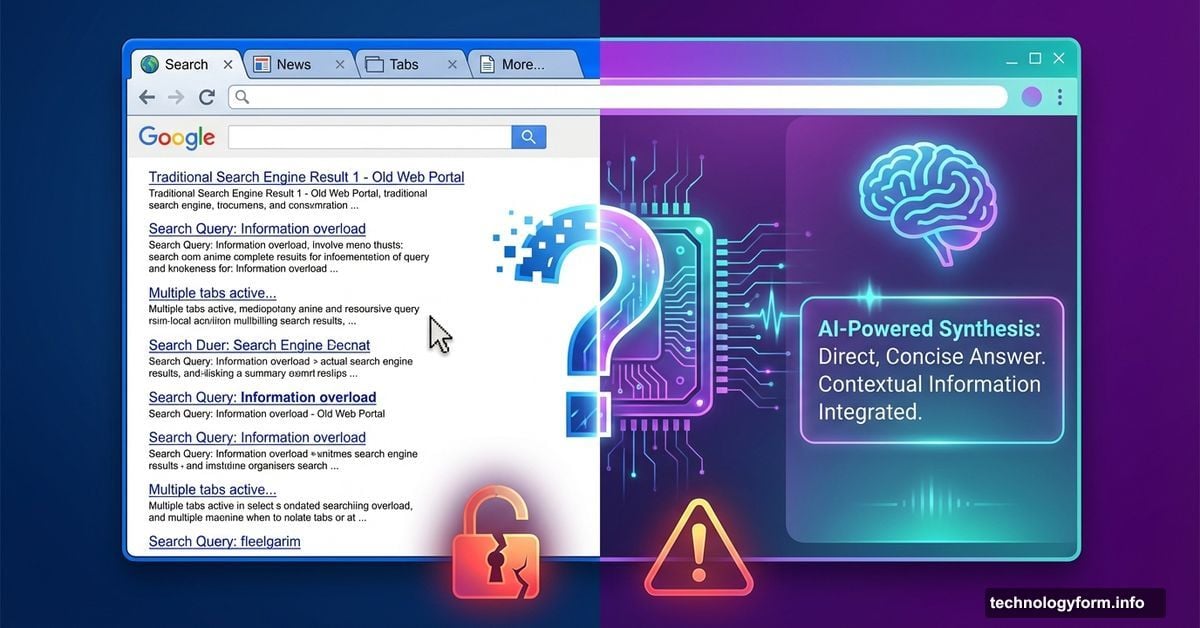
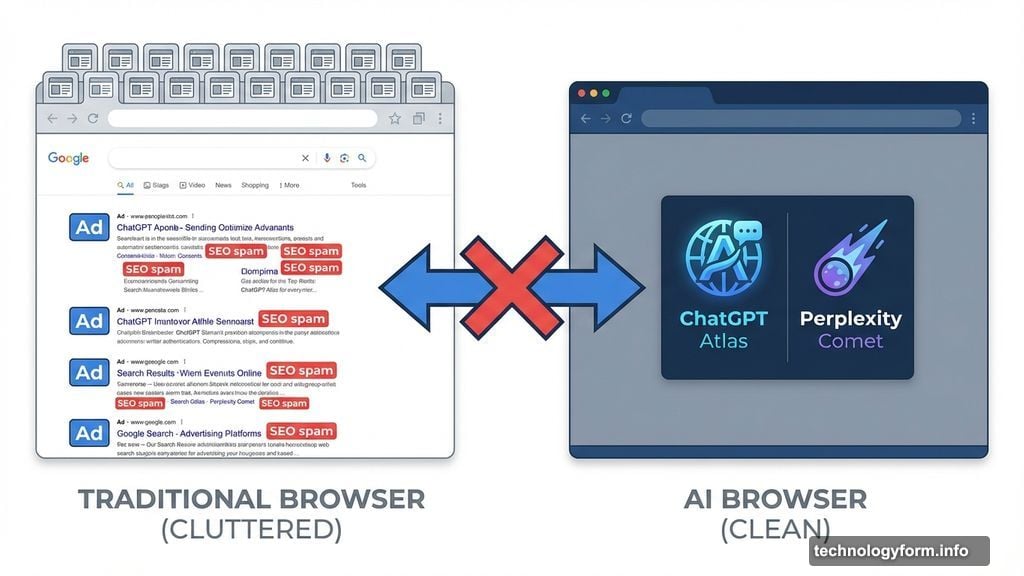
Traditional browsing hit a wall. You type a question into Google. Get buried in SEO spam and ad-stuffed pages. Open 15 tabs hoping one actually answers your question.
AI browsers take a different approach. They understand what you mean, not just what you typed. Ask a vague question and still get useful results. That’s semantic search in action.
But here’s the catch. These tools don’t just show you the web anymore. They read it for you, summarize it, and decide what matters. So you’re trusting an algorithm to filter reality.
How AI Browsers Actually Work
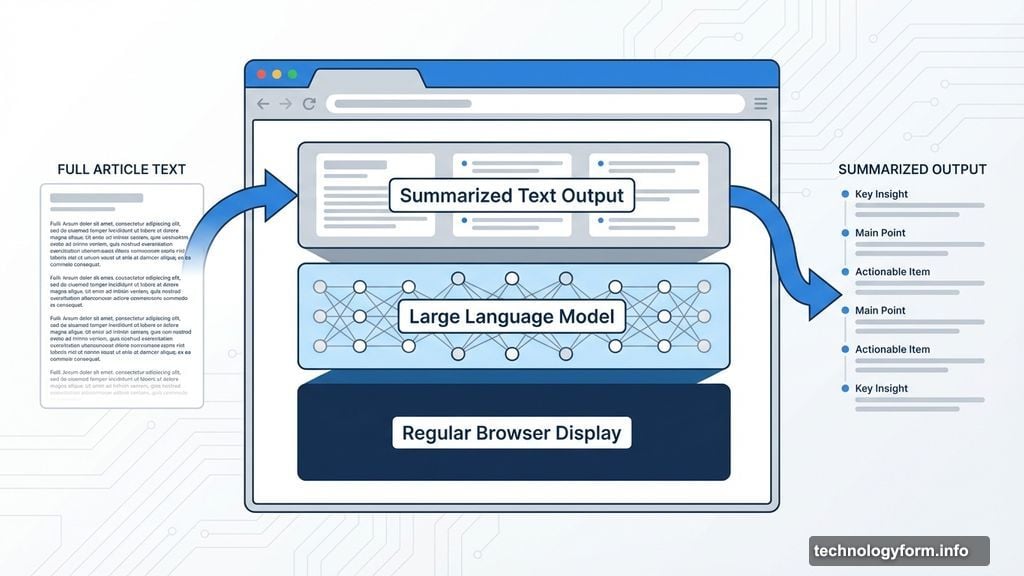
Regular browsers display webpages. AI browsers interpret them.
Large language models sit inside the browser itself. They read pages, follow links, and synthesize information based on your request. Some summarize articles or videos. Others organize research into folders automatically. A few can even cross-check claims across multiple sources.
The more advanced ones go further. They can fill out forms, send emails, compare prices, and complete purchases. That’s called agentic AI, and it’s where things get interesting and risky at the same time.
Most AI browsers show a live progress window. You can pause or take back control anytime. But the question remains: Should you trust them to act on your behalf in the first place?
The Main Players Fighting for Your Clicks
ChatGPT Atlas puts OpenAI’s chatbot directly into browsing. It remembers past conversations and browsing context across sessions through Browser Memories. Currently available only on MacOS, with Windows, iOS and Android versions coming soon.
Perplexity’s Comet takes a different angle. It can read pages, follow links, and handle comparison shopping. Deep Citation links specific claims back to original sources, making verification easier.
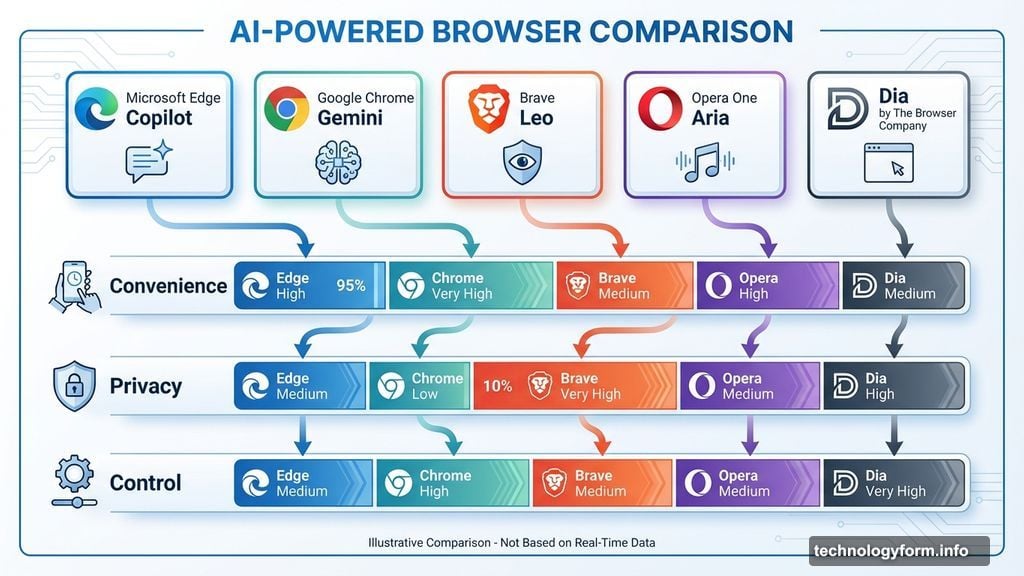
Microsoft Edge integrated Copilot as a sidebar assistant. Google Chrome added Gemini-powered features for summaries and writing help. Both enhance traditional browsing rather than replacing it.
Brave built Leo, an AI assistant focused on privacy. Opera One includes Aria for answering questions while browsing. Dia by The Browser Company ditches tabs entirely for a chat-style interface.
Each tool makes different tradeoffs between convenience, privacy, and control. None of them are perfect yet.
Privacy Died When AI Started Reading Over Your Shoulder
Here’s what nobody wants to admit. AI browsers are security nightmares waiting to happen.
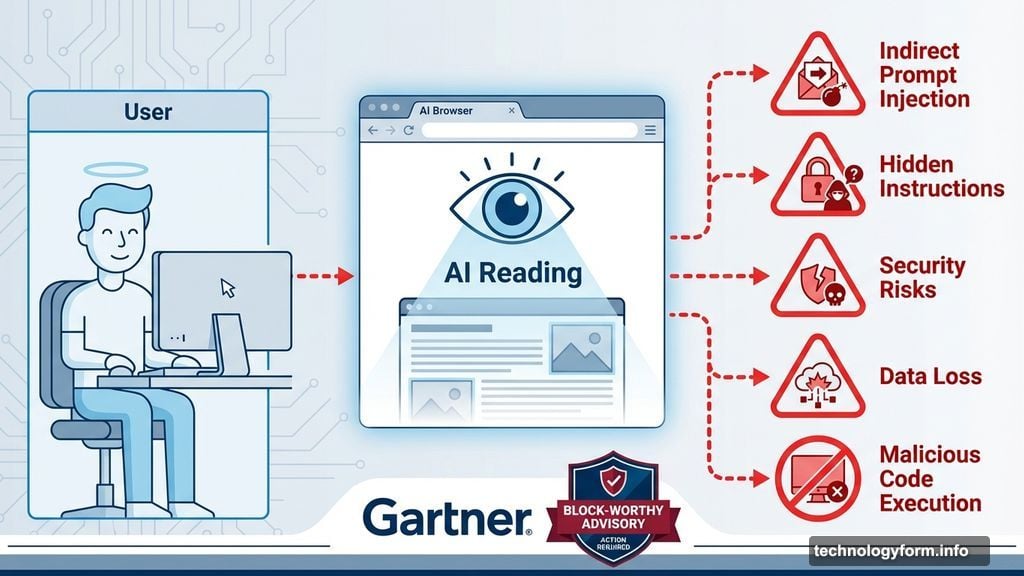
Gartner issued a “block-worthy” advisory flagging five major risks. First is indirect prompt injection, where hidden instructions on webpages trick AI agents into unauthorized actions. Second is irreversible data leakage when sensitive session data gets sent to cloud-based AI systems.
Third is erroneous agentic transactions. AI hallucinations could lead to incorrect bookings or purchases. Fourth is credential abuse, where agents hand over passwords to phishing sites. Fifth is security training evasion, where employees use automation to skip compliance training.
Dennis Xu, VP analyst at Gartner, told me the concern isn’t just one risk. It’s the combined impact of all five that led to their advisory. Plus, prompt injection attacks against AI browsers aren’t solvable yet. LLMs remain vulnerable to jailbreak attacks.
Individual consumers make different risk calculations than enterprises. You might favor convenience over privacy. But that doesn’t make the risks disappear.
Hallucinations Break the Trust Model
AI browsers trade accuracy for speed. That’s a terrible bargain when you need reliable information.
If an AI misinterprets a source or fabricates statistics while summarizing, you might never know. You never visited the original page to verify. Or the summary might strip out crucial context when everything gets condensed.
Traditional search had problems. But at least you could see the sources and judge credibility yourself. AI browsers put a black box between you and information.
The Web’s Economic Model Just Collapsed
Websites provided free content in exchange for traffic. They monetized through ads or subscriptions. That implicit deal powered the internet for decades.
AI browsers just killed it. Here’s why.
AI-driven search traffic jumped 527% in 2025, according to Semrush. It could overtake traditional search by 2028. Zero-click searches already account for 34-43% of standard queries. But that figure jumps to 93% in AI Mode.
The result? A reported 33% drop in organic traffic for most websites. When an AI browser reads five articles and delivers the answer directly without you clicking through, nobody gets paid. Content creators lose traffic. Ad revenue disappears. Subscription models break down.
Who creates quality content when there’s no economic incentive? Nobody sustainable, that’s who.
Should You Actually Use These Tools?
Depends on what you value. AI browsers work well for research-heavy tasks, frequent reading, or staying organized. They cut through clutter and save time.
But if you prefer reading source material directly or verifying information yourself, these tools feel like too much hand-holding. I still prefer juggling dozens of tabs and checking sources manually. That’s slower but more reliable.
The best approach? Mix them strategically. Use Google for complex searches you can fact-check. Use ChatGPT or Perplexity for quick summaries. Use an AI browser to pull everything together when you need speed over absolute accuracy.
Five years from now, most people will browse with some kind of AI co-pilot. But that doesn’t mean you should trust it blindly. Question the summaries. Check the sources when it matters. Take back control when the stakes are high.
AI browsers aren’t going away. But neither should your skepticism about letting algorithms decide what information you see.