
Chrome’s New Skills Feature Saves Your Best AI Prompts for One-Click Use
Ever catch yourself typing the same AI prompt for the fifth time this week? Maybe you’re constantly asking Gemini to summarize meeting notes or pull out action items from a long document. It’s one of those small annoyances that adds up fast.
Google just solved that problem. Starting this week, Chrome is rolling out a new feature called Skills that lets you save your favorite AI prompts and rerun them with a single click. No more retyping. No more hoping you phrased it the same way as last time.
Save and Reuse Your Custom AI Prompts
Setting up a Skill is pretty straightforward. You save your most-used prompts directly in your Gemini chat history inside Chrome. Then, whenever you need to run that prompt again, just type a forward slash (/) or tap the plus sign (+) button. Your saved Skill pops up and runs immediately.
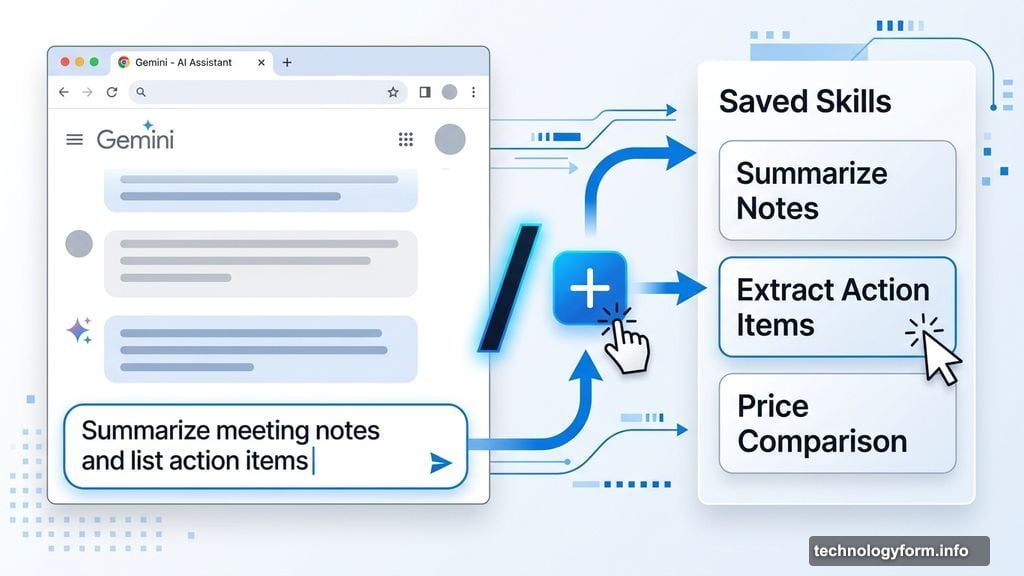
Want to tweak a Skill later? No problem. The Gemini interface lets you edit any saved prompt or build new ones from scratch. So as your workflow evolves, your Skills can evolve with it too.
Skills in Chrome is available right now to anyone who has their Chrome language set to English-US.
Not Sure Where to Start? There’s a Ready-Made Library
Building your own prompts from scratch can feel daunting if you’re newer to AI tools. Google thought of that too. Alongside the custom Skills feature, Chrome is launching a pre-built library of the most common AI tasks people use every day.
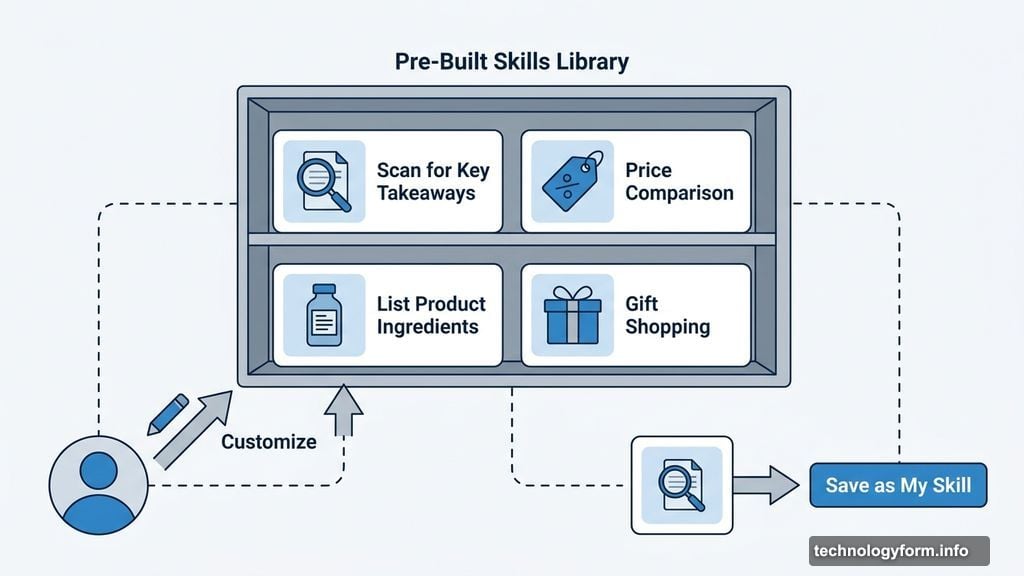
Some of the ready-to-use Skills include listing a product’s ingredients, generating side-by-side price comparisons for gift shopping, and scanning long documents for key takeaways. These cover a solid range of everyday tasks that most people actually need.
And if a pre-made Skill is close but not quite right, you can customize it to fit your specific needs before saving it. Think of it as a starting point rather than a rigid template.
Privacy and Safety Are Still in the Picture
Naturally, any feature that automates tasks on your behalf raises some questions about control. Google addressed this directly. Skills in Chrome uses the same safety and privacy protections already built into Gemini prompts.
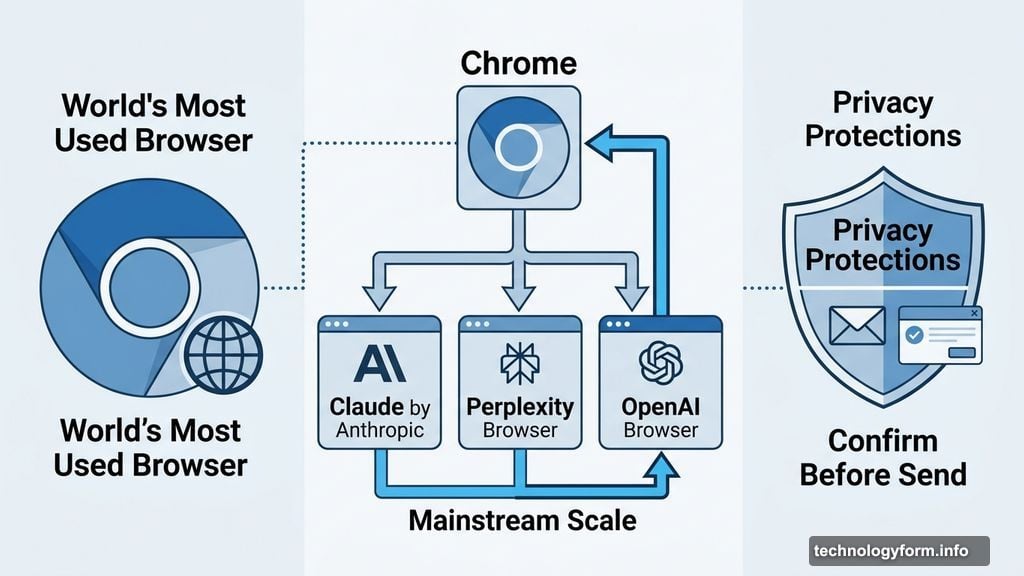
For anything more sensitive, like sending an email, Chrome will ask you to confirm before executing the task. So you always have the final say. Nothing runs quietly in the background without your knowledge.
Google Isn’t the First, But Chrome’s Scale Matters
It’s worth noting that Google isn’t pioneering this concept entirely. Anthropic’s Claude already has its own Skills-style functionality, and both Perplexity and OpenAI have built browsers designed to handle task automation too.
But Chrome is the world’s most widely used browser by a significant margin. Bringing this kind of one-click AI workflow capability to Chrome means it becomes accessible to a massive audience who might not be using dedicated AI browsers or tools.
For anyone already living inside Chrome and using Gemini throughout their day, Skills feels like a natural next step. It takes something you were probably already doing manually and makes it effortless. That’s the kind of small improvement that genuinely changes how you work over time.