Google’s Gemini Just Killed Manual Slide Decks
Creating presentations takes forever. You gather research, organize thoughts, design slides, and hunt for images. Then you realize the whole thing looks terrible.
Google just fixed that problem. Gemini can now generate complete presentations automatically through its Canvas workspace. Plus, it works for both personal accounts and business Workspace users.
This changes how students and employees approach presentation creation. No more starting from blank slides or wrestling with templates.
How the New Feature Actually Works
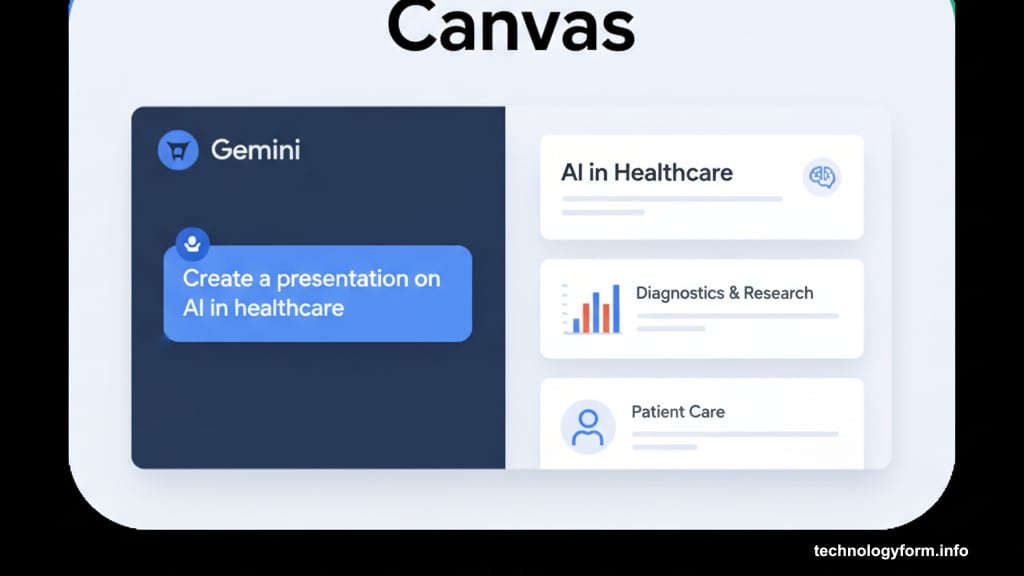
Gemini’s presentation generator lives inside Canvas, the interactive workspace Google launched back in March. The tool creates full slide decks from simple prompts or uploaded files.
Want a presentation on a specific topic? Just type what you need. For example, “Create a presentation about cloud migration strategies for small businesses.” Gemini generates slides complete with text, themes, and relevant images.
But here’s where it gets interesting. You can also upload source materials first. Drop in a research paper, spreadsheet, or document. Then ask Gemini to build a presentation based on that specific content. The AI analyzes your source material and transforms it into structured slides.
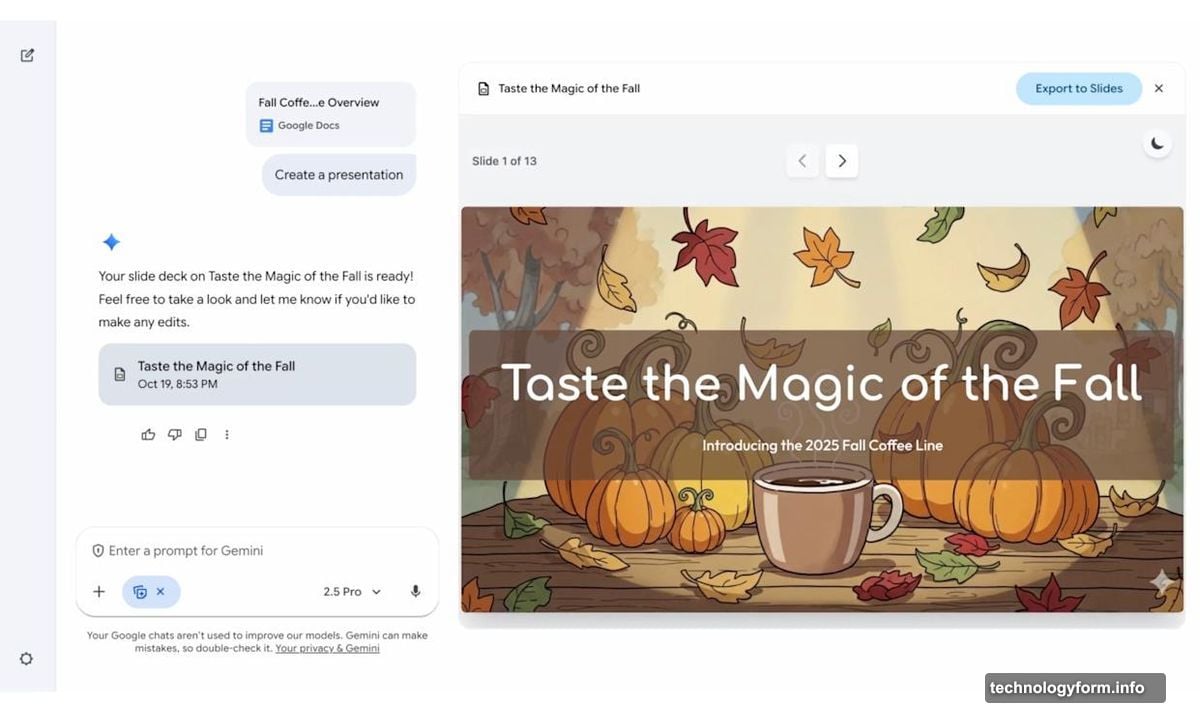
The resulting decks aren’t just text dumps either. Gemini applies visual themes automatically and selects appropriate images for each slide. So you get something that actually looks professional right out of the gate.
Canvas Makes Collaboration Simple
Canvas launched in March as Google’s answer to collaborative AI workspaces. It’s designed for sharing writing or code with Gemini for real-time editing and refinement.
The workspace shows visual representations of your projects. That means if you’re building an app, web page, or infographic through prompts, Canvas displays how your design looks as Gemini works.
Now presentations join that lineup. Once Gemini generates your deck, you can export it directly to Google Slides. From there, normal editing tools take over. You can refine text, adjust layouts, or collaborate with teammates just like any other Slides presentation.
This integration matters because it bridges AI generation with traditional editing. You’re not stuck with whatever the AI creates. Instead, you get a solid starting point that saves hours of initial work.
Who Benefits Most From This
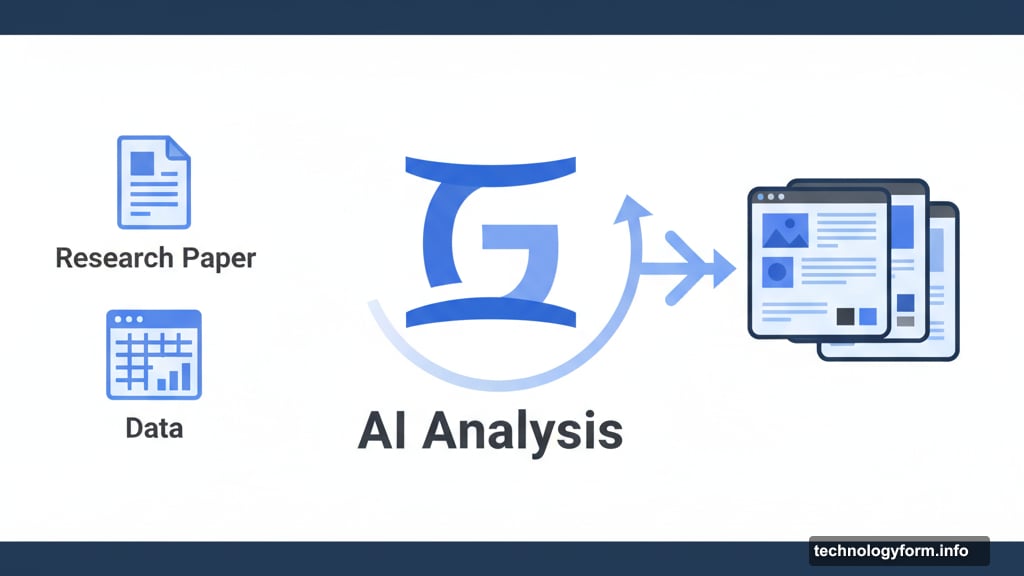
Students writing research presentations gain obvious advantages. Upload your paper, get instant slides summarizing key points. Then customize as needed for your actual presentation.
Business teams preparing pitch decks can move faster too. Marketing presentations, quarterly reviews, training materials—all start with AI-generated frameworks instead of blank templates.
Remote workers especially benefit from the collaboration angle. Generate a deck, share it in Slides, and let team members contribute from anywhere. The AI handles the tedious setup work while humans focus on refinement and delivery.
But there’s a catch. The feature works best when you know what you want. Vague prompts produce generic results. Specific instructions with clear source materials create genuinely useful presentations.
The Bigger Picture on AI Productivity Tools
Google’s move fits a broader pattern. AI companies are racing to automate knowledge work tasks that traditionally consume hours of employee time.
Microsoft already integrated similar capabilities into Copilot for PowerPoint. Anthropic’s Claude can analyze documents and suggest presentation structures. The competition is heating up.
Yet Gemini’s approach stands out for its tight integration with Google Workspace. Most professionals already use Slides. So generating presentations directly in their existing workflow removes friction.
The real test comes in daily use. Does this actually save time? Or does refining AI-generated slides take as long as building from scratch? Early adopters will determine whether this becomes essential or just another underused feature.
What You Should Try First
Start with a simple test. Take any document you’ve written recently and upload it to Gemini Canvas. Ask for a presentation based on that content. See what happens.
Pay attention to how well the AI captures your main points versus just summarizing randomly. Check whether the images actually relate to your content or just fill space generically.
Then export to Slides and gauge how much editing you need. If you’re spending 30 minutes refining instead of 2 hours building, the tool delivers value. If you’re essentially rebuilding everything, maybe skip it.
The feature is rolling out now to both personal Gemini accounts and Workspace users. No extra subscription needed beyond your existing Google access. So the barrier to testing is low.
Just remember that AI-generated presentations work best as starting points, not finished products. Your expertise still matters for the final result. The tool just handles the grunt work of getting something on screen.