OpenAI’s New Browser Won’t Replace Chrome. Here’s Why
OpenAI just dropped ChatGPT Atlas, an AI-powered browser that promises to revolutionize how we navigate the web. So naturally, everyone’s asking: Should I ditch Chrome?
The short answer? Probably not.
TechCrunch’s Equity podcast crew—Anthony Ha, Max Zeff, and Sean O’Kane—dug into this question. And their collective verdict reveals why AI browsers face an uphill battle against entrenched giants.
The Browser Graveyard Is Already Crowded
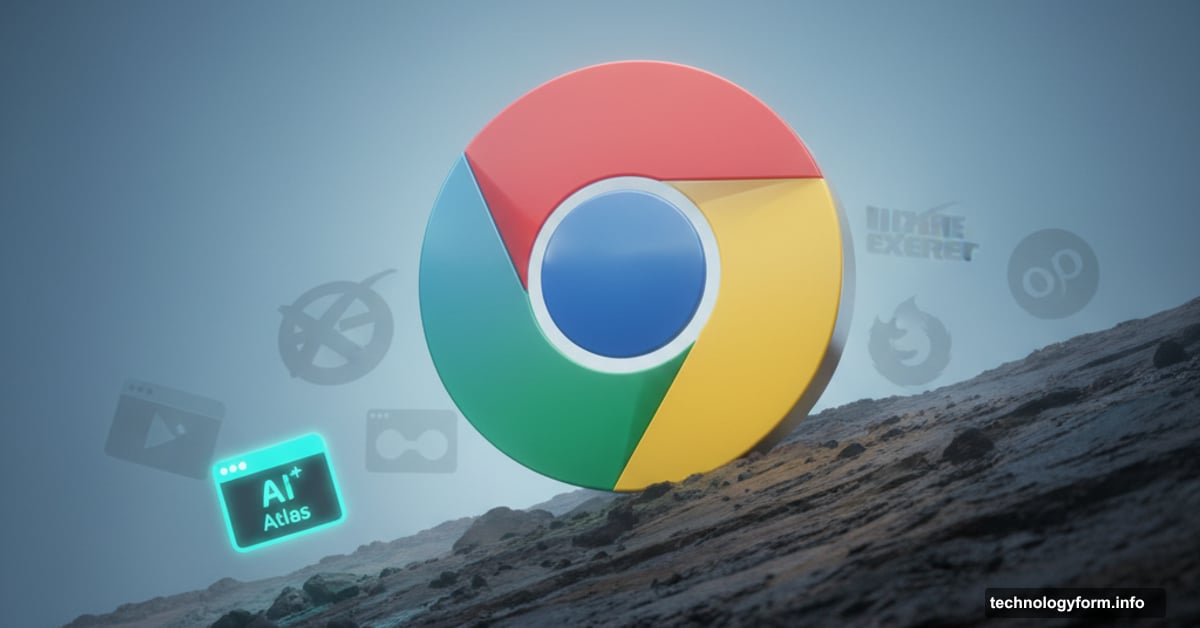
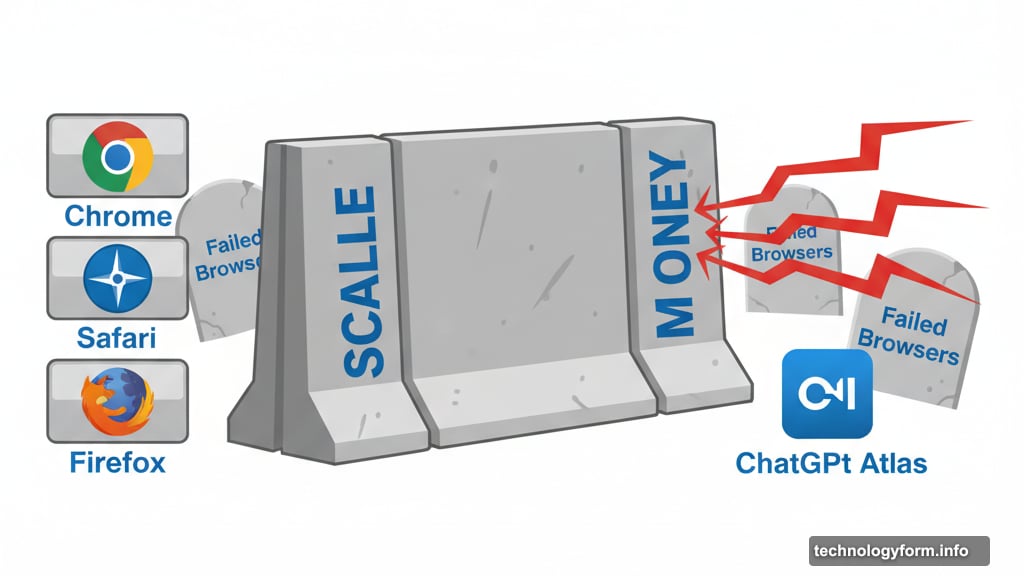
Sean pointed out something crucial. Many companies have tried to challenge Safari, Chrome, and Firefox. Most failed spectacularly.
Why? Browsers can’t make money on their own. You need massive scale or deep pockets to sustain development. That’s why we’ve seen promising alternatives fade away over the years.
OpenAI has one advantage though. They’re flush with cash from increasingly massive funding rounds. So they can afford to lose money on Atlas indefinitely. But financial runway doesn’t automatically translate to user adoption.
The Efficiency Gains Are Marginal at Best
Max actually tested Atlas and other AI browsers like Comet. His verdict? The promised productivity boost is “slight at best.”
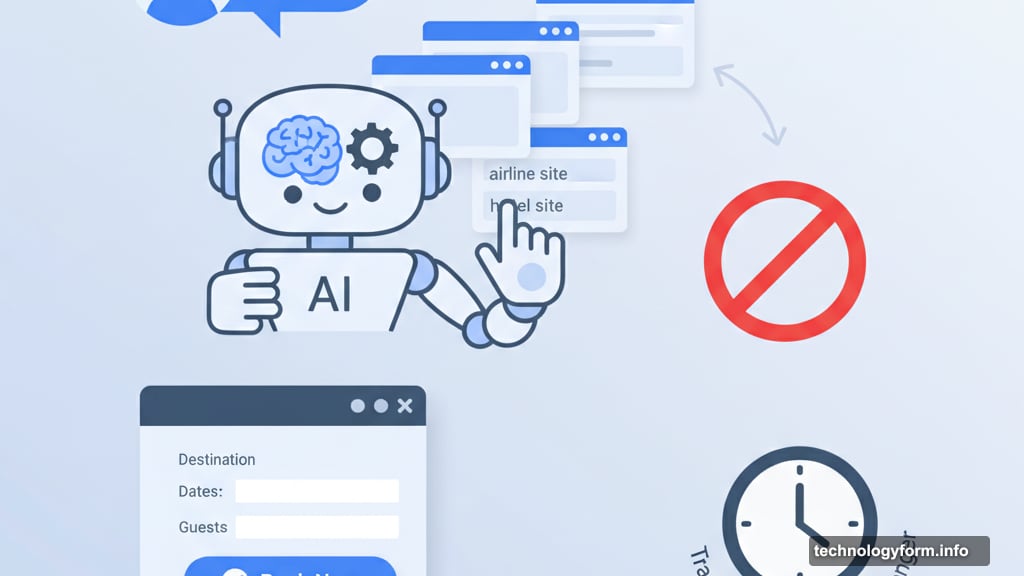
Most demos show AI agents booking travel or adding recipe ingredients to Instacart. But here’s the problem. Normal people don’t do those tasks regularly enough to justify switching browsers.
Plus, watching an AI agent “click around on a website” isn’t exactly thrilling. In fact, it often feels slower than just doing the task yourself. The automation paradox strikes again.
The tech industry keeps building tools for an “agentic web” future. But they’re solving problems most people don’t actually have. That’s a fundamental disconnect.
Security Risks Lurk Beneath the Surface
AI browsers introduce significant security concerns that traditional browsers don’t face.
When you let an AI agent access websites on your behalf, you’re essentially giving it control over your digital identity. That agent needs permissions to fill forms, click buttons, and potentially access sensitive data.
What happens when an AI agent misinterprets instructions and accidentally shares private information? Or when malicious actors find ways to manipulate these agents? The security implications haven’t been fully explored yet.
Traditional browsers have decades of security hardening. AI browsers are starting from scratch in many ways.
The Open Web Might Be Dying Anyway
Anthony raised a bigger question. What happens to websites themselves if AI browsers take over?
Right now, you can still visit web pages directly through Atlas. But the long-term vision points toward AI interfaces handling everything. You ask a question, the AI fetches information from various sites, and presents synthesized answers.
In that world, websites become less important. Users interact primarily with AI chatbots, not actual web pages. That fundamentally changes the economics of content creation and web publishing.
Publishers already struggle with Google’s AI-generated search summaries reducing click-through rates. AI browsers could accelerate that trend dramatically.
Old-School Browsing Still Works Better for Many Tasks
Sean represents a significant user segment that AI browsers haven’t figured out how to serve.
His work involves looking up documents, searching through familiar websites, and using Boolean operators on Google. That workflow doesn’t translate well to AI-powered browsing.
Boolean search might seem archaic. But it’s incredibly precise for research tasks. Asking an AI agent to find specific information through natural language often produces less accurate results.
Plus, many professionals need to see the actual web pages, not AI summaries. Lawyers reviewing documents, researchers checking sources, and journalists verifying facts all need direct access to original content.
The Money Problem Remains Unsolved
Even with OpenAI’s deep pockets, Atlas faces a monetization challenge eventually.
How do you make money from a browser? Advertising feels obvious. But AI-powered browsing potentially reduces ad exposure by summarizing content instead of showing full pages. That creates tension with the advertising model.
Subscription fees? Maybe. But convincing users to pay for a browser when free alternatives exist is tough. Only power users might bite.
Data licensing? Possibly. But that raises privacy concerns that could tank adoption.
OpenAI can burn money for now. But at some point, Atlas needs a sustainable business model. And nobody’s figured out what that looks like yet.
What This Means for Regular Users
So should you try ChatGPT Atlas? Maybe, just for curiosity.
But don’t expect it to transform your daily browsing habits. The efficiency gains are minimal. The learning curve exists. And your current browser probably handles most tasks just fine.
Safari, Chrome, and Firefox aren’t going anywhere soon. They’re deeply integrated into operating systems, have massive extension ecosystems, and work reliably for billions of users worldwide.
AI browsers might carve out niche use cases. Power users with specific workflows could benefit. But mass adoption seems unlikely in the near term.
The browser wars haven’t ended. But this particular skirmish won’t reshape the battlefield as dramatically as OpenAI hopes.
The real question isn’t whether AI browsers will replace traditional ones. It’s whether the web itself survives the shift toward AI-mediated information access. That’s the conversation we should be having.