AI Image Models Got Personalities. Picking the Right One Just Became Part of Your Job
That means model personalities aren’t accidents. They’re partially engineered choices.
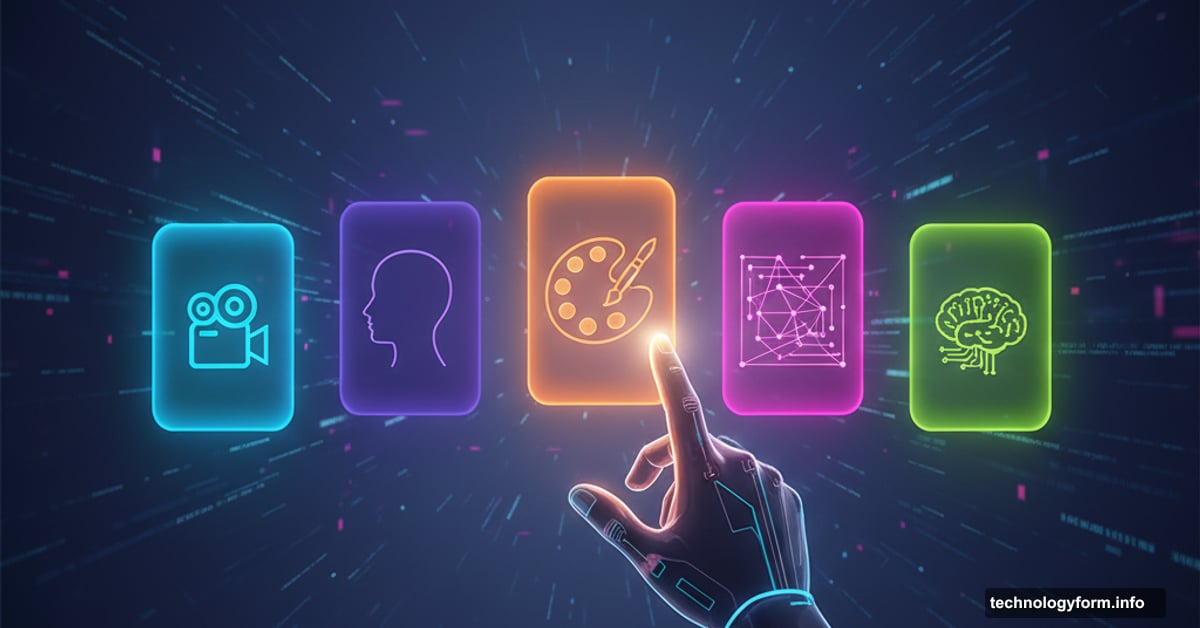
Creators don’t just choose AI tools anymore. They choose personalities.
Sound weird? It’s not. Each AI image and video model now has distinct traits, quirks, and strengths. So picking the right one matters as much as choosing the right camera lens or paintbrush. The choice directly shapes your final output.
This shift happened fast. Just two years ago, creators celebrated when AI could generate anything halfway decent. Now? They’re debating which model nails cinematic motion versus which one excels at human faces. That’s a massive leap.
Why Every AI Model Feels Different
AI models aren’t human. Obviously. But they do have what creators call “personalities.”
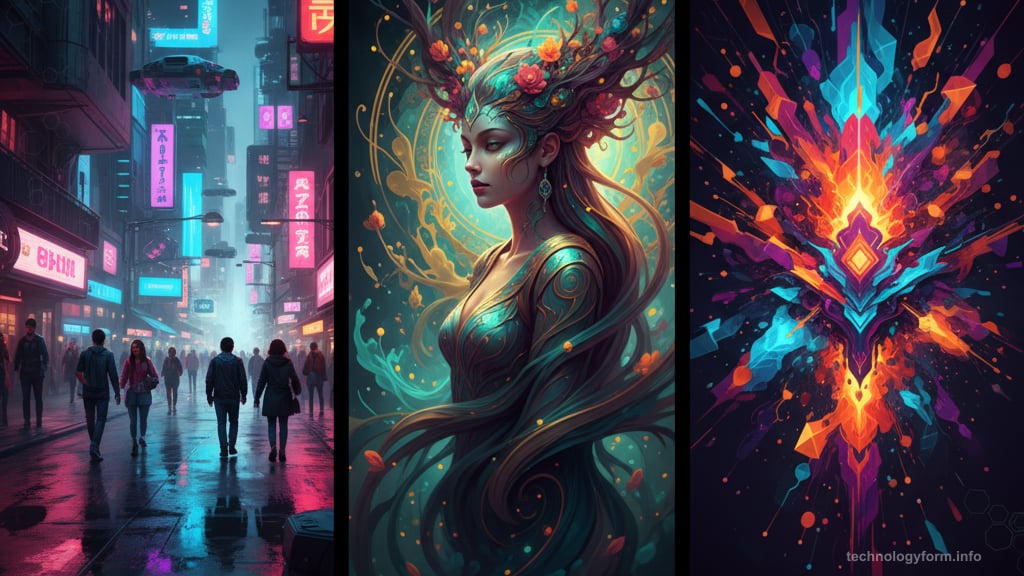
The term refers to each model’s individual style, strengths, and reputation. Some lean cinematic. Others feel dreamlike or surreal. A few excel at realism while others create stylized, artistic work.
Tiffany Kyazze runs the AI Flow Club, which teaches people how to use AI tools. She’s watched creators humanize these programs. “They call them ‘the creative one’ or ‘the detailed one’ because they’re building actual relationships with their AI,” she said.
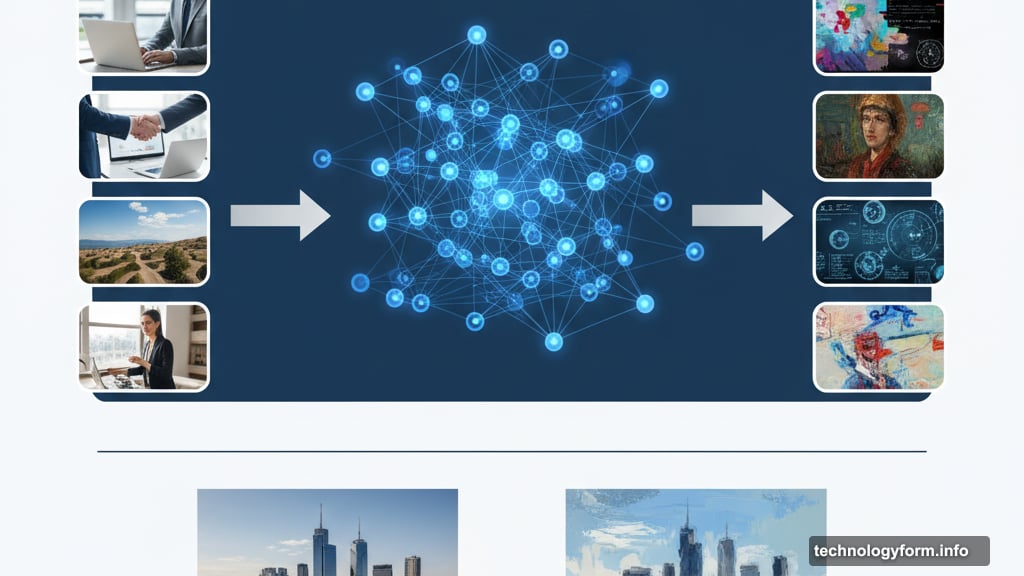
These personalities emerge from training data and fine-tuning processes. Adobe’s Firefly models trained on licensed Adobe Stock imagery. So Firefly outputs often look stock-like. Google’s models learned from different datasets, producing different baseline styles.
Plus, companies deliberately shape model personalities during training. Alexandru Costin, Adobe’s vice president of generative AI, explained how it works. “At the tail end of the training process, you can show the model a particular style, and the model will overfit to some extent, or adapt, to that style and basically gain the personality,” he said.
That means model personalities aren’t accidents. They’re partially engineered choices.
The Personality Guide for Major AI Models
Creators have figured out what each major model does best. Here’s the breakdown based on real-world testing and professional use.
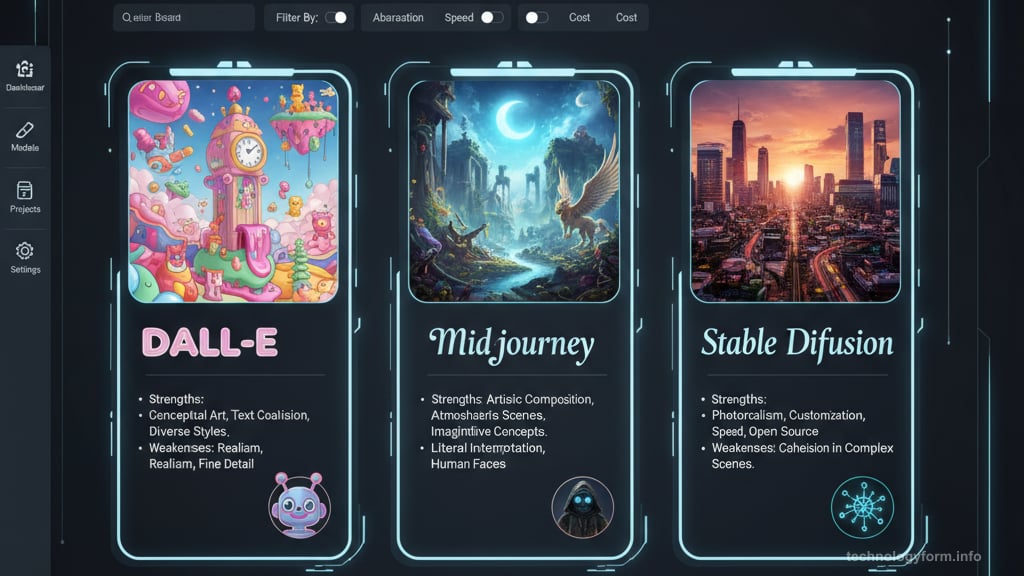
Google’s Veo 3 excels at cinematic video with natural motion. The quality consistently impresses. Use it when you need professional-looking video content that moves realistically.
Flux nails realism, especially for human features. Faces, hands, expressions all look believable. Pick this when generating realistic people matters most.
Runway functions as a full creative studio. It offers hands-on control over every detail. Choose Runway when you need precise adjustments and professional-grade tools.
Sora works great for ideation and exploration. It’s also become popular for memes on social media. Try Sora when brainstorming visual concepts or creating viral content.
Midjourney produces the most creative, artistic results. Its style leans heavily toward artistic or stylized work. Use Midjourney when you want art, not photorealism.
Google’s Imagen 3 handles character consistency best. It also excels at e-commerce and social media content. Pick this when you need the same character appearing across multiple images.
Adobe Firefly Image Model 5 delivers commercially safe results for professional work. It’s trained on licensed content, so copyright concerns stay minimal. Choose Firefly when legal safety matters.
Dave Clark directs at Promise AI, an AI production studio. He’s learned each model’s language. “Each model interprets the world differently,” Clark said. “The key for me is knowing how to take my creative vision and translate it into visual language prompts.”
That translation skill matters. A lot. The same prompt produces wildly different results across models because each one “thinks” differently.
Why Bouncing Between Models Makes Sense
Using multiple AI models might sound annoying. But it’s actually smart workflow design.
Clark’s team used several AI models for their short film “My Friend, Zeph.” They mixed Adobe Firefly, Google’s Veo 3.1, and Luma’s Ray3 with traditional Adobe software like Photoshop and Premiere Pro.
“By blending multiple models, you get creative range and precision, almost like having a team of specialists,” Clark explained. “We can visualize the world of a story much earlier, iterate faster, and make stronger creative choices.”
Some creators stay loyal to one platform. Kyazze calls this mindset slightly misguided. The creators getting the best results are “tool-agnostic and goal-focused.”
“The real benefit of multimodel workflows is that you’re not forcing one tool to do everything,” Kyazze said. “You’re leveraging each model’s actual strengths. That’s not just more efficient. It gets you better results.”
Think of it like cooking. You wouldn’t use just one knife for everything. Different tasks need different tools. AI models work the same way.
How Personalities Change Over Time
Model personalities aren’t static. They evolve with every update.
A model terrible at generating hands might nail them after the next release. One that struggled with motion could suddenly produce smooth, natural movement. Companies constantly refine their models to stay competitive.
This constant evolution means creators need to stay updated. What worked last month might not be the best choice today. Testing new versions matters.
But the core personalities tend to stick. Midjourney will likely always lean artistic. Adobe Firefly will probably maintain its stock-like aesthetic. These baseline traits become each model’s reputation.
The Human Still Matters Most
Here’s the thing nobody talks about enough. AI models are just tools.
Clark emphasized this point. “The human expression of the artist — our personality and creative point of view — is what truly drives the outcomes,” he said. “It’s not about replacing the traditional process; it’s about expanding what’s possible.”
Understanding model personalities helps you work smarter. But your vision, taste, and creative decisions still determine whether the output works or fails. The AI just executes your ideas faster.
Learning each model’s quirks takes time. You’ll waste prompts. Generate garbage. Wonder why one model nailed your vision while another missed completely. That’s normal. It’s part of the learning curve.
But once you understand these personalities? Your workflow speeds up dramatically. You stop fighting tools that weren’t designed for your task. You start choosing the right model from the start.
The AI creative field exploded this year. Google, OpenAI, Adobe, Runway, Pika, and Luma all pushed major updates. Competition drove rapid improvements. That’s great for creators who now have incredible tools.
But it also means the landscape keeps shifting. New models launch. Existing ones improve. Personalities evolve. Staying current requires effort.
The payoff is worth it. Creators who master multiple models gain a significant advantage over those stuck using one tool for everything. They finish projects faster, achieve better results, and adapt quickly when one model can’t deliver.
So yeah, AI models have personalities now. Learning them just became part of the creative process. That’s not a bug. It’s a feature.