Google Calendar Just Got Smarter. AI Now Picks Your Meeting Times
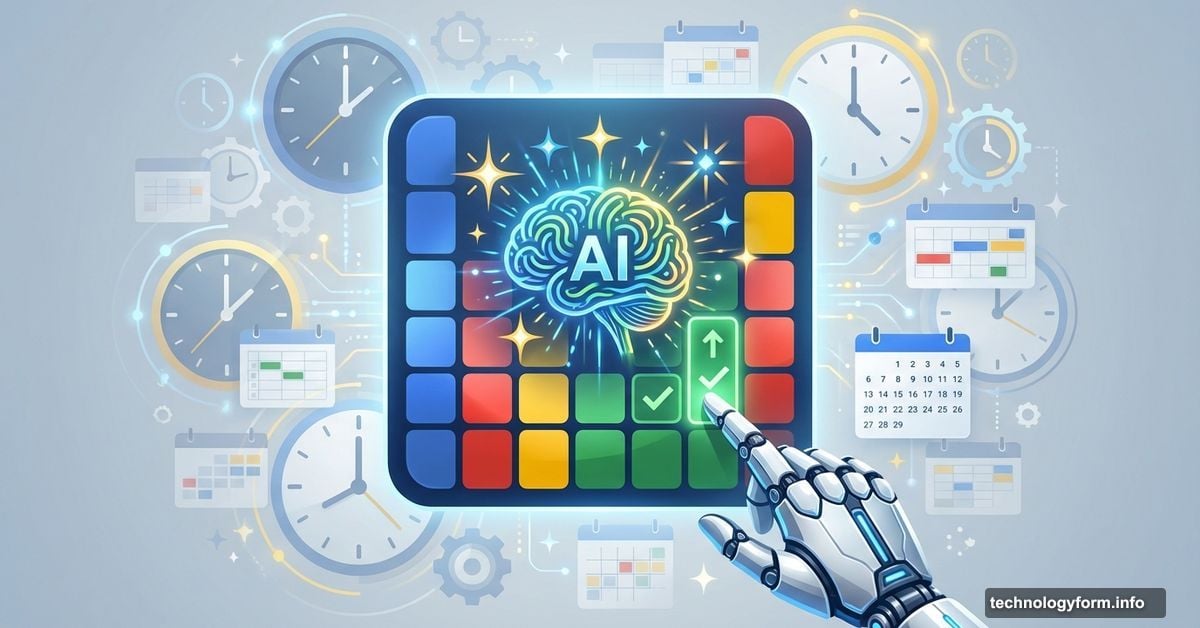
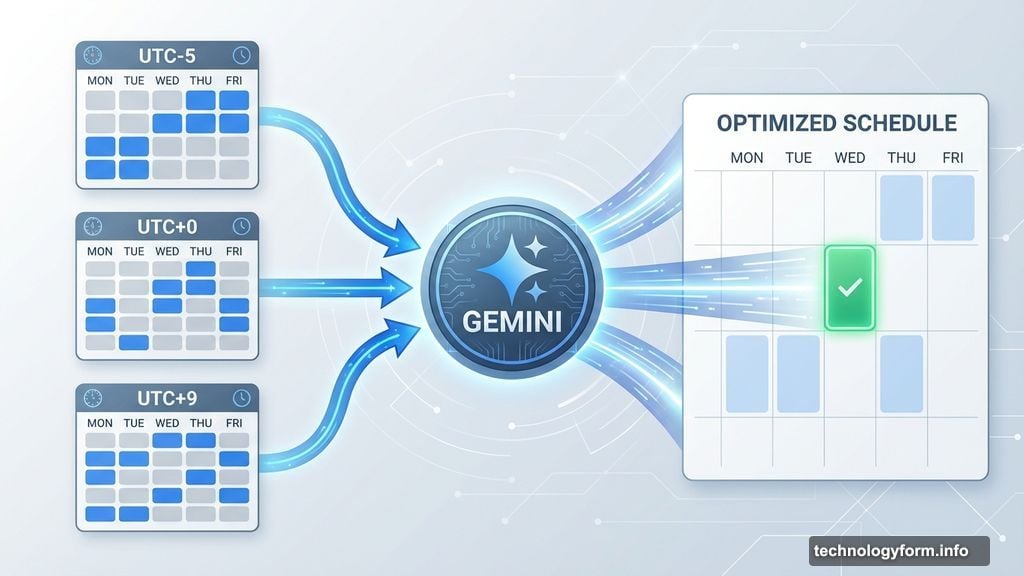
Scheduling meetings just became hands-off. Google’s Gemini AI now suggests when to meet based on everyone’s actual availability.
No more endless email chains asking “Does Thursday work?” The AI scans calendars, checks working hours, and proposes times that fit everyone’s schedule. Plus, when someone declines, Gemini instantly suggests alternatives without you lifting a finger.
How Gemini Reads Your Calendar
The AI doesn’t just look at open slots. It considers way more context than that.
First, it checks everyone’s existing commitments. Then it factors in working hours across time zones. Finally, it identifies windows where all participants are free and actually available to meet.
Here’s what makes this different from basic calendar tools. Gemini understands patterns in your schedule. It knows you typically block mornings for focus time. It sees you avoid back-to-back meetings after lunch. So it suggests times that match your real working style, not just any empty slot.
The system runs directly inside Google Calendar now. You don’t need to open a separate tool or switch between apps. Everything happens where you’re already creating events.
What Happens When Plans Change
Meeting conflicts pop up constantly. Someone declines. A priority shifts. Your carefully planned schedule falls apart.
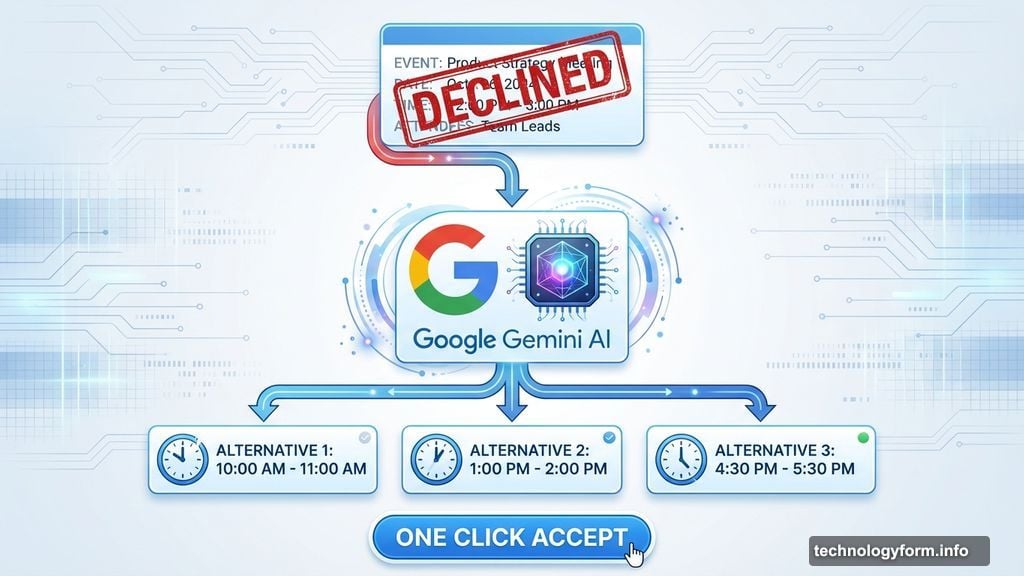
That’s where Gemini’s automatic rescheduling kicks in. When an invitee declines your meeting, the AI immediately analyzes updated availability. Then it drops a new time suggestion right inside the event details.
You can accept the proposed time with one click. Or ignore it and manually pick something else. The AI doesn’t force anything. It just eliminates the tedious back-and-forth of finding alternatives.
This matters more than it sounds. Companies waste roughly 15-20% of their workweek coordinating schedules, according to recent studies. That’s nearly a full day per person just arranging when to talk. Automating this step could save hours monthly.
Building on Gmail’s AI Scheduling
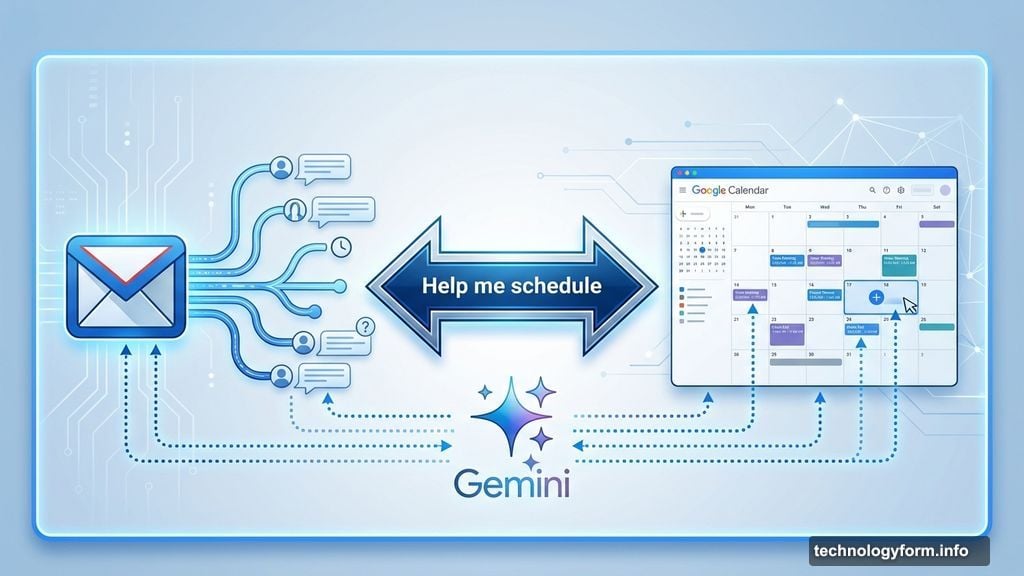
Google already tested similar tech in Gmail last fall. The “Help me schedule” feature lets you coordinate meetings directly from email conversations.
Now that capability lives inside Calendar too. So you can start a meeting from an email thread, then manage changes within the calendar interface itself. The AI follows the event across both tools.
This integration reflects Google’s broader push to embed Gemini throughout Workspace. The company wants AI handling routine tasks like scheduling, drafting emails, and summarizing documents. Instead of you doing repetitive coordination work, the AI takes over.
Calendar already used basic AI for smart event creation and time insights. But this update gives Gemini active control over suggesting and rescheduling meetings. That’s a bigger shift toward AI making decisions, not just offering recommendations.
Who Gets Access and When
The rollout started gradually for eligible Workspace users. Not everyone sees these features yet.
Google plans broader availability in the coming weeks. But there’s a catch. You need a paid Workspace plan that includes Gemini features. Free Gmail accounts won’t get automatic meeting suggestions right away.
That’s standard for Google’s AI rollouts. They test with business customers first, then sometimes expand to consumer accounts later. Whether this becomes universally available depends on adoption and feedback from early users.
For now, check your Calendar settings. If you’re on a qualifying Workspace plan, the feature might already be live. Look for suggested times when creating events or handling declined invitations.
Why This Matters for Your Workflow
Automated scheduling sounds convenient. But does it actually change how you work?
Maybe. If your job involves coordinating lots of meetings, this could eliminate significant friction. Instead of manually comparing calendars and sending multiple emails, you click once and move on.
However, AI suggestions only work when everyone’s calendar accurately reflects their availability. If people block time without marking it as busy, or forget to update working hours, Gemini’s recommendations will miss the mark. The AI is only as good as the data it reads.
Still, for teams already living inside Google Workspace, this removes one more repetitive task. That’s the promise of AI integration. Not revolutionary breakthroughs, but steady automation of tedious work that shouldn’t require human attention.
Your time matters. If an AI can handle scheduling, you can focus on work that actually needs your brain. That’s not a game-changer. It’s just practical efficiency.