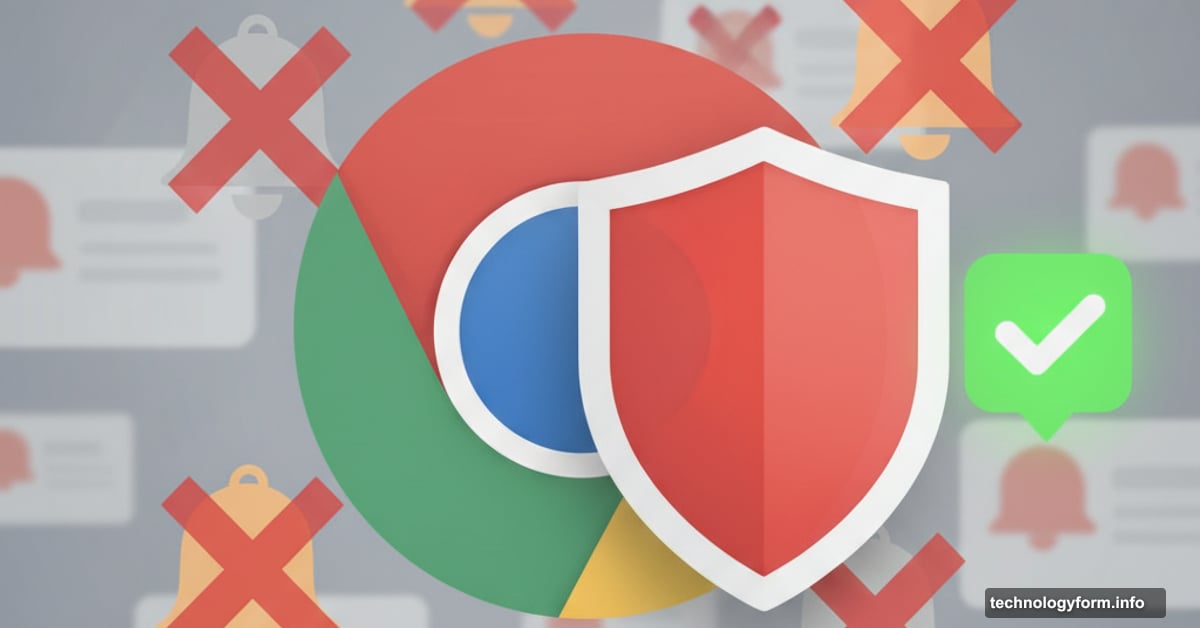
Chrome Just Started Blocking Spam Notifications You Ignore
Chrome now auto-disables website notifications you never click. Google’s testing proves most web notifications are worthless spam, so the browser finally fights back.
This changes everything for websites blasting users with alerts. Plus, it might finally make notifications useful again.
The Notification Problem Nobody Fixed
Web notifications are broken. Google’s data reveals less than 1% get any user interaction at all.
Think about that. Websites send millions of alerts daily. Users ignore 99% completely. Yet Chrome kept letting them through until now.
So the web turned into a digital circus. Every site screaming “BREAKING NEWS!” and “LIMITED TIME OFFER!” Nobody reading any of it. Just constant distraction without value.
Chrome’s new feature fixes this mess automatically. The browser watches which notifications you ignore. After enough dismissals without clicks, it revokes that site’s permission entirely. No more alerts from that domain.
Quality Beats Quantity Now
Here’s where it gets interesting. Google’s testing revealed something counterintuitive.
Sites sending fewer notifications actually see more clicks. Meanwhile, spam-heavy sites get ignored completely. So the new system rewards sites that respect user attention.
Chrome’s experiments showed “significant reduction in notification overload with only minimal change in total notification clicks.” Translation: blocking spam notifications doesn’t hurt overall engagement. Because nobody clicked spam anyway.
This builds on Chrome’s existing Safety Check feature. That system already handles camera and location permissions. Now it manages notifications using the same smart approach.
How the Auto-Blocking Works
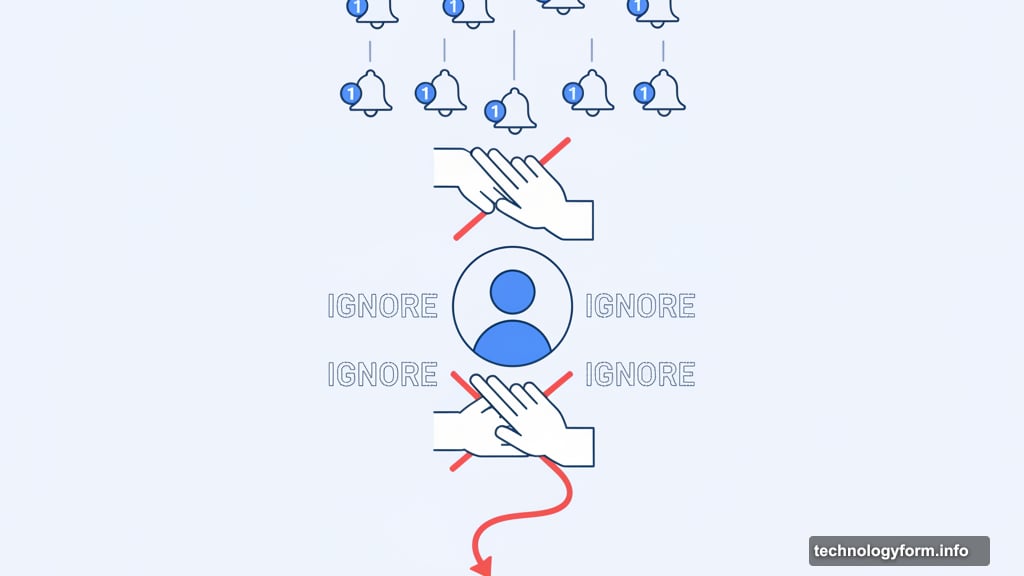
Chrome monitors your notification behavior patterns. Dismiss alerts from a site repeatedly? The browser learns you don’t want them.
Eventually, Chrome auto-revokes that site’s notification permission. You stop seeing alerts from domains you never engage with. All without manual permission management.
The feature launches across Android and desktop Chrome. But Google built in smart exceptions. Web apps you install keep their notification privileges. The system recognizes the difference between legitimate apps and random website spam.
Plus, you control everything. Disable auto-revocation entirely if you want. Restore specific site permissions through Safety Check. Chrome suggests actions but doesn’t force them.
Websites Must Adapt or Die
For site owners, this represents a fundamental strategy shift. Blast users with daily deals? Chrome might auto-mute you.
Send targeted, valuable notifications? Your engagement rates could climb. The system penalizes spam while rewarding quality.
Think about news sites sending breaking alerts every hour. Most users ignore them. Now those sites risk getting automatically silenced. So they’ll need to send fewer, more important notifications.
E-commerce sites face similar pressure. “Your cart is waiting” alerts five times daily? Users will ignore them until Chrome blocks them. Better to send one well-timed reminder.
The data proves this approach works. Sites with lower notification volumes see engagement increase. Because when you send less, users actually pay attention.
Why This Matters Beyond Chrome
Chrome commands 65% of the browser market. When Chrome changes notification behavior, the entire web feels it.
Other browsers might follow Google’s lead. Firefox already experiments with similar features. Safari could adopt comparable approaches.
So websites can’t just optimize for Chrome’s system. They need to fundamentally rethink notification strategies. The era of spam notifications might actually end.
This also previews how AI might manage digital attention. Chrome learns user preferences from behavior patterns. Then it acts on that knowledge automatically. That’s attention management powered by machine learning.
For users, this represents real relief. Instead of manually managing dozens of notification settings, Chrome handles it automatically. The browser becomes an intelligent filter, not just a passive display.
The Bigger Picture on User Control
Google continues pushing toward user-centric web experiences. This follows similar moves on tracking, cookies, and privacy.
But there’s a pattern worth noting. Google collects engagement data to make these decisions. The browser learns which notifications you click. Then it uses that data to manage permissions.
Some users might appreciate this intelligence. Others might question what Google learns from notification behavior tracking. The company didn’t specify what data gets collected or how long it’s retained.
Still, the feature represents genuine user benefit. Notification fatigue is real. Chrome’s solution addresses a legitimate pain point.
The rollout also acknowledges user sovereignty. You can disable auto-revocation entirely. You can restore individual site permissions. Chrome suggests actions based on your behavior but doesn’t force compliance.
What Happens Next
Chrome’s auto-blocking goes live across Android and desktop now. Millions of users will experience fewer notification interruptions immediately.
Websites will scramble to adapt. Expect notification strategies to shift toward quality over quantity. Some sites might stop requesting notification permissions entirely rather than risk auto-revocation.
The notification ecosystem could fundamentally transform. If other browsers adopt similar approaches, the web might finally become less noisy. Or websites might find new ways to capture attention.
Either way, Chrome just changed the rules. Sites that respected user attention all along win. Spammers lose. That seems like the right outcome.
For users drowning in notification spam, Chrome became significantly smarter about protecting focus. The browser learned to recognize digital noise and filter it automatically. That’s the kind of intelligent behavior we need more of on the web.