Copilot on Windows Just Got Scary Good at Office Work
Microsoft quietly turned Copilot into your new office assistant. And it’s not just answering questions anymore.
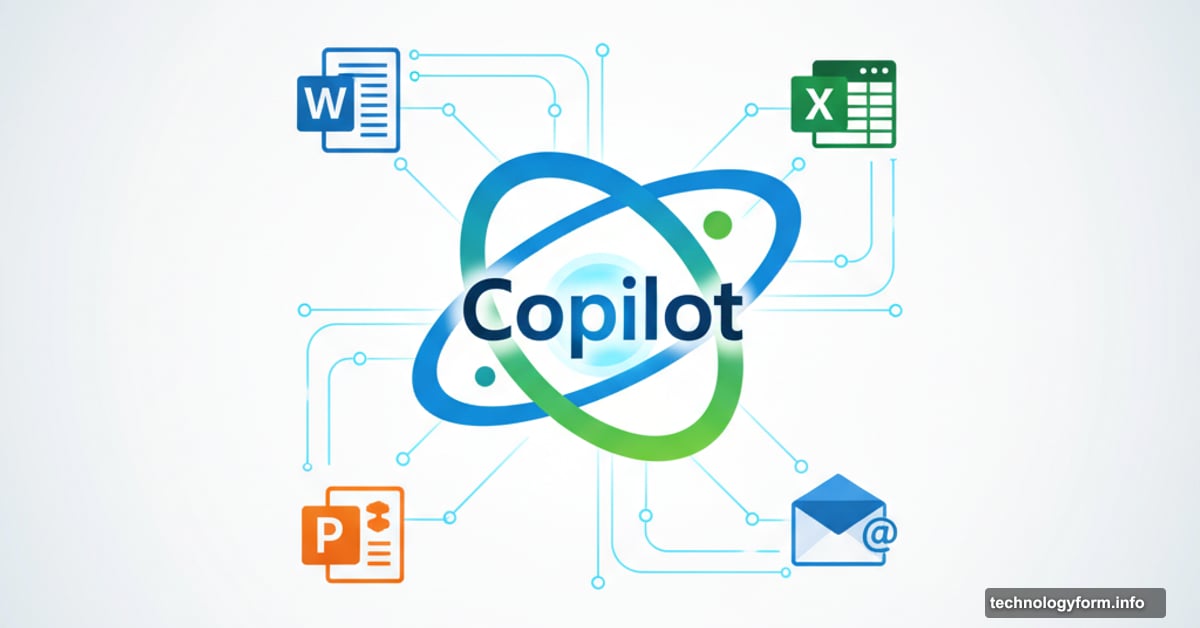
The latest update lets Copilot create actual Word documents, Excel spreadsheets, and PowerPoint presentations right from chat. Plus, it connects to your Gmail and Outlook accounts to dig through your inbox. This isn’t a minor feature add. It’s a fundamental shift in how Windows handles productivity tasks.
Let’s break down what changed and why it matters for your daily workflow.
Create Documents Without Opening Apps
Here’s the big one. Copilot now generates Office files directly from conversations.
Type a prompt. Get a complete document. No switching apps. No copy-pasting. No fighting with formatting.
Microsoft’s implementation is surprisingly practical. Any response over 600 characters includes an export button. Click it. Choose Word, PowerPoint, Excel, or PDF. Done.
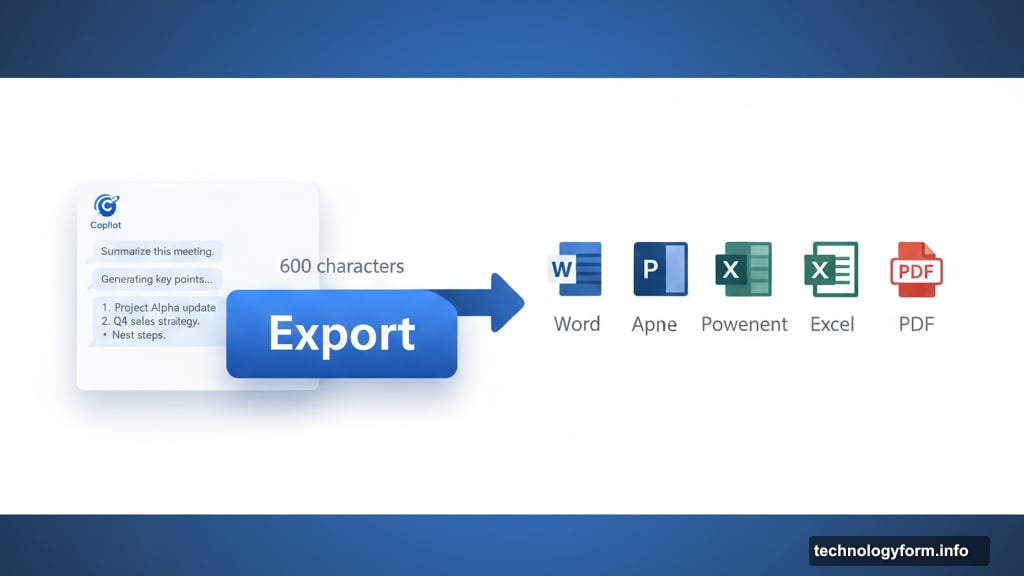
So you could ask Copilot to draft a project proposal. It writes the content. You click export to Word. Then you’ve got an editable document ready to refine. The entire process takes seconds instead of minutes.
But here’s what makes this useful. The documents aren’t locked templates. They’re proper Office files. You can edit, share, and format them like anything else. Copilot just handles the tedious first draft.
Your Inbox Becomes AI-Searchable
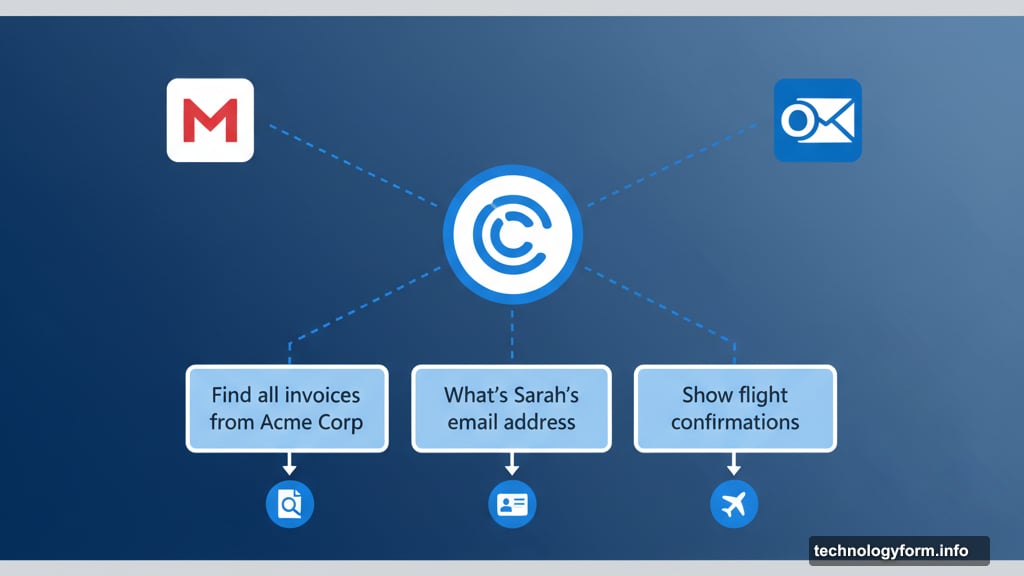
Copilot can now connect to Gmail and Outlook accounts. This changes email search completely.
Instead of scrolling through hundreds of messages, you ask Copilot natural questions. “Find all invoices from Acme Corp this year.” “What’s Sarah’s email address?” “Show me flight confirmations for next month.”
Microsoft made this opt-in for privacy reasons. You manually link accounts in the connectors section. Then Copilot gets read access to scan your emails, calendar, and contacts.
The feature mirrors what OpenAI did with ChatGPT earlier this year. They added Google Drive and Dropbox integration. Now Microsoft’s catching up with comparable functionality.
However, there’s a trust factor here. You’re giving an AI assistant access to your inbox. Some people will love the convenience. Others will hesitate. Both reactions make sense.
Rolling Out to Insiders First
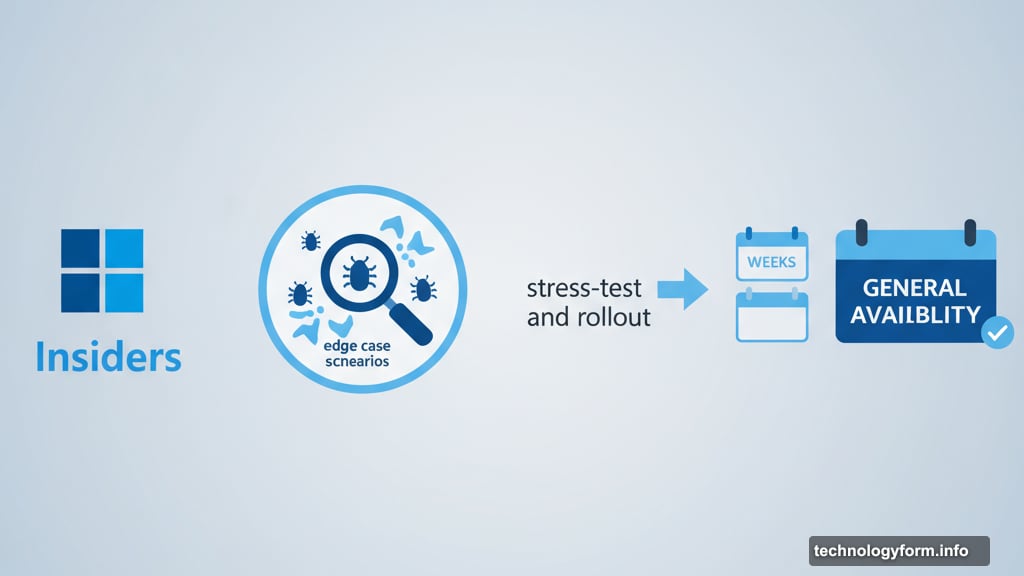
Microsoft’s testing this with Windows Insiders before wider release. Smart move considering how many things could go wrong.
Early testers get to stress-test the document creation. They’ll find edge cases where Copilot generates garbage. They’ll discover privacy concerns with inbox access. Better to catch issues now than after millions download it.
General availability comes later for all Windows 11 users. No specific date yet. But the Insider rollout suggests weeks, not months.
Meanwhile, Microsoft’s also working on a redesigned OneDrive app for next year. That update includes AI-powered slideshows and editing features. So this Copilot enhancement is part of a broader AI integration across Windows.
What This Actually Means
Voice assistants tried to handle productivity for years. They mostly failed. Turns out, people don’t want to dictate emails or bark commands at their computer.
But chat interfaces work differently. You type naturally. Get usable results. Export when ready. It feels more like collaboration than automation.
Plus, the document creation removes friction from starting projects. That blank page problem? Gone. Copilot fills it with something workable. You refine from there instead of building from scratch.
Still, there are obvious concerns. Quality varies wildly depending on your prompt. And giving AI access to your inbox requires serious trust in Microsoft’s security.
The real test comes when regular users get access. Do they actually use these features? Or do they try them once and go back to traditional workflows?
Microsoft’s betting on the former. They’re positioning Copilot as essential to Windows, not optional. This update pushes that strategy further by making Copilot genuinely useful for common tasks.
Your move, Google Workspace.