Gemini’s Personalization Features Are Now Free for Everyone
Google just made one of its coolest Gemini features available to users who aren’t paying a dime.
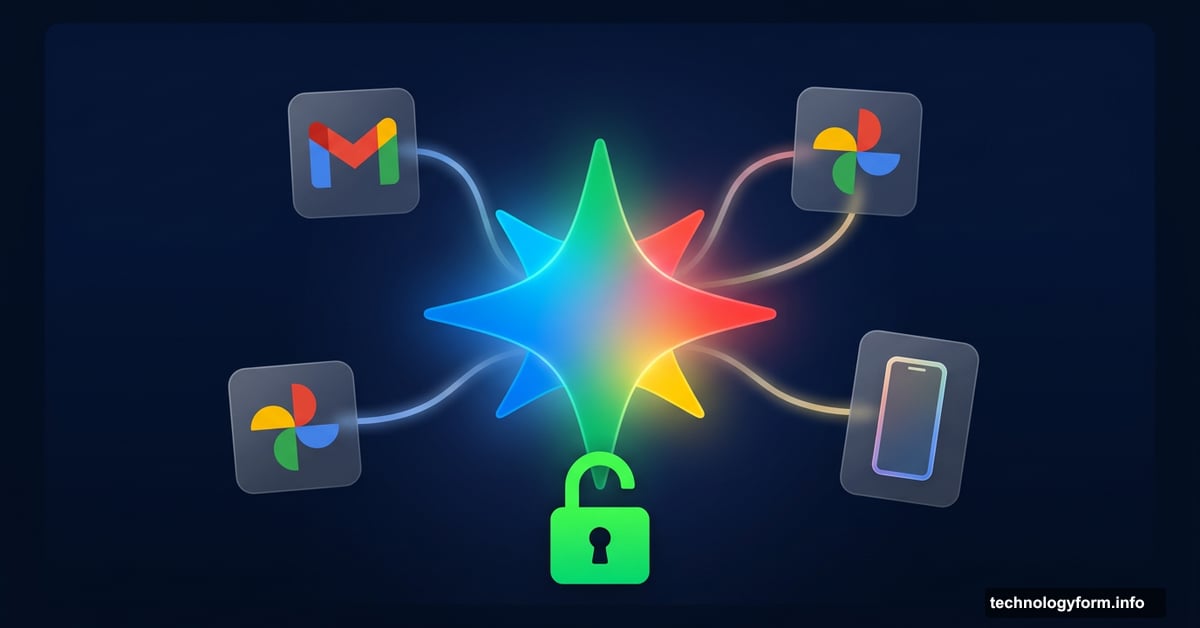
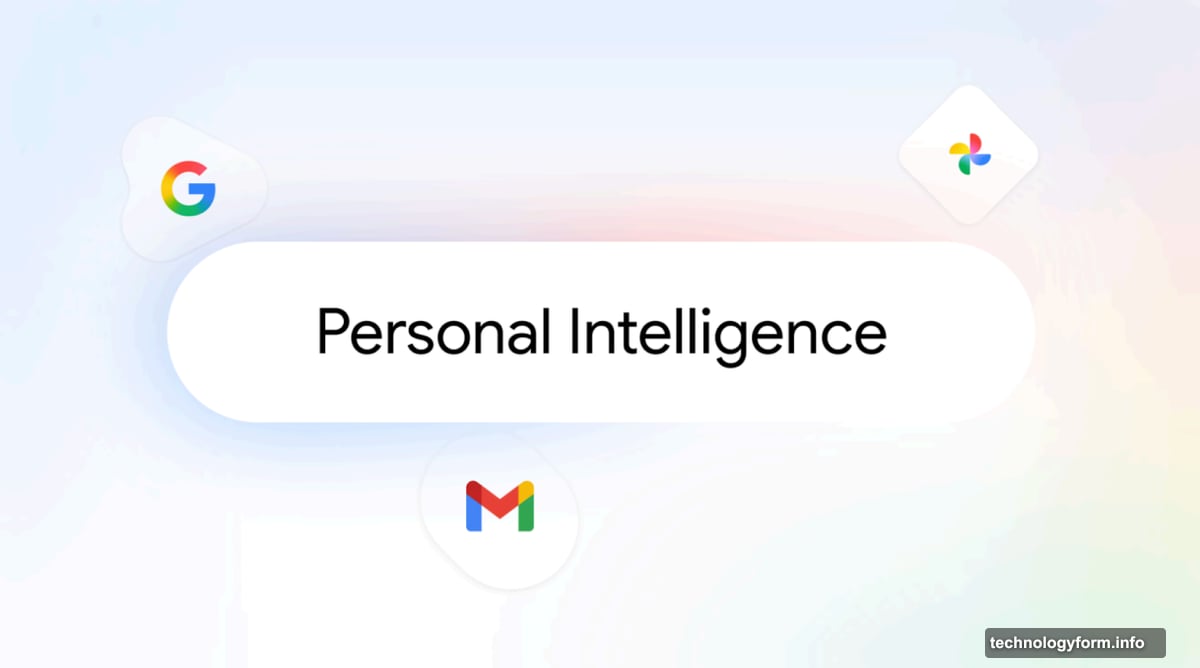
Personal Intelligence, the feature that lets Gemini pull info from your other Google apps to craft smarter, more tailored responses, is now rolling out beyond paid subscribers. And that’s a bigger deal than it might sound.
What Personal Intelligence Actually Does
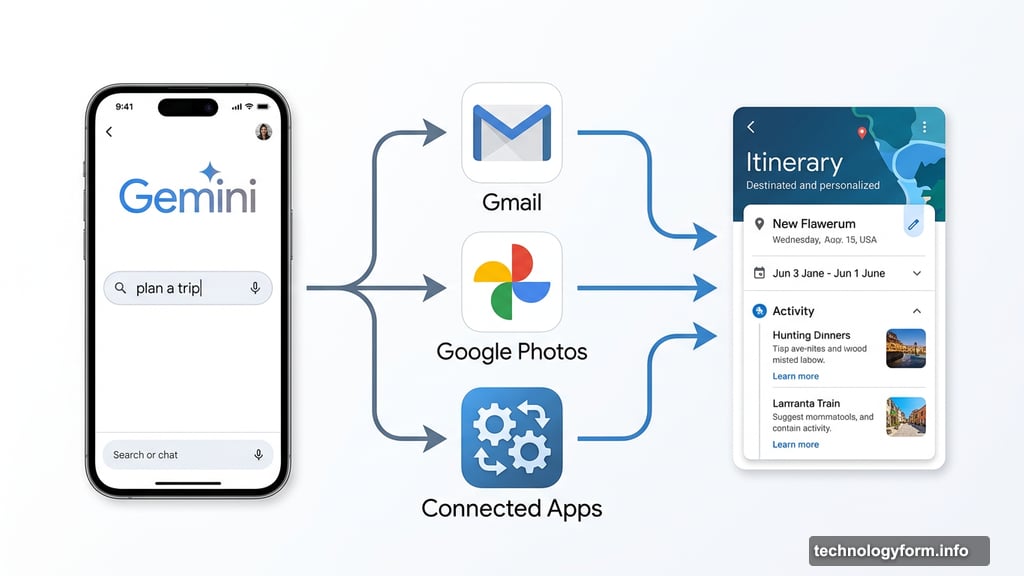
Think of it like this. Normally, when you ask an AI chatbot to help plan a trip, it gives you a perfectly generic itinerary. Nice hotel, popular restaurants, maybe a museum. Could be for anyone, anywhere.
But with Personal Intelligence switched on, Gemini digs into your actual Google data. It checks your Gmail, your Photos, your connected apps. Then it builds suggestions based on your real preferences and history.
Google also highlights a clever troubleshooting use case. Say your laptop is acting up but you can’t remember the exact model. Gemini can scan your Gmail for purchase receipts or confirmation emails and figure it out for you. That kind of contextual help is genuinely useful.
Who Gets It and When
The rollout is happening in stages, starting with AI Mode, Google’s dedicated search chatbot. As of right now, anyone in the US can enable Personal Intelligence inside AI Mode.
Then, over the coming weeks, Google plans to extend it to free users of the standalone Gemini app in the US. International availability comes after that. The same expansion plan applies to Gemini inside Chrome, which will also go US-first before reaching other countries.
Previously, these personalization features were locked behind Google AI Pro and Ultra subscriptions. So this is a meaningful upgrade for free-tier users.
How to Switch It On
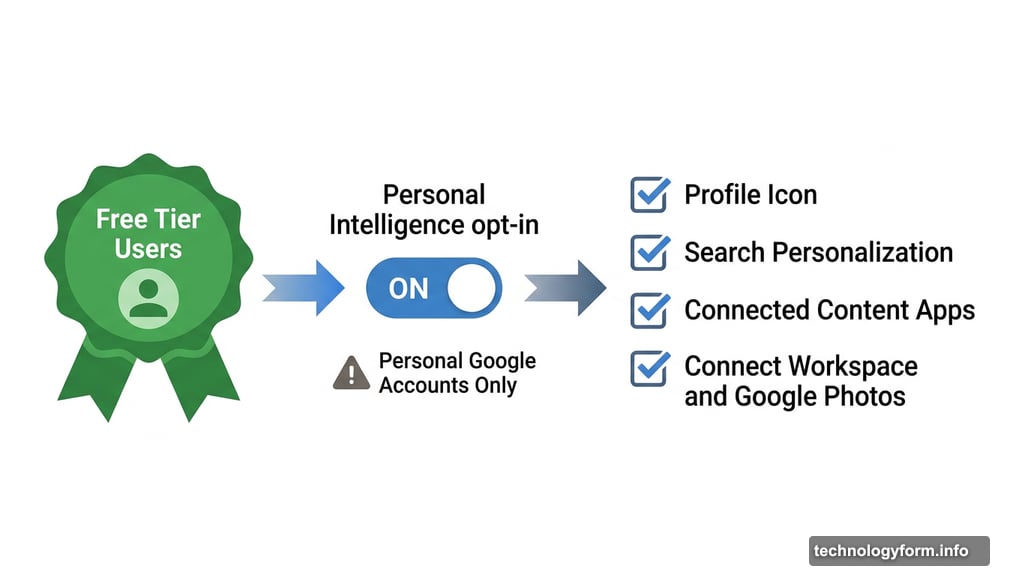
Personal Intelligence is off by default. Gemini won’t touch your personal data unless you explicitly give it permission, which is the right call.
To turn it on inside AI Mode, tap your profile icon, then select Search personalization, followed by Connected Content Apps. From there, choose Connect Workspace and Google Photos. That’s all it takes.
Worth noting: personalization only works with personal Google accounts. If you use Google Workspace through work, school, or an enterprise plan, this feature won’t be available to you.
The Privacy Trade-Off Worth Thinking About
Giving an AI access to your Gmail and Photos is not a small thing. Google has designed this as an opt-in experience, which helps. But it’s still worth pausing before you flip the switch.
The upside is genuinely smarter, more relevant responses. The trade-off is that Gemini gets a much more intimate view of your digital life. For some people, that’s a reasonable exchange. For others, it won’t feel worth it.
If you do enable it, it’s good to know you’re choosing to share that data, not having it collected quietly in the background. Google deserves credit for making that distinction clear.
For free users who want Gemini to feel less like a generic chatbot and more like an assistant that actually knows them, this update is worth trying. Just go in with your eyes open.