Gmail’s AI Inbox Kills the Traditional Email List
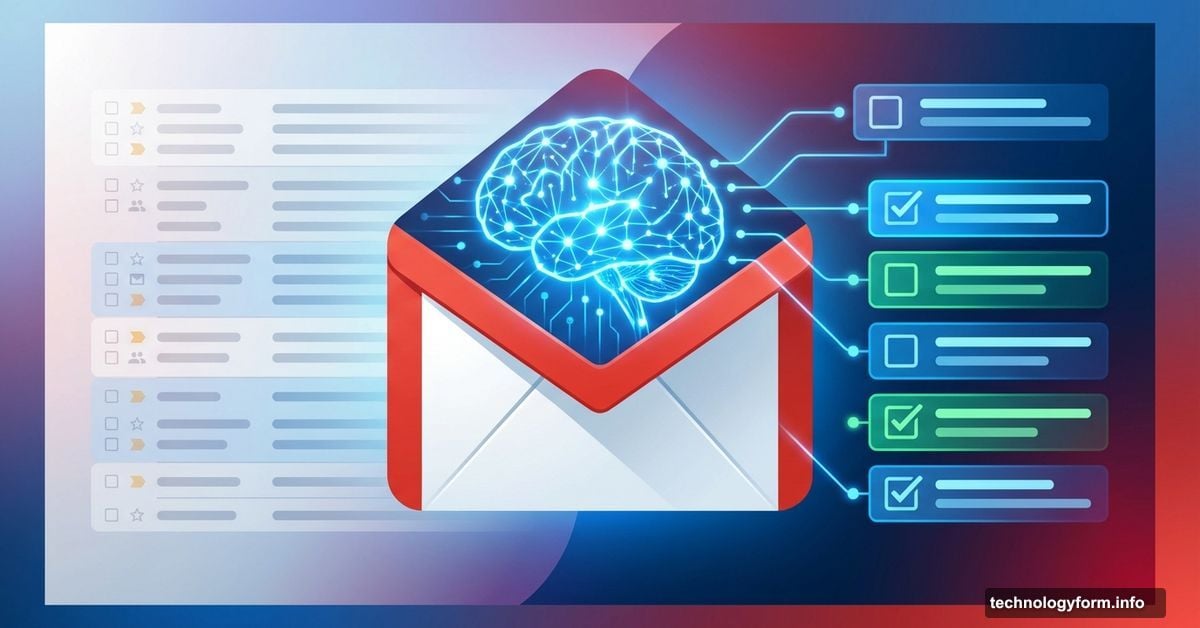
Google just replaced your email inbox with an AI assistant. No more scrolling through messages. Instead, Gmail now reads everything and tells you what to do.
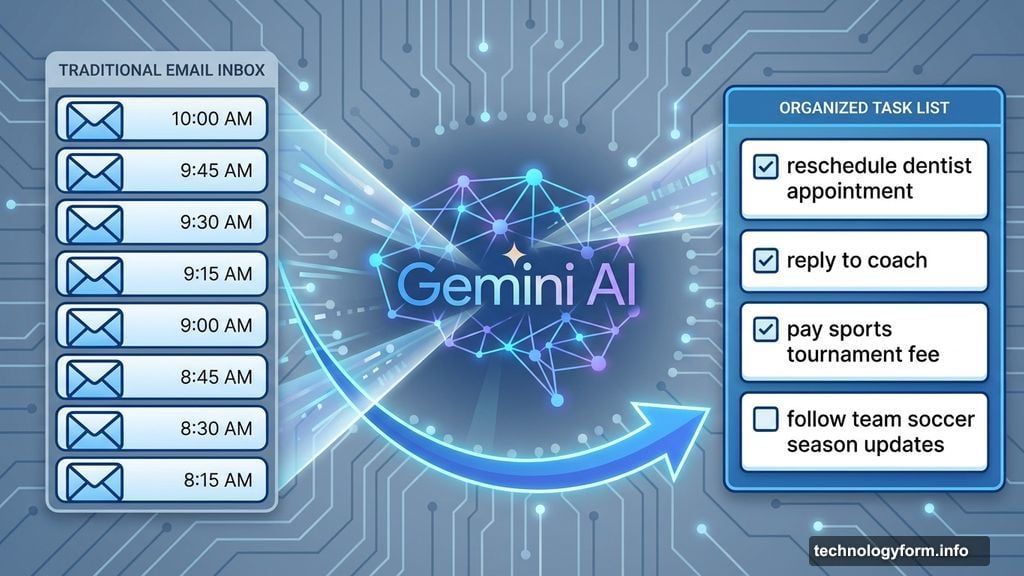
This isn’t a small tweak. It’s a fundamental shift in how Gmail works. Instead of showing emails in chronological order, the new AI Inbox analyzes your messages and creates personalized to-do lists and topic summaries. It’s rolling out now to US users, starting with personal Gmail accounts.
Your Inbox Becomes a Task Manager
Gmail’s AI scans your emails and generates action items. The demo shows tasks like “reschedule dentist appointment,” “reply to coach,” and “pay sports tournament fee.”
Plus, it summarizes conversation threads you might want to follow. Think “team’s soccer season updates” or “family gathering plans.” The AI decides what matters based on who you email most and what you respond to quickly.
There’s a catch though. You can’t mark tasks complete yet. So if Gmail suggests calling someone and you actually call them, the AI won’t know you did it. Google’s working on that feature according to Blake Barnes, Gmail’s VP of product.
No Limit on To-Dos
Gmail won’t cap the number of suggested tasks. That could be a problem.
If you get hundreds of emails daily, you might face dozens of AI-generated to-dos. That doesn’t solve inbox overwhelm. It just redesigns it.
However, Gmail’s AI prioritizes based on your email patterns. It learns who matters most and what needs quick responses. So theoretically, the most important items bubble to the top.
Free AI Features for Everyone
Google’s making several AI tools free for all consumer Gmail users. Previously, these required paid subscriptions.
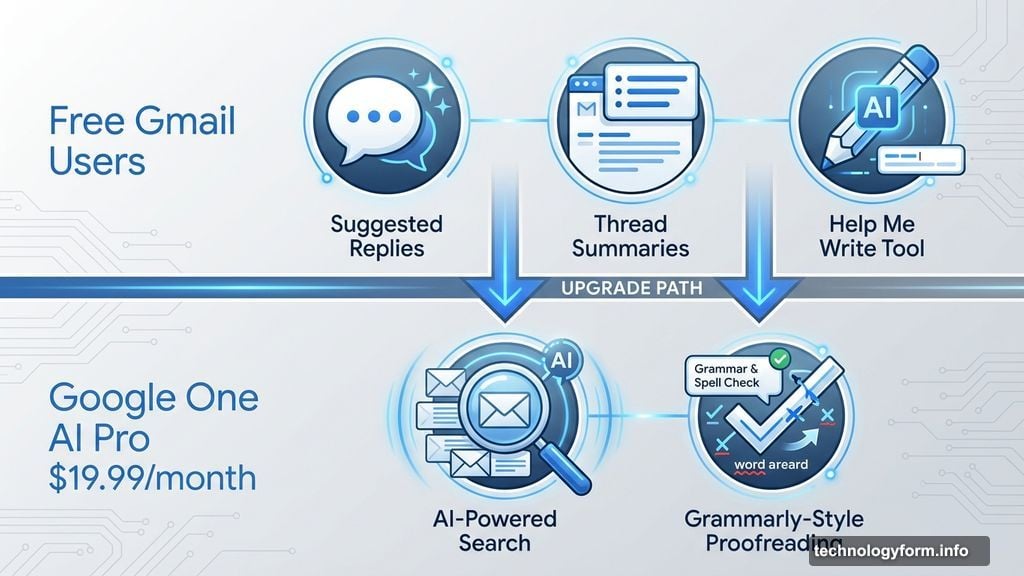
You now get suggested replies with personalization, AI-powered thread summaries, and the “Help Me Write” composition tool at no cost. That’s a significant upgrade for the 1.8 billion Gmail users worldwide.
Google One AI Pro subscribers ($19.99 monthly) and Ultra plan members ($249.99 monthly) get bonus features. Specifically, Grammarly-style proofreading and AI-powered search within your inbox. The search example Google provided: “Who was the plumber that gave me a quote for the bathroom renovation last year?”
Privacy and Opt-Out Options
Google promises it doesn’t train Gemini AI models on your Gmail content. That’s important given the sensitive nature of email.
You can turn off AI features entirely if you don’t want them. But there’s a trade-off. Disabling AI also kills other smart features like spell checking. So it’s an all-or-nothing choice.
Workspace Accounts Wait
Business users can’t access AI Inbox yet. Google’s limiting the initial rollout to consumer accounts only.
That’s surprising given how much business email could benefit from intelligent task extraction. But Google’s likely testing the feature thoroughly before deploying it to paid Workspace customers who rely on Gmail for critical communications.
The feature works in web browsers first. No word yet on mobile app support.
The Real Question Nobody’s Asking
Does Gmail have the right to decide what’s important in your inbox?
Think about it. Gmail’s AI now determines which emails deserve your attention and which get buried. It decides what becomes a task and what gets summarized into background reading.
That’s a lot of power for an algorithm. Especially one that might not understand the nuance of human relationships and priorities.
Sure, you can still access your traditional inbox. But Google’s betting most users will accept the AI version as the default. And once you start trusting the AI’s judgment, you might miss emails it deems unimportant.
The stakes are high. Email contains our appointments, our work, our personal conversations, and our financial transactions. Letting AI filter that requires serious trust.