Google Meet Adds Virtual Makeup That Actually Stays Put
Google Meet just launched AI-powered makeup filters. Finally.
This isn’t just another beauty filter that glitches when you move. Google built something that actually sticks to your face, even when you’re chugging coffee during a 9 AM call. Plus, it works on both mobile and web, which matters more than you’d think.
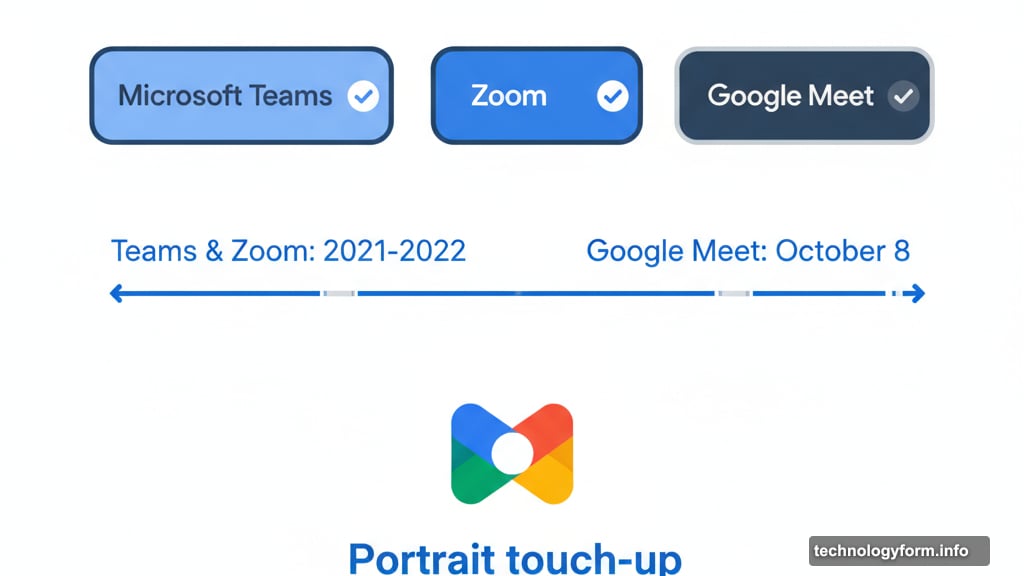
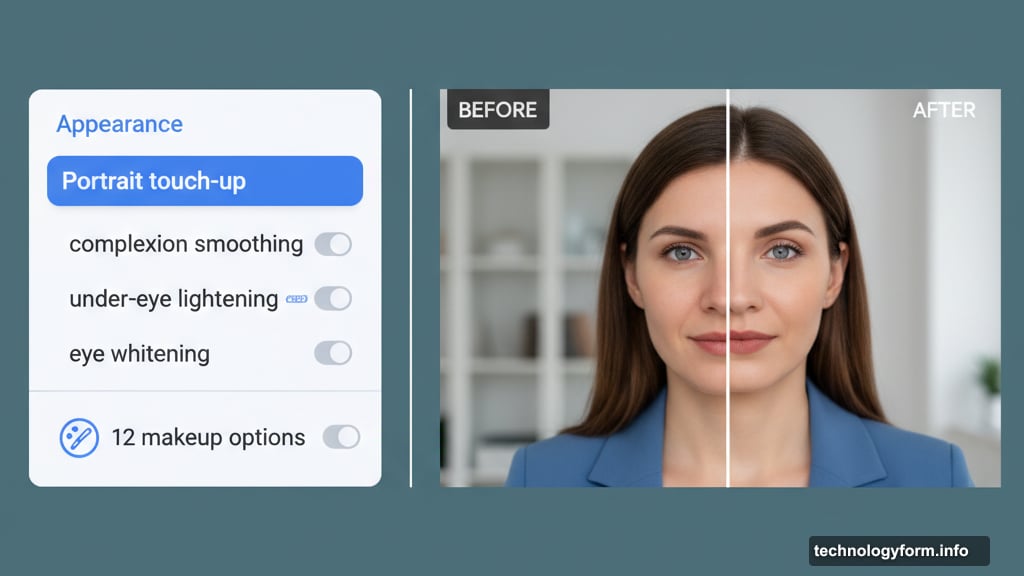
The feature went live on October 8. So if you haven’t noticed it yet, check your settings. It’s hiding in the “Appearance” section under “Portrait touch-up.”
Catching Up to the Competition
Microsoft Teams and Zoom already had virtual makeup features. Google was late to this party.
But here’s the thing. Most virtual makeup filters look terrible when you move. They slide around your face like a Snapchat filter having an identity crisis. Google claims theirs doesn’t do that.
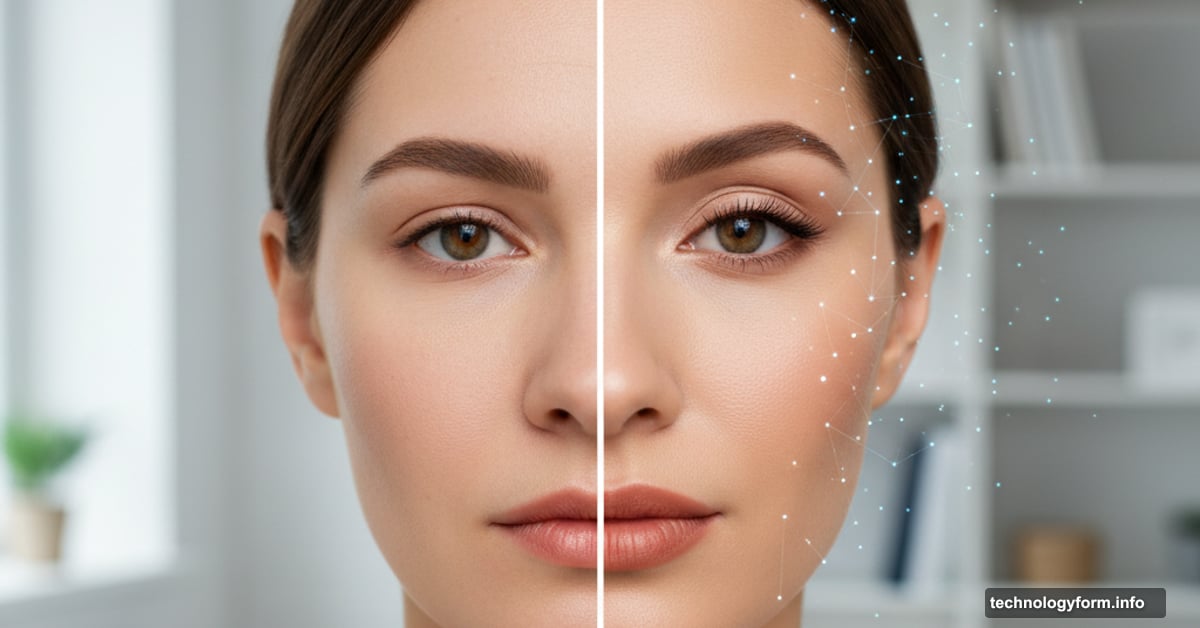
The AI tracks your face in real-time. Take a sip of water? The lipstick stays on your lips, not your mug. Turn your head? The eyeshadow moves with you. That’s harder to pull off than it sounds.
What You Actually Get
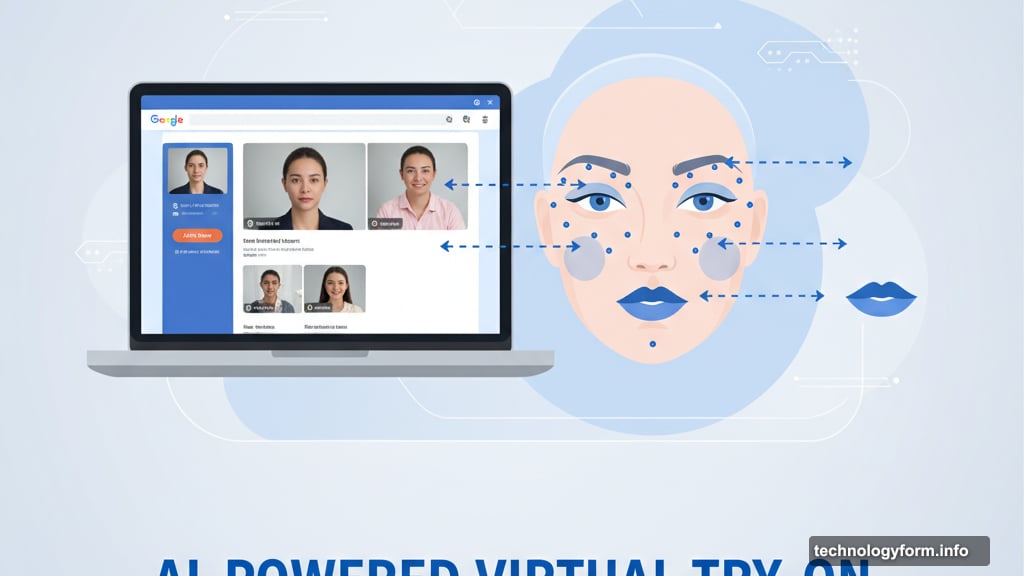
Google Meet offers 12 makeup options. Not a massive selection. But enough to look presentable when you overslept.
The options live in “Portrait touch-up,” which already existed since 2023. That feature gave you basics like complexion smoothing, under-eye lightening, and eye whitening. Now you can add actual makeup on top.
Moreover, the feature remembers your choices. Pick a look once, and Meet applies it automatically to future calls. No need to reapply virtual mascara every morning.
How to Turn It On
The feature starts off by default. You need to activate it yourself.
Before or during a call, click into your appearance settings. Find “Portrait touch-up.” Then select your preferred makeup style from the 12 options.
That’s it. No complicated setup. No separate app to download.
The Real Question: Does This Actually Help?
Virtual makeup sounds gimmicky. But it solves a real problem.
Not everyone wants to apply makeup before every video call. Some people have back-to-back meetings from 8 AM. Others work remotely in different time zones and take calls at odd hours. Looking camera-ready 24/7 isn’t realistic.
Plus, lighting matters. Home office lighting rarely looks flattering on camera. A little digital help can make you look more like yourself instead of a tired ghost.
However, there’s a catch. If everyone starts using AI makeup, we normalize an unrealistic standard of appearance. The same thing happened with Instagram filters. Suddenly, everyone expected perfect skin and full makeup all the time.
What Google Got Right
The tracking technology deserves credit. Most virtual makeup fails when your face moves naturally during conversation.
Google’s AI keeps makeup locked to your facial features. That’s the difference between looking polished and looking like you’re wearing a glitchy filter. The latter screams “I’m using fake makeup” to everyone on the call.
Additionally, Google made it opt-in. The feature doesn’t activate automatically. You choose when to use it. That matters because not everyone wants or needs digital makeup.
Where It Falls Short
Twelve options isn’t many. Zoom and Teams offer more variety in their beauty filters.
Plus, Google hasn’t shared specifics about the makeup styles. Are they natural looks? Dramatic evening makeup? Corporate-appropriate styles? The lack of detail makes it hard to know if the options actually work for different situations.
Moreover, this is still just makeup. Google’s “Portrait touch-up” already included complexion smoothing and eye brightening. Adding lipstick and eyeshadow feels like an incremental upgrade, not a revolutionary feature.
The Bigger Picture
Video conferencing companies keep adding AI-powered appearance features. Microsoft has background blur and lighting adjustments. Zoom has virtual backgrounds and touch-up filters. Now Google adds makeup.
This trend reveals something interesting. Companies know people feel self-conscious on camera. So they’re building tools to help users control how they appear.
But where does it stop? At what point do we cross from “looking presentable” to “creating a completely artificial version of ourselves”?
That’s not a technical question. It’s a cultural one. And we’re all figuring it out together, one virtual meeting at a time.
Virtual makeup makes sense for quick calls when you don’t want to apply real makeup. Just don’t forget what your actual face looks like. The goal is to look like yourself on a good day, not to become someone else entirely.