OpenClaw Survived Crypto Scams and Two Rebrands in Five Days
An AI assistant exploded online last week. Then everything went sideways.
Clawdbot promised something different: an AI that actually does things on your computer instead of just chatting. People loved it. GitHub stars hit 60,000 in days. Tech investors raved about the future of personal AI.
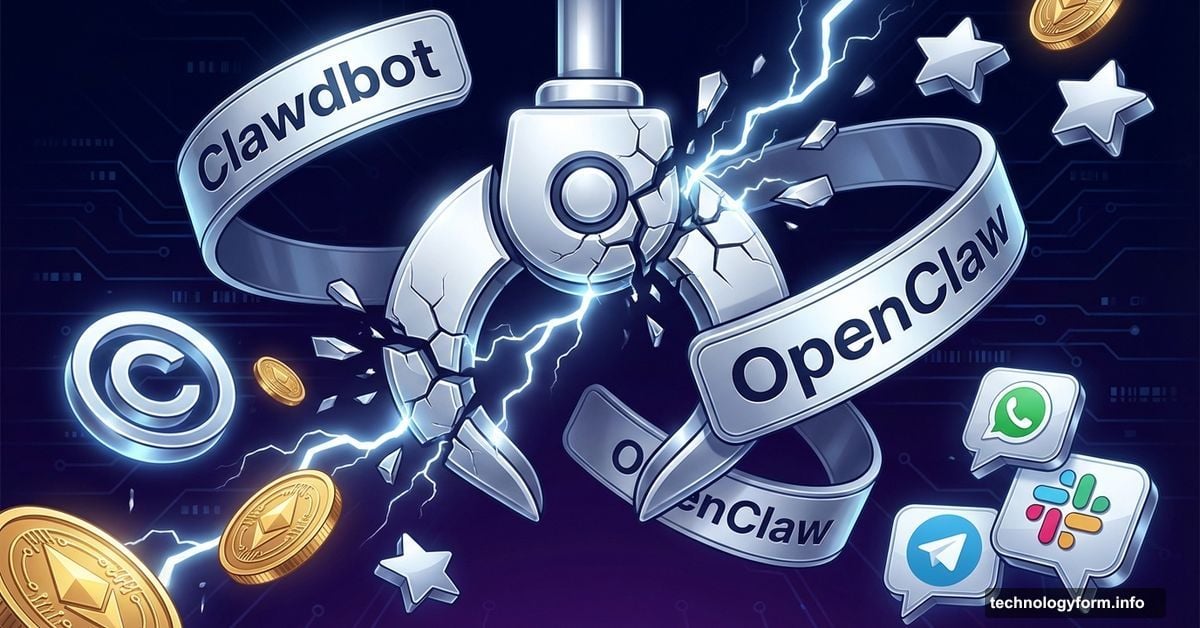
Then Anthropic’s lawyers showed up. Crypto scammers hijacked social accounts. Bots snatched usernames in seconds. The founder accidentally gave away his personal GitHub handle while sleep-deprived.
Five chaotic days later, the project survived with a new name: OpenClaw. Same AI assistant, different shell, wild story.
What OpenClaw Actually Does
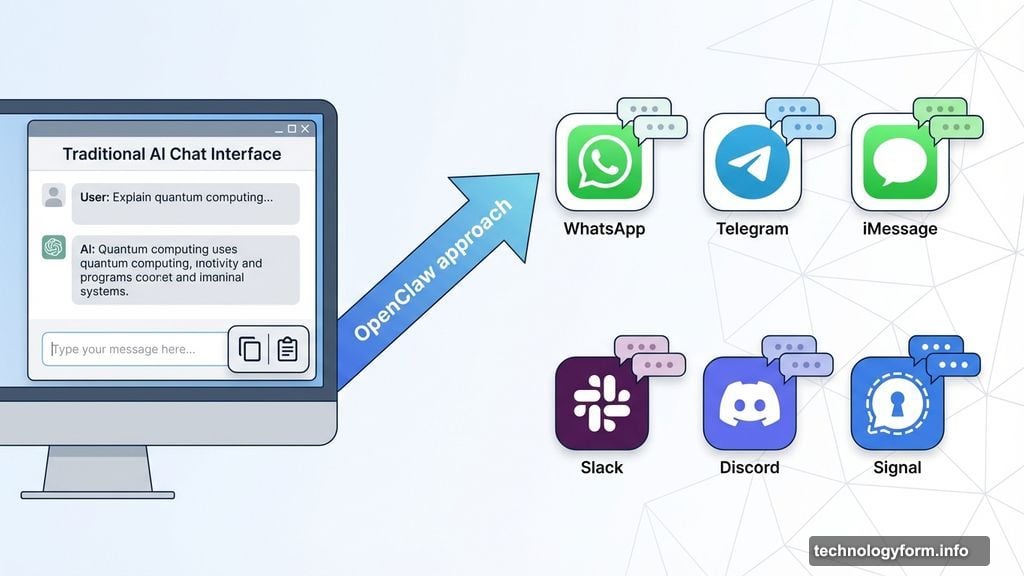
Most AI tools work the same way. You open a website, type a question, copy the answer, paste it somewhere else. Rinse and repeat.
OpenClaw flips that script entirely. It lives inside apps you already use: WhatsApp, Telegram, iMessage, Slack, Discord, Signal. You text it like you’d text a friend.
But here’s where it gets interesting. OpenClaw remembers your conversations from weeks ago. It sends proactive reminders without being asked. Plus, if you give permission, it automates tasks and runs commands on your computer.
Created by Peter Steinberger, who sold his previous company for $119 million, OpenClaw represents what many thought Siri should’ve been. Not a voice-activated party trick. An actual assistant that learns, remembers, and gets stuff done.
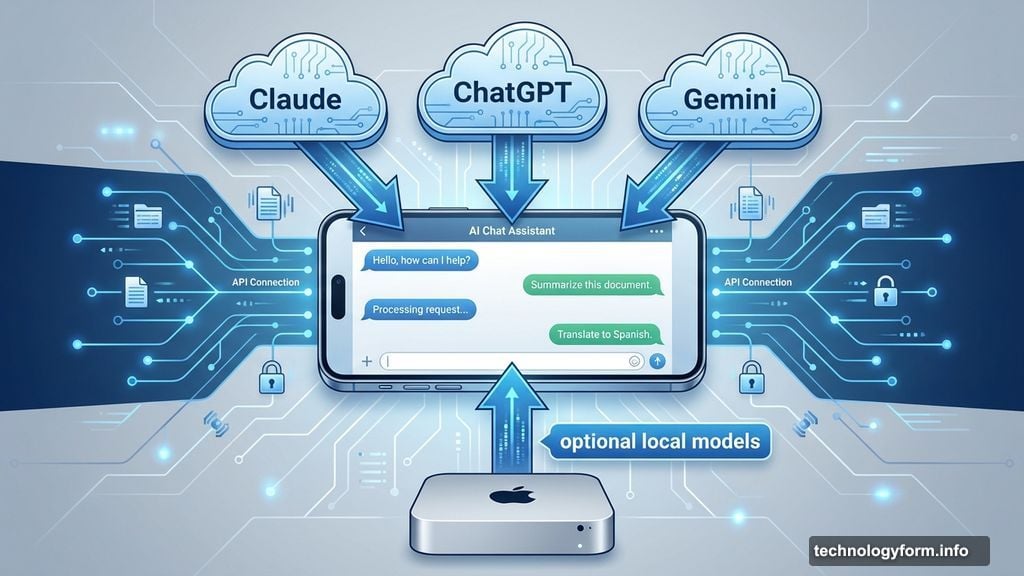
The tool doesn’t need special hardware. It mostly routes messages to AI servers and calls APIs. Heavy AI work happens on whichever model you pick: Claude, ChatGPT, or Gemini.
Hardware only matters if you want to run large local models. That’s where powerful machines like the Mac Mini come in. But it’s not required.
Three Features That Made It Go Viral
OpenClaw launched about three weeks ago. Within 24 hours, it hit 9,000 GitHub stars. AI researcher Andrej Karpathy praised it. White House AI czar David Sacks called it impressive. MacStories declared it “the future of personal AI assistants.”
What made people so excited? Three killer features stand out.
First, persistent memory. OpenClaw doesn’t forget everything when you close the app. It learns your preferences, tracks ongoing projects, and remembers that conversation from last Tuesday.
Second, proactive notifications. The AI messages you first when something matters. Daily briefings, deadline reminders, email summaries. You wake up to a text saying “Here are your three priorities today” without asking.
Third, real automation. Depending on your setup, it schedules tasks, fills forms, organizes files, searches email, generates reports, and controls smart home devices.
People reported wild use cases. Inbox cleanup, research threads spanning days, habit tracking, automated weekly recaps. The possibilities kept multiplying because once it’s wired into your actual tools, it stops feeling like software.
The Rename That Broke Everything
Then last weekend, Anthropic slid into Steinberger’s inbox. The AI company pointed out that “Clawd” and “Clawdbot” sounded too similar to its own AI, Claude.
“As a trademark owner, we have an obligation to protect our marks,” Anthropic told CNET in a statement.
By 3:38 a.m. Eastern Time on Tuesday, Jan. 27, Steinberger made his call: “@Moltbot it is.”
What happened next was digital chaos. Within seconds, automated bots sniped the @clawdbot handle. The squatter immediately posted a crypto wallet address.
Meanwhile, sleep-deprived and panicking, Steinberger accidentally renamed his personal GitHub account instead of the organization’s account. Bots grabbed “steipete” before he could react. Both crises required emergency calls to contacts at X and GitHub.
Then came “the Handsome Molty incident.” Steinberger instructed Molty (the AI) to redesign its own icon. In one attempt to make the mascot look “5 years older,” the AI generated a human man’s face grafted onto a lobster body.
The internet turned it into a meme within minutes. Fake profiles claiming to be “Head of Engineering at Clawdbot” shilled crypto schemes. A fake $CLAWD cryptocurrency briefly hit a $16 million market cap before crashing over 90%.
“Any project that lists me as coin owner is a SCAM,” Steinberger posted to thousands of confused followers.
As of Jan. 30, the project settled on OpenClaw. The name brings “Open” for open source and “Claw” for its lobster heritage. But the real reason? Steinberger just didn’t like “Moltbot.”
Security Risks You Need to Know
OpenClaw is not a polished, enterprise-ready product. It’s a fast-moving, open-source project that just survived trademark lawyers, crypto scammers, and exposed databases.
Security experts raised red flags as OpenClaw grew in popularity. Because the agent runs locally and interacts with emails, files, and credentials, even small setup mistakes can have big consequences.
Researchers recently spotted numerous publicly accessible OpenClaw deployments with little or no authentication. API keys, chat logs, and system access sat exposed to anyone who stumbled across them.
Some of the most visible security concerns have been social rather than technical. Fake downloads, hijacked accounts spreading malware, and scams proliferated. While developers patched specific flaws quickly, security analysts say OpenClaw’s turbulent debut highlights a larger issue.
As AI agents become more autonomous and powerful, security risks scale just as fast.
Roy Akerman, head of cloud and identity security at Silverfort, explained the core problem in an email to CNET. The risk isn’t that OpenClaw is overtly malicious. What’s risky is that it continues to act under a legitimate human identity.
“When an AI agent continues to operate using a human’s credentials after the human has logged off, it becomes a hybrid identity that most security controls aren’t designed to recognize or govern,” Akerman said.
Organizations shouldn’t block these tools outright, he added. But they do need to change their approach. Treat autonomous agents as identities, limit their privileges, and monitor behavior continuously, not just logins.

Should You Actually Try This?
Here’s real talk. OpenClaw offers impressive engineering and a compelling vision of personal AI assistants. But it’s got rough edges.
This isn’t a tool for you if you need something that “just works” without complicated installation steps. And you probably don’t want to take this on if you don’t deeply understand cybersecurity.
Key security risks demand attention. Because the agent is designed to run locally and interact with sensitive data, even small setup mistakes can have big consequences.
If you’re comfortable with those tradeoffs, OpenClaw delivers genuine value. Persistent memory across weeks, seamless integration between apps, proactive notifications that actually help. People reported using it for everything from inbox triage to multi-day research projects.
The use cases keep multiplying because once it’s wired into your actual tools (calendar, notes, email), it stops feeling like software and becomes part of your routine.
The Little Lobster That Kept Going
Steinberger said molting is what lobsters do to grow. They shed their old shell and emerge bigger: from Clawdbot to Moltbot to OpenClaw.
OpenClaw is the same software as Clawdbot, offering the same engineering and vision. But the past five days forced it to grow up fast. Dealing with security vulnerabilities, battening down authentication, learning that viral success attracts scammers and trademark lawyers.
Through all of this, OpenClaw is still standing. Discord is still buzzing. GitHub stars keep climbing.
Somewhere in Vienna or London, Peter Steinberger is probably still fending off DMs from people asking if he’s launching a crypto token. He’s not. Please stop asking.
Want to try OpenClaw yourself? Head to openclaw.ai for documentation, installation guides, and most importantly, a security checklist.
Just maybe use a spare laptop. And definitely don’t name your project after anyone’s trademarked AI model. Turns out that matters.