Google Just Made Your Stolen Android Way Harder to Crack
Thieves getting into your stolen phone just got significantly tougher. Google rolled out major theft protection updates this week that stack multiple barriers between criminals and your sensitive data.
The new Android security features don’t just lock your device. They actively fight back against break-in attempts using smarter biometrics, automated lockouts, and AI-powered theft detection. Plus, these protections work whether your phone gets snatched on the street or goes missing at a coffee shop.
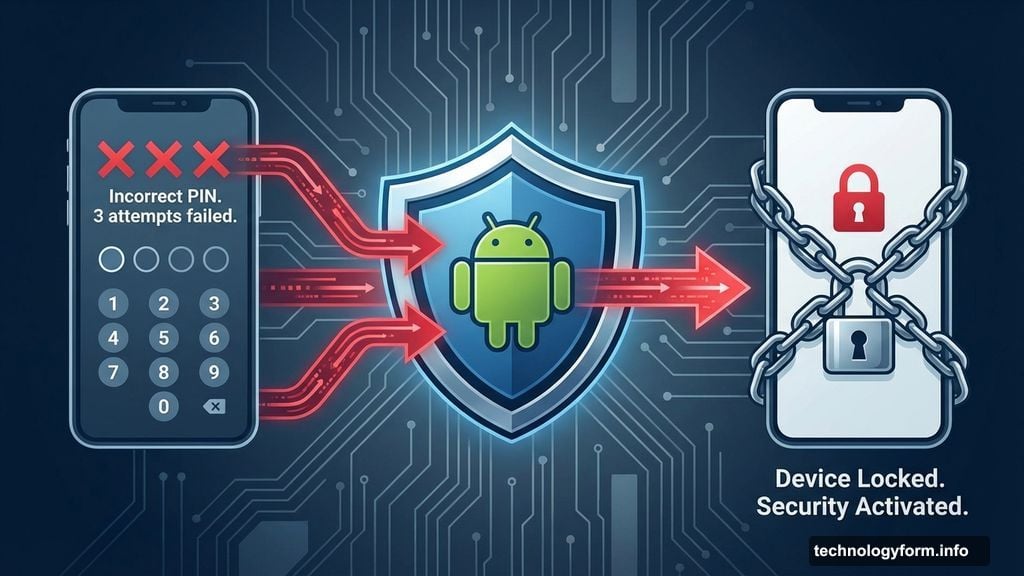
Repeated Wrong Guesses Now Trigger Automatic Lockdown
Google strengthened its Failed Authentication Lock feature with a dedicated toggle in Android 16 settings. The system watches for repeated incorrect PIN or fingerprint attempts.
So what happens when someone keeps guessing wrong? Your phone automatically locks itself down completely. Previously, this protection existed but you couldn’t control it directly. Now you decide how aggressive the lockout becomes.
This matters because thieves often try common PINs or use stolen fingerprints from phone surfaces. The automatic lockout stops these brute-force attacks before they succeed. However, you control the sensitivity to avoid locking yourself out accidentally.
Every Sensitive App Gets an Extra Biometric Check
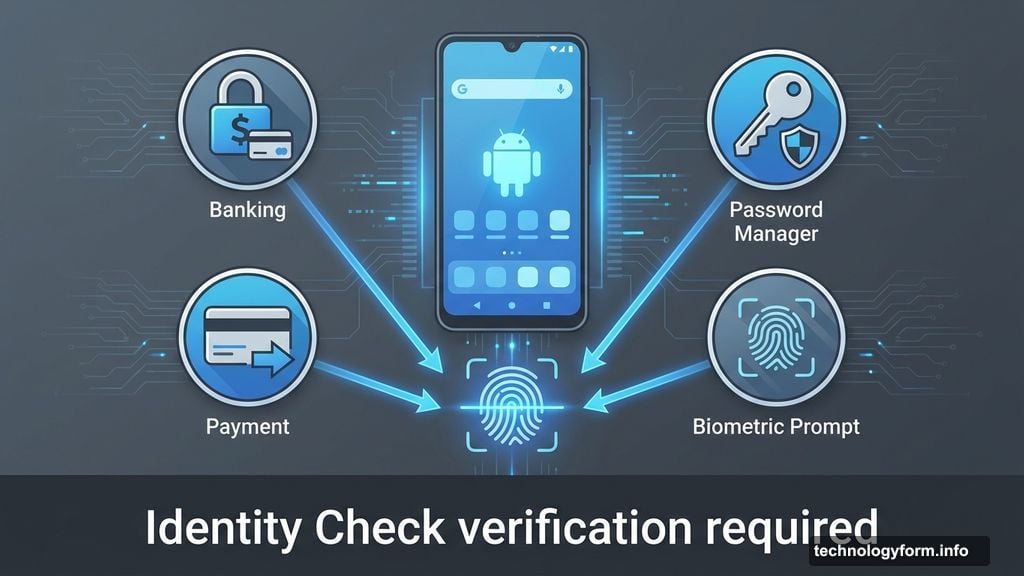
Identity Check just got way more powerful. Google expanded this feature to cover all apps using Android’s Biometric Prompt system.
That includes third-party banking apps, password managers, and payment services. Each sensitive action now requires fresh biometric verification, even if someone already unlocked your phone. In fact, bypassing the lock screen no longer grants free access to everything inside.
Here’s why this helps. Thieves sometimes watch victims enter their PIN before grabbing phones. But knowing the PIN doesn’t defeat fingerprint or face verification for individual apps. So your banking stays protected even if the thief gets past your lock screen.
Remote Lock Now Requires Proof You’re the Real Owner
Google upgraded Remote Lock with an optional security challenge. This prevents someone from remotely locking your phone just by knowing your number.
The feature still lets you lock a lost device from any web browser using your verified phone number. But now you might need to answer additional verification questions first. This stops malicious actors from locking your phone as a prank or harassment tactic.
Moreover, Remote Lock works even if you can’t remember your Google account password. That’s crucial because many people panic and forget credentials after a theft. The phone number verification provides an alternative authentication path.
AI Detects Snatch-and-Run Thefts Automatically
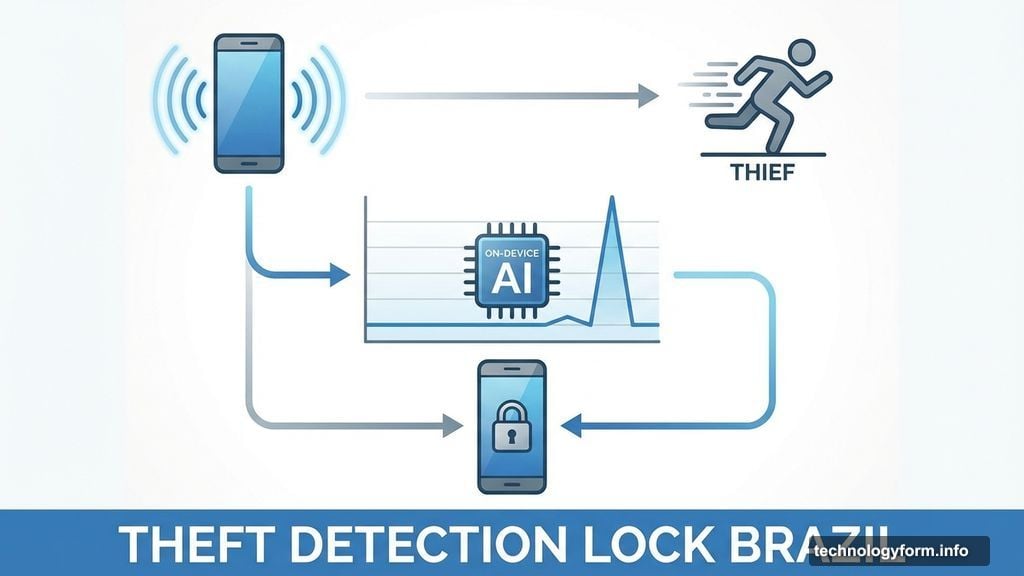
Brazil gets special treatment with Theft Detection Lock enabled by default on new devices. This AI-powered system recognizes sudden movement patterns consistent with phone theft.
The on-device AI analyzes motion sensor data continuously. When it detects a grab-and-sprint pattern, the screen locks instantly. No internet connection required since the AI runs locally on your phone.
Brazil has particularly high phone theft rates, which explains the default activation there. But the feature exists globally for users who manually enable it. Google plans broader default rollouts based on regional crime data.
Why Stolen Phones Create Cascading Problems
Phone theft rarely stops at losing the device. Criminals target the data inside, especially banking apps and stored passwords.
Your phone likely has saved credentials for email, social media, and financial services. Once inside, thieves can drain bank accounts, request new credit cards, or lock you out of your own accounts. Plus, they’ll use your contacts to run scams on friends and family.
These new protections specifically target that escalation. Multiple biometric checks slow down data access significantly. Automated lockouts after failed attempts buy time to remotely wipe the device. And theft detection catches break-ins at the moment they happen.
How to Enable These Protections Now
Most features require Android 15 or 16, though some work on earlier versions. Here’s what to check in your settings.
Navigate to Security & Privacy, then Device Unlock. Look for Failed Authentication Lock and toggle it on if available. This activates the automatic lockout after repeated wrong guesses.
For Identity Check, go to Privacy settings and find Biometric Authentication. Enable “Require biometrics for sensitive actions” to force fingerprint or face verification across all compatible apps. This adds the extra layer even after unlocking your phone.
Remote Lock lives in Find My Device settings online. Visit android.com/find from any browser and verify your phone number. Set up the optional security questions now before you need them during an actual theft.
Finally, check for Theft Detection Lock under Security settings. It might be called “Theft Protection” depending on your Android version. Enable it to activate the AI-powered motion detection system.
The Real Cost of Delayed Action
Thieves move fast after stealing phones. Within minutes, they’ll try accessing banking apps and disabling tracking features.
Every security layer you activate beforehand creates friction that slows them down. But features you enable only after a theft often arrive too late. That’s why Google made some protections default in high-theft regions.
These updates won’t stop all phone theft. But they dramatically increase the chance that a stolen device becomes worthless to criminals before they access your sensitive information. That’s the goal, making theft unprofitable enough that criminals target something else instead.